

Find your way around
Sidebar, top bar, search, the + menu, timers and your profile menu.
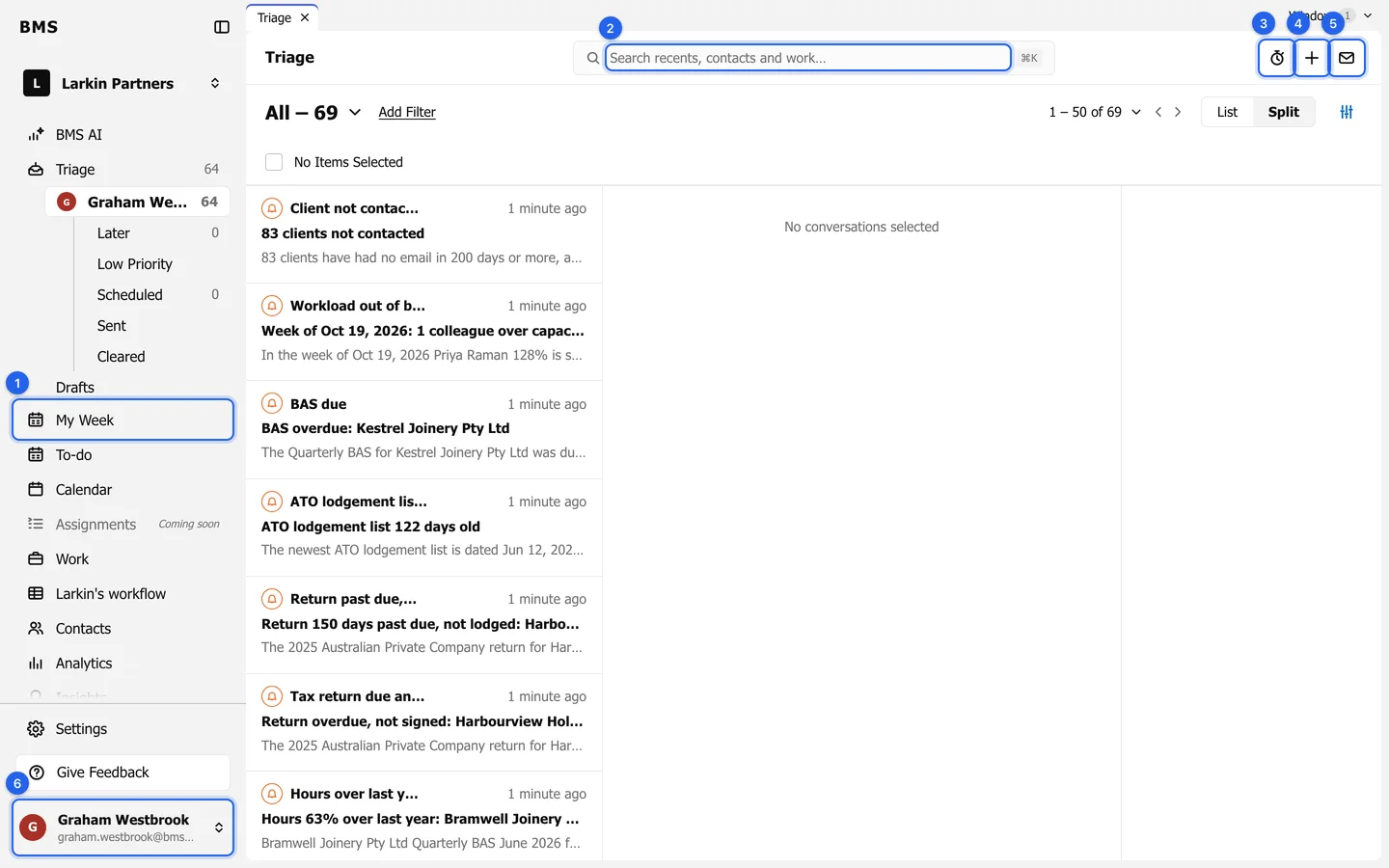
Every screen in BMS has the same frame: the sidebar on the left, workspace tabs across the top, and the top bar.
The sidebar
Section titled “The sidebar”From the top: BMS AI, Triage (with your unread count), My Week, To-do, Calendar, Work, Contacts, Analytics, Insights, Time, Engagements and Billing. Rows with pages under them, such as Work or Time, open to show those pages. Firms running the job tracker also see Larkin’s workflow. Settings is at the bottom for Admins.
The top bar
Section titled “The top bar”- Search for clients, work and email; see Search for clients, work and email.
- Start the timer times what you are doing, for your timesheet.
- + (Create new) starts an email, a work item, a contact or a time entry; see Create anything from the + menu.
- Compose opens a new email.
Your profile menu
Section titled “Your profile menu”Press your name at the bottom of the sidebar.
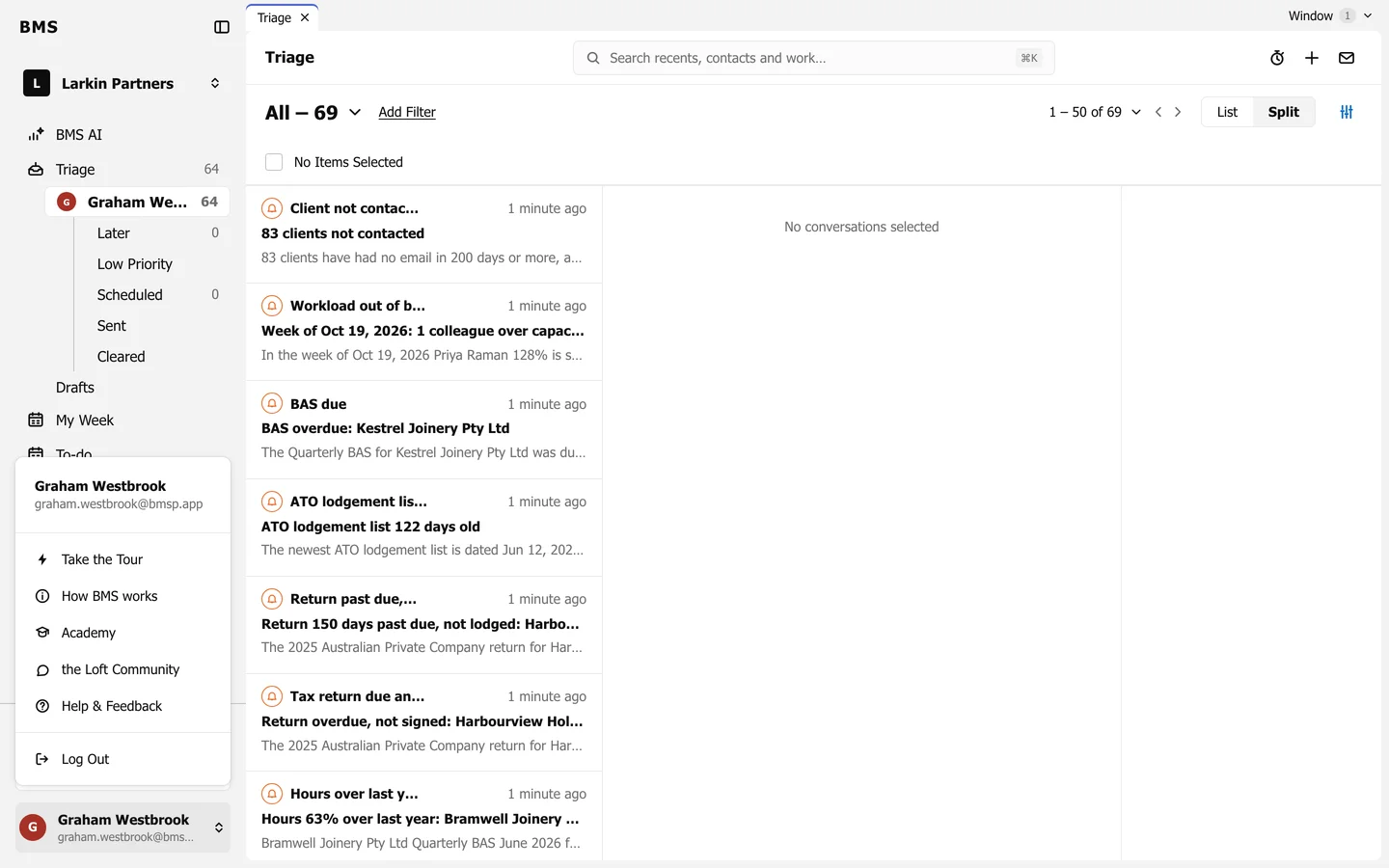
- Take the Tour opens the guided tour.
- How BMS works opens the picture of how BMS fits your systems.
- Log Out signs you out.