

Send a client request
Ask the client for documents item by item; it opens in their portal once sent.
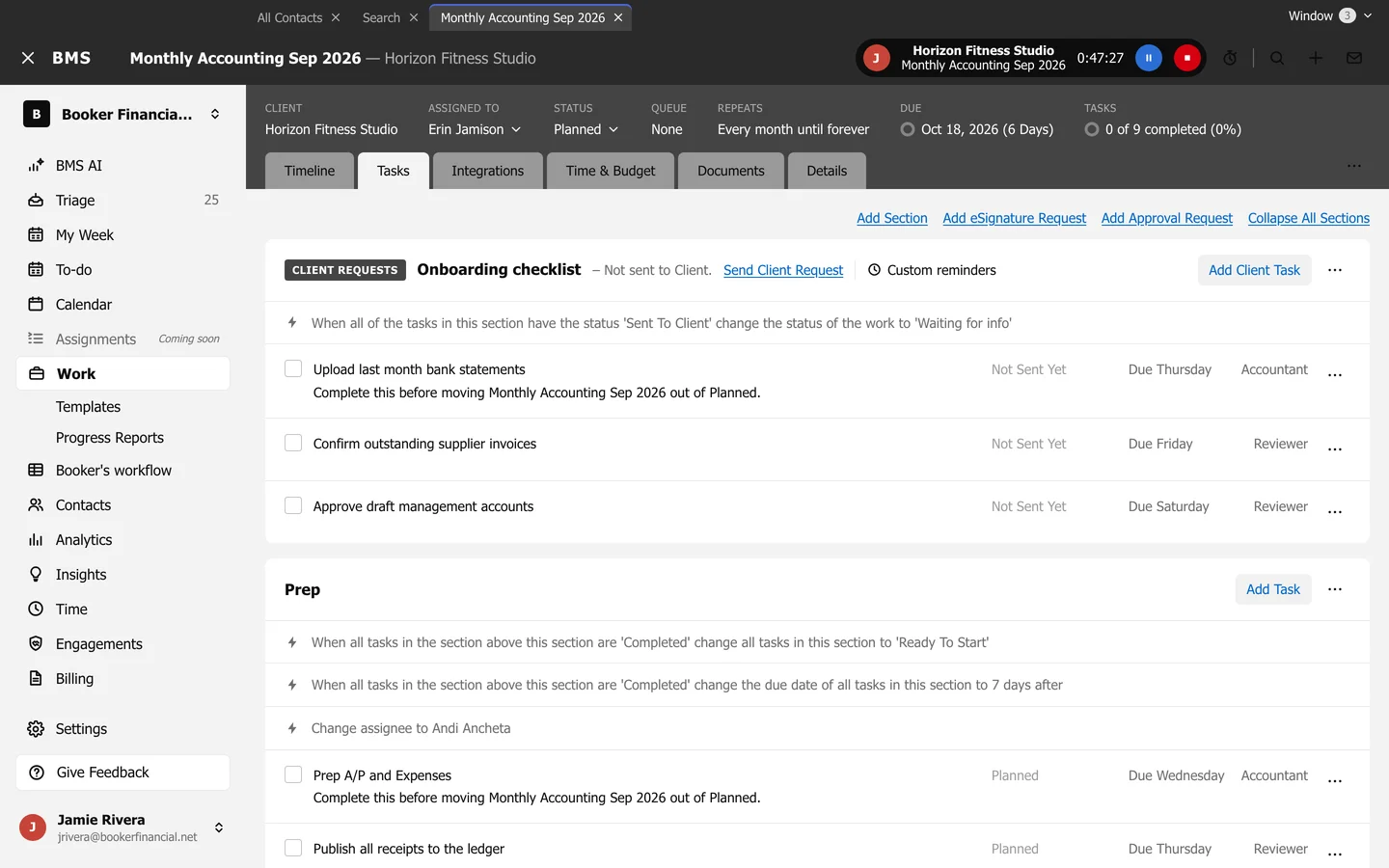
A client section on the Tasks tab is a client request: each task in it is an item the client answers in the portal.
-
Add the client section (Add Section, tick Add Client Section) and its tasks with Add Client Task.
-
Press Send Client Request.
-
Choose Send to and From, press Next, then check Subject, Email, When and Reminders.
-
Press Send Request now, or Save if you scheduled it.
The client sees it in the portal only once it is sent. The full walkthrough, including reminders, is Send a client request in BMS for Clients.