

Filter by client tag and group by tag
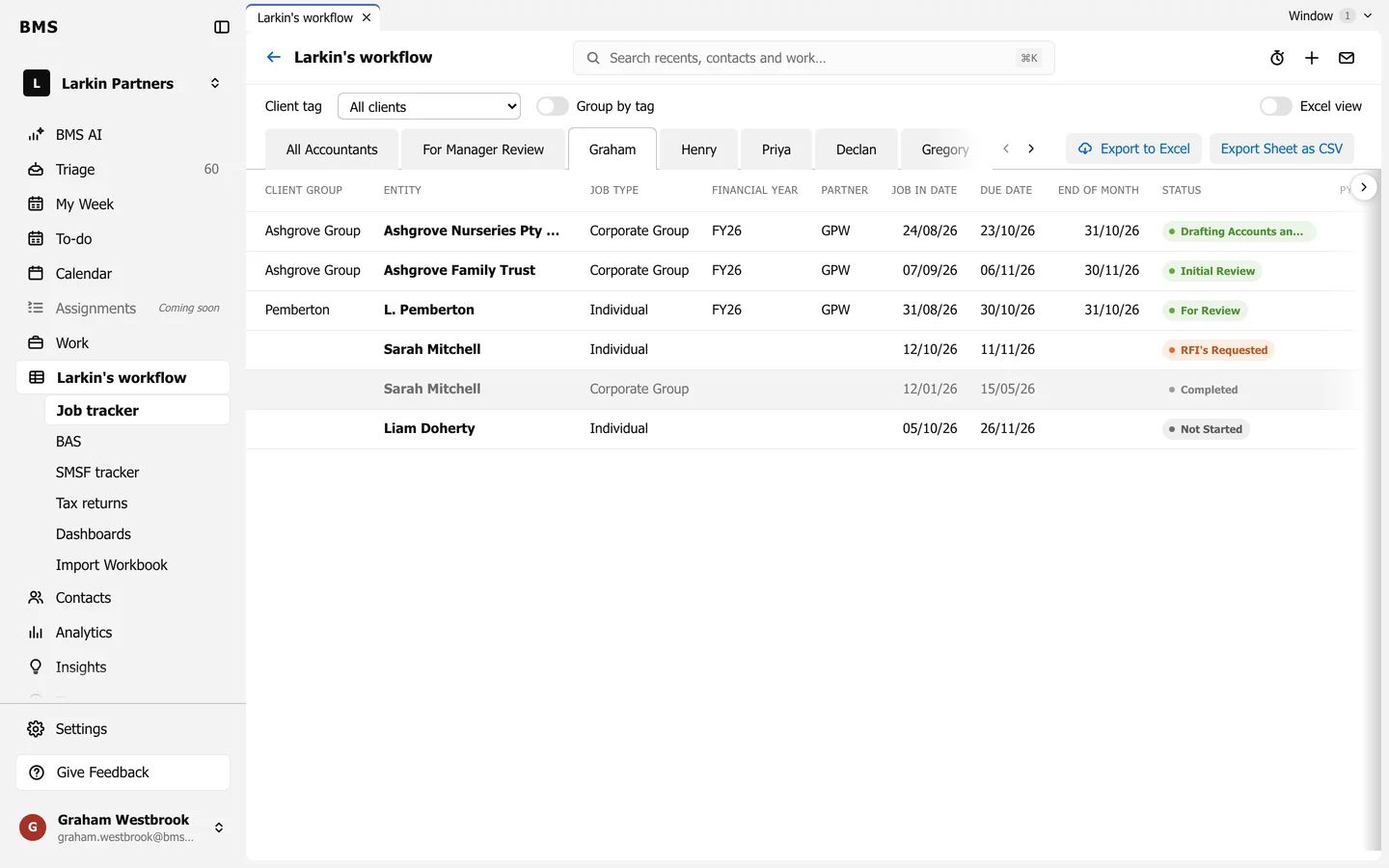
Client tag select, Group by tag, and Excel view.
At the top of the tracker:
- Client tag: show only the clients with one tag, or All clients.
- Group by tag: group the rows under each client tag.
- Excel view: draw the sheet exactly as the spreadsheet looks, with its own colours and widths, for people who prefer it.
Each of these is kept in the page address, so a filtered sheet is a link you can share.