

Add a ready-made template from the Template Library
146 templates by collection and region; Add To BMS.
-
Go to Work > Templates and press Template Library.
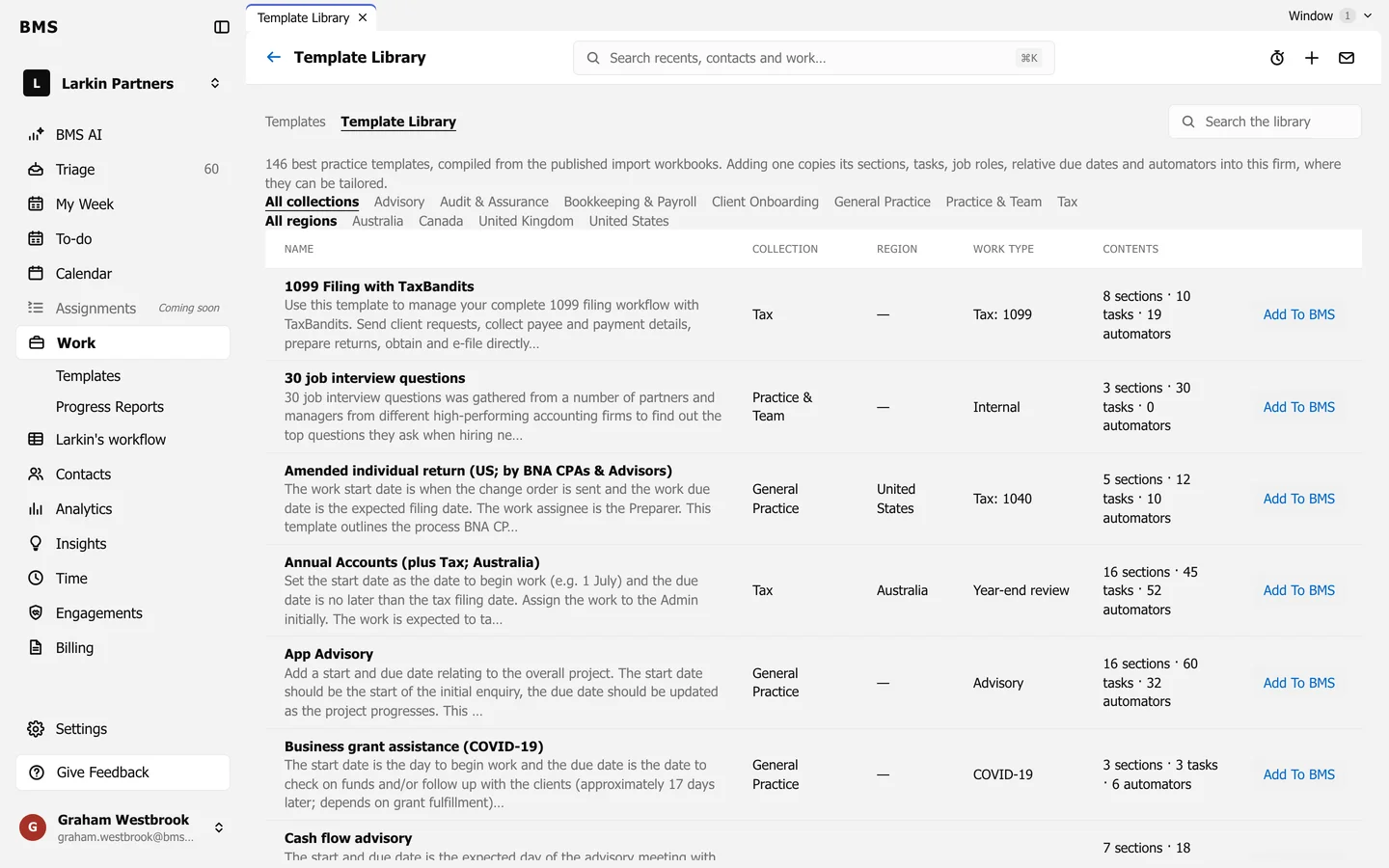
The Template Library. -
Search, or narrow by Collection and Region, such as Australia.
-
Press Add To BMS on a template. It opens as a new template in your firm, ready to adjust.
Templates already added show Added and Open. A newly added template carries a New badge on your templates list for seven days.