

Export contacts
Download all or selected contacts.
- All of them: press the cloud icon at the top right of Contacts and choose Export Contacts (CSV). The file follows your filters.
- Some of them: tick the contacts, then press Export in the toolbar.
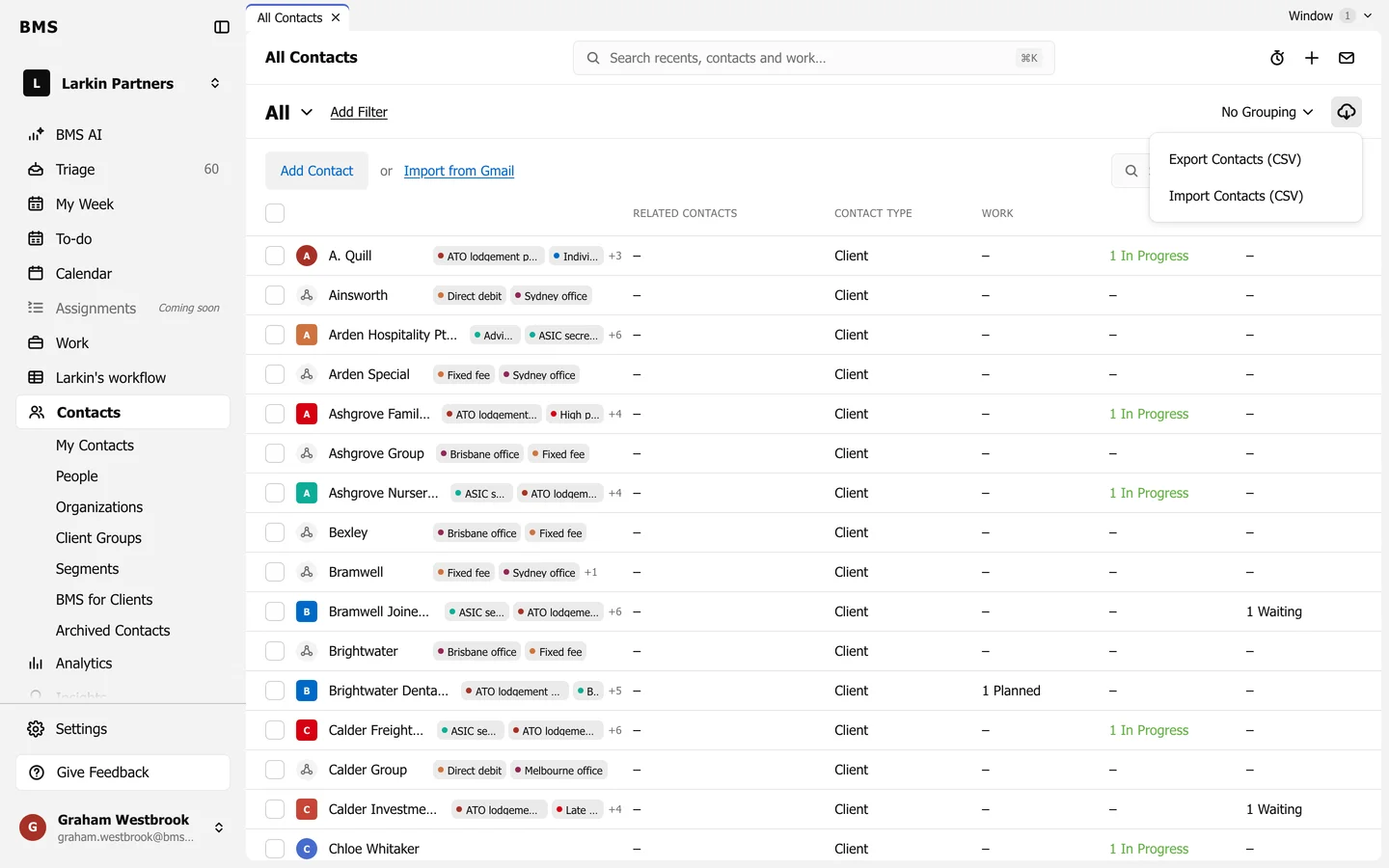
The CSV has the same columns the import reads.