

My Dashboard: partner, manager and accountant views
Portfolio, WIP, debtors and recovery for a partner; WIP and budgets for a manager; due dates for staff.
Insights > My Dashboard opens the view that suits your job. Dashboard at the top says which one is yours, and lets you look at the others.
Partner
Section titled “Partner”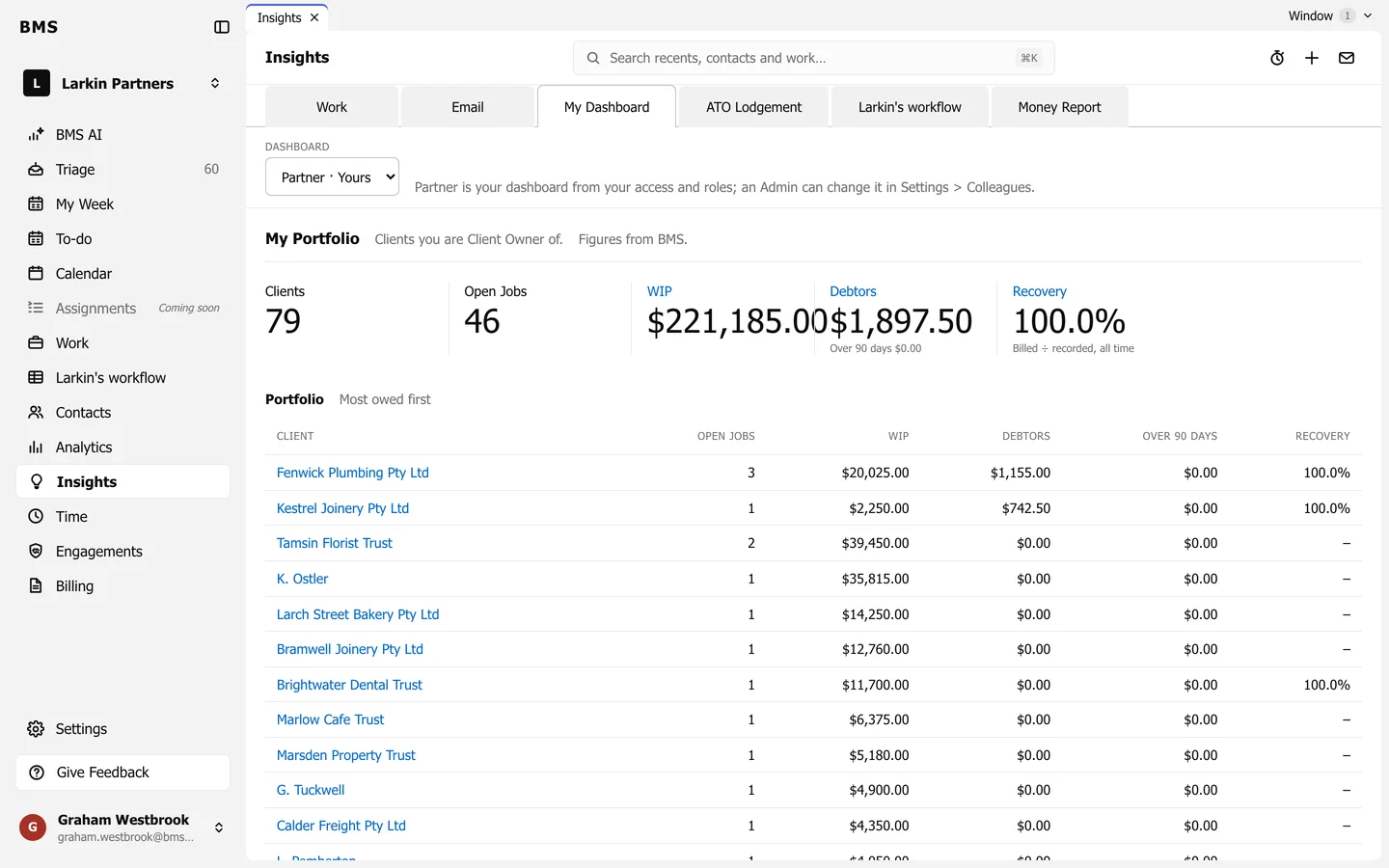
My Portfolio covers the clients you are Client Owner of: Clients, Open Jobs, WIP, Debtors (and how much is over 90 days) and Recovery (billed against recorded, all time). The Portfolio table lists them, most owed first.
Manager
Section titled “Manager”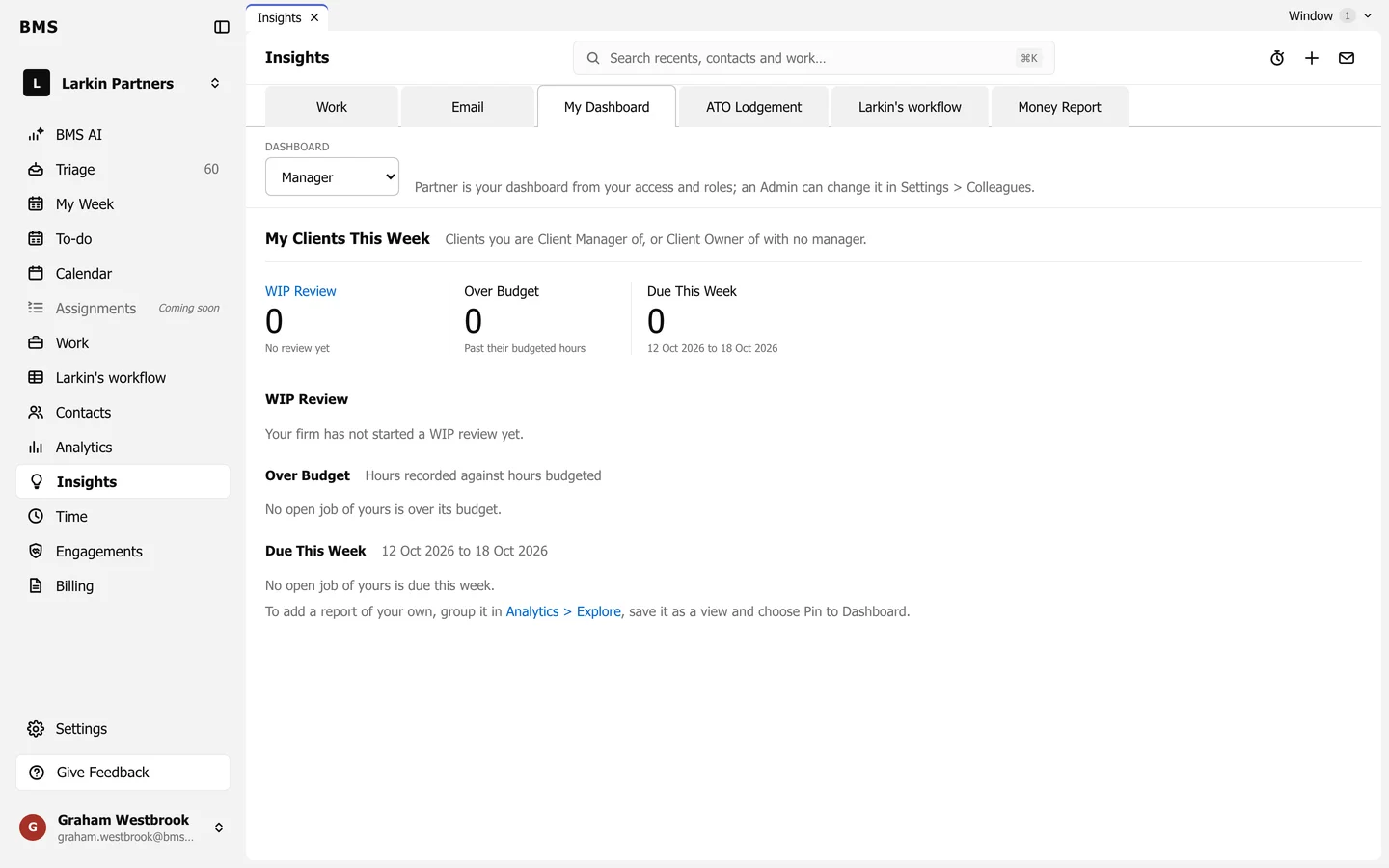
My Clients This Week covers clients you manage (or own, with no manager): your open WIP review lines, jobs Over Budget and work Due This Week.
Accountant
Section titled “Accountant”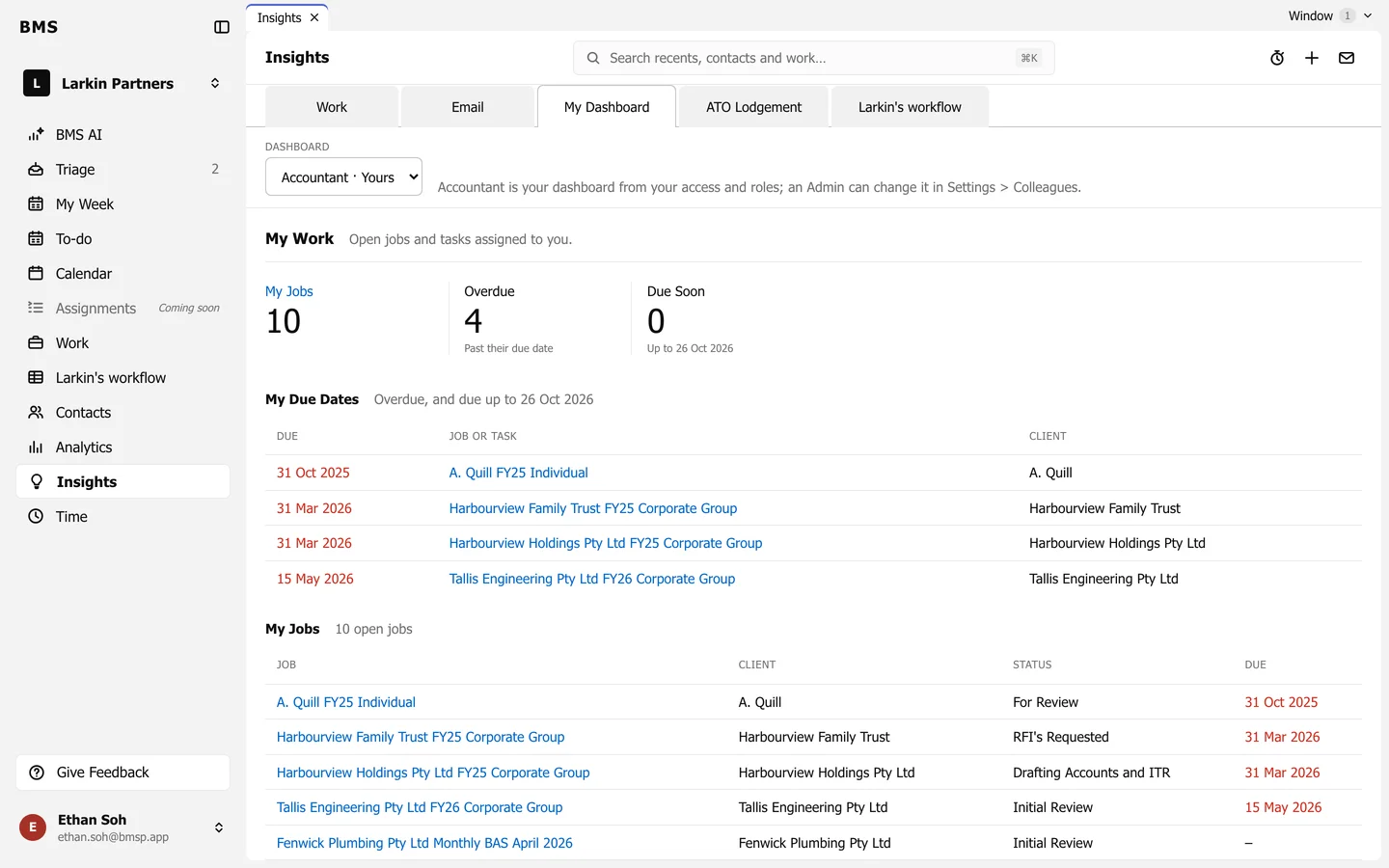
My Work covers jobs and tasks assigned to you: My Jobs, Overdue and Due Soon, with My Due Dates and the list of My Jobs below.