First day as an accountant
Triage, My Week and your timesheet: the three places you work every day.
Three screens cover most of an accountant’s day.
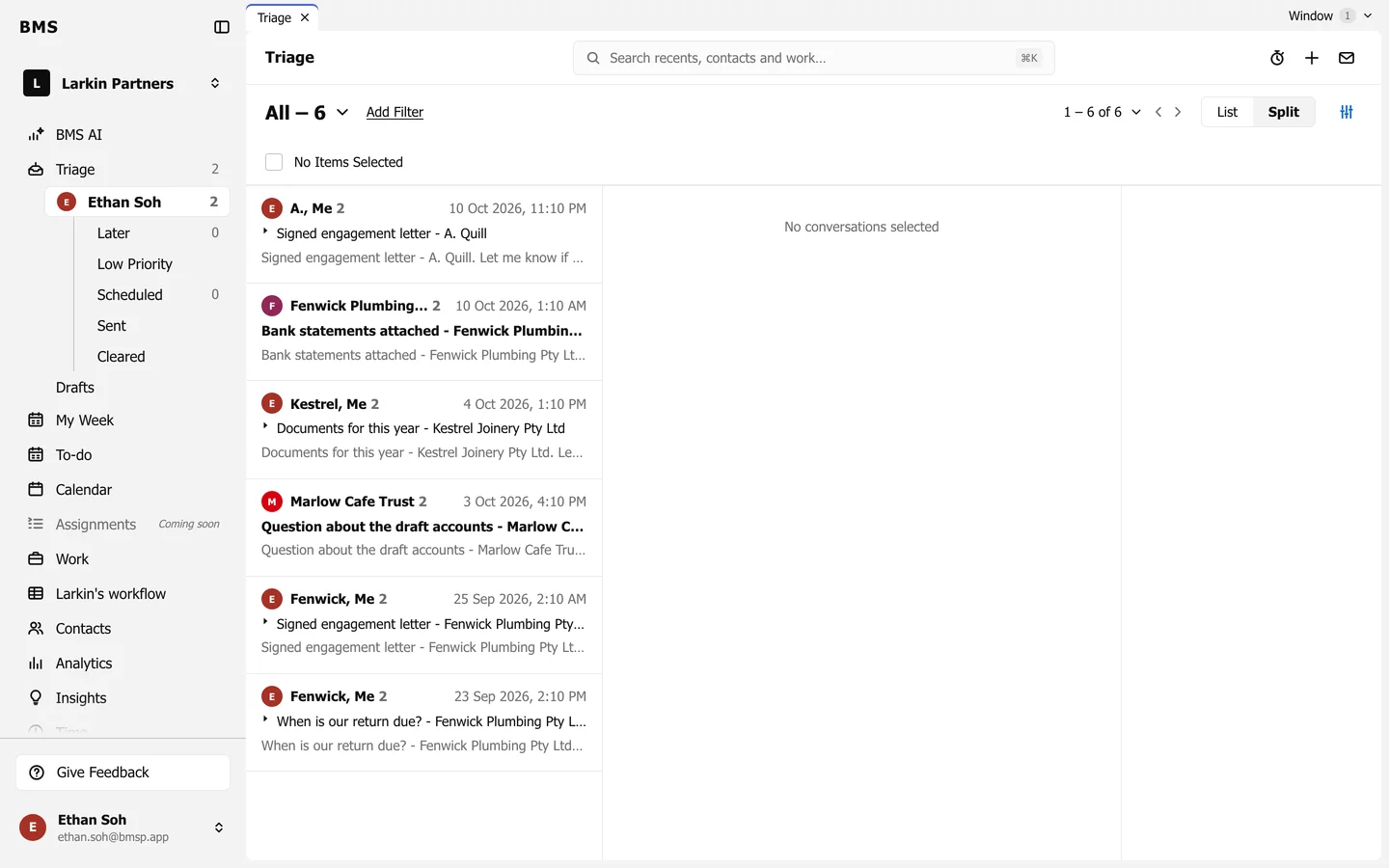
1. Triage: your inbox
Section titled “1. Triage: your inbox”Triage is one list of your email, assigned work, comments, alerts and client activity. Work through it top to bottom and clear each item when it is dealt with.
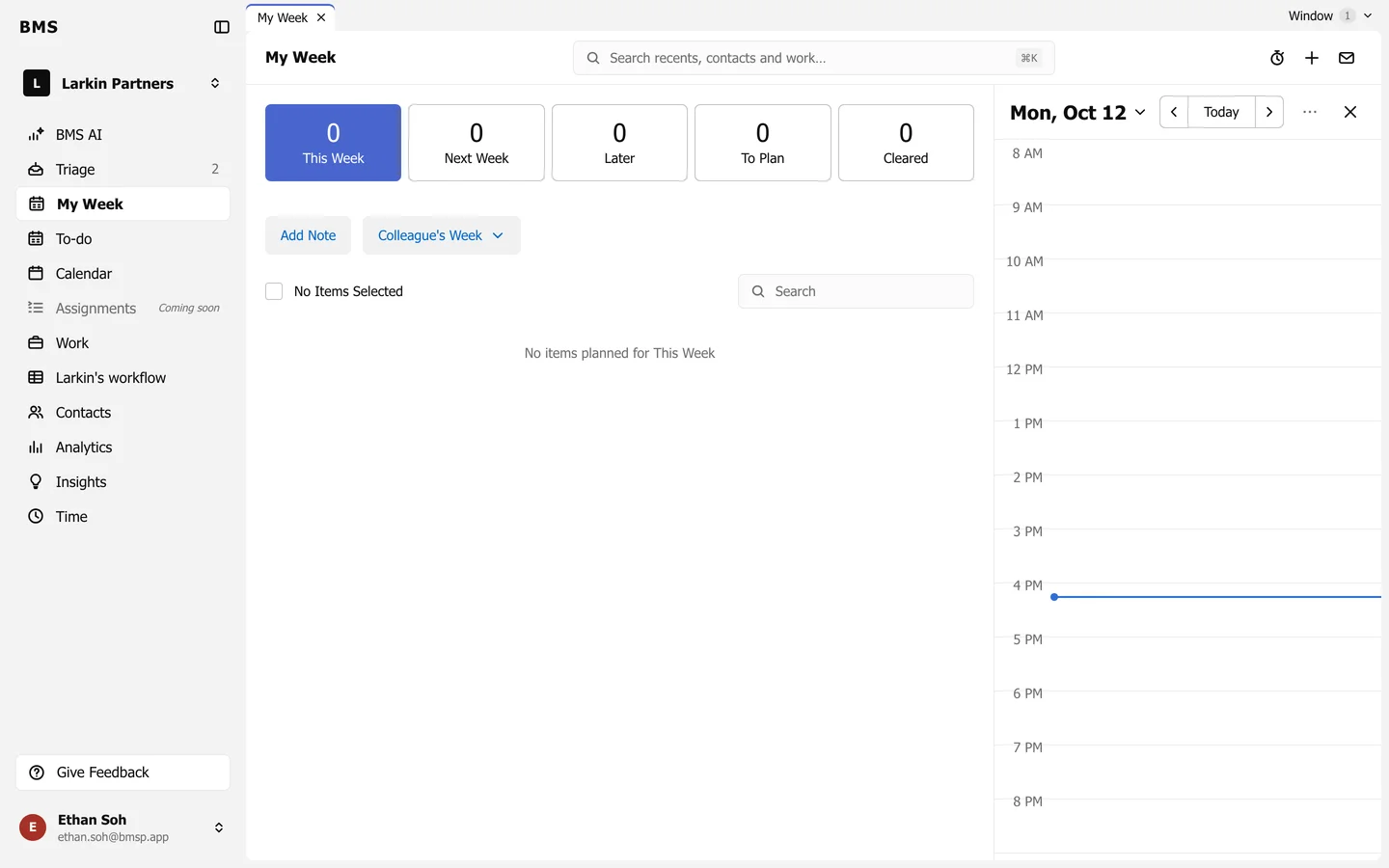
2. My Week: what you are doing
Section titled “2. My Week: what you are doing”My Week shows your own work and tasks for the week, so you can plan what to do first.
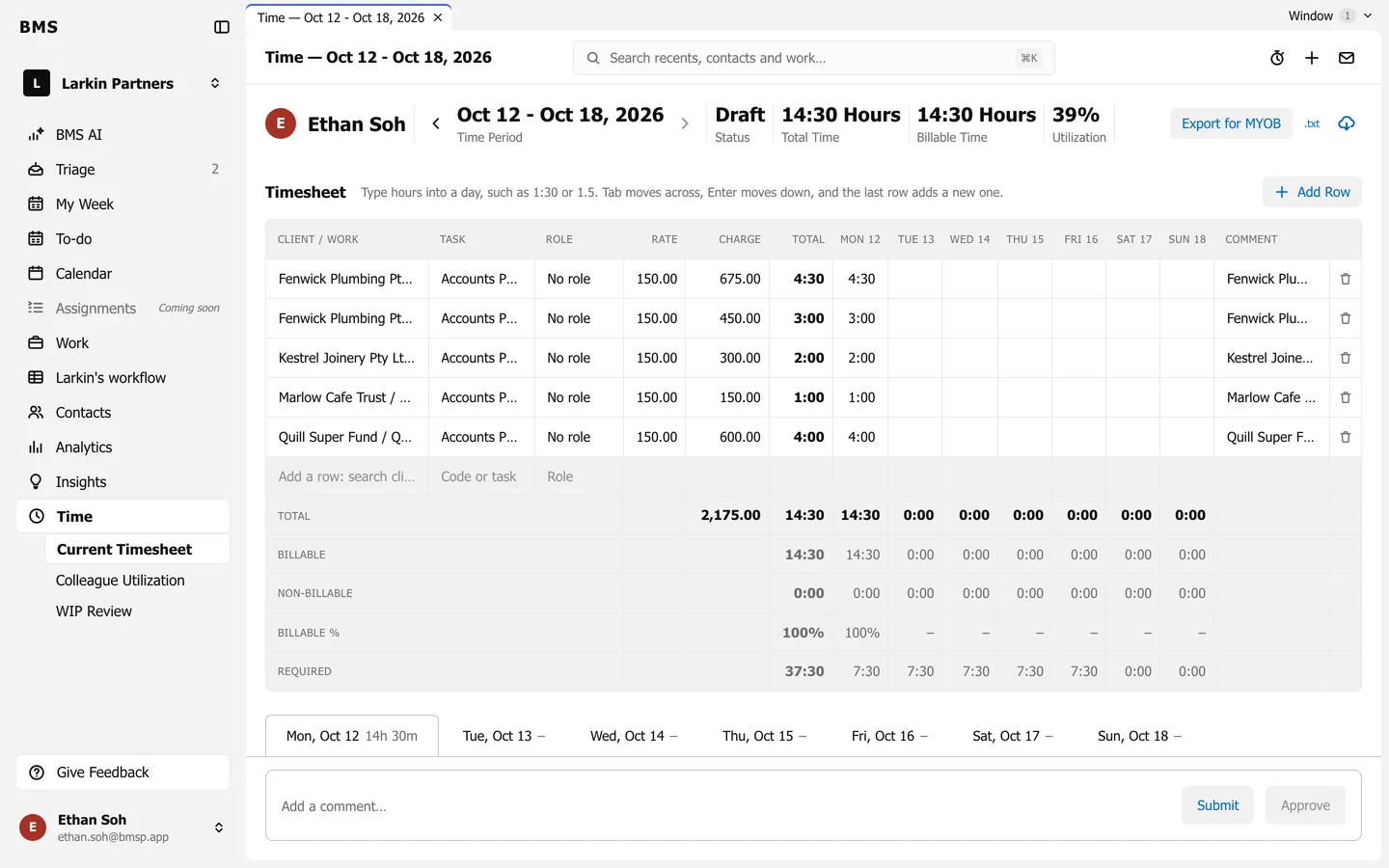
3. Your timesheet
Section titled “3. Your timesheet”Time > Current Timesheet is a keyboard-first grid. Enter time once in BMS against the job; press Ctrl+Alt+T from anywhere to add an entry.