

Engagements and their statuses
Draft, Awaiting Client, Accepted, Active and Ended.
An engagement is the agreement with a client: the services, their fees and the letter they sign. Engagements in the sidebar lists them by status.
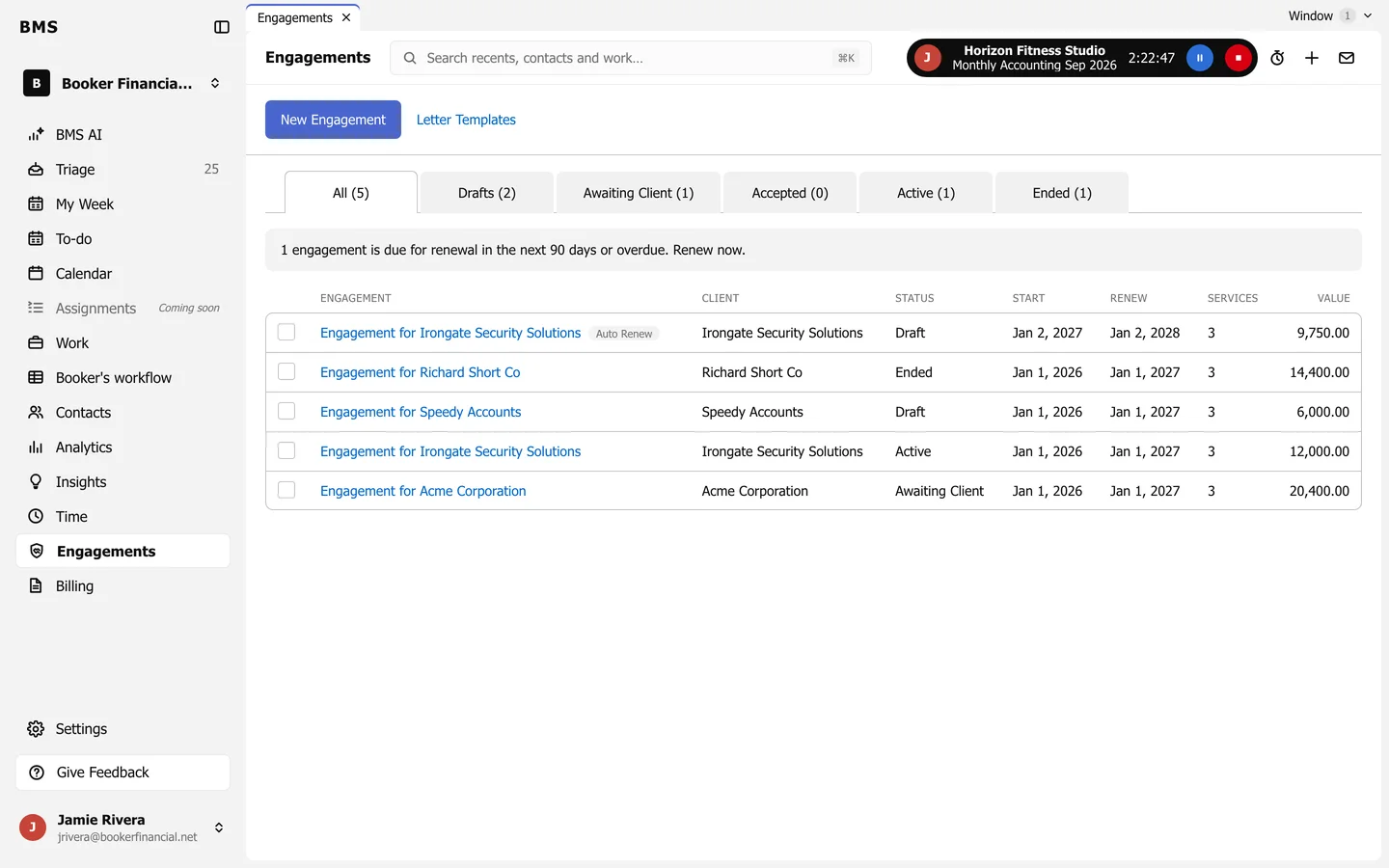
| Status | Means |
|---|---|
| Draft | Being prepared. |
| Awaiting Client | Sent; waiting for the client to sign. |
| Accepted | Signed; not yet started. |
| Active | Under way: its work is created and it is billed. |
| Ended | Finished or not renewed. |
The notice at the top lists engagements due for renewal in the next 90 days.