

Email insights
Volume, time of day, response time and days since last contact.
Insights > Email shows the firm’s email for the month in Date Range.
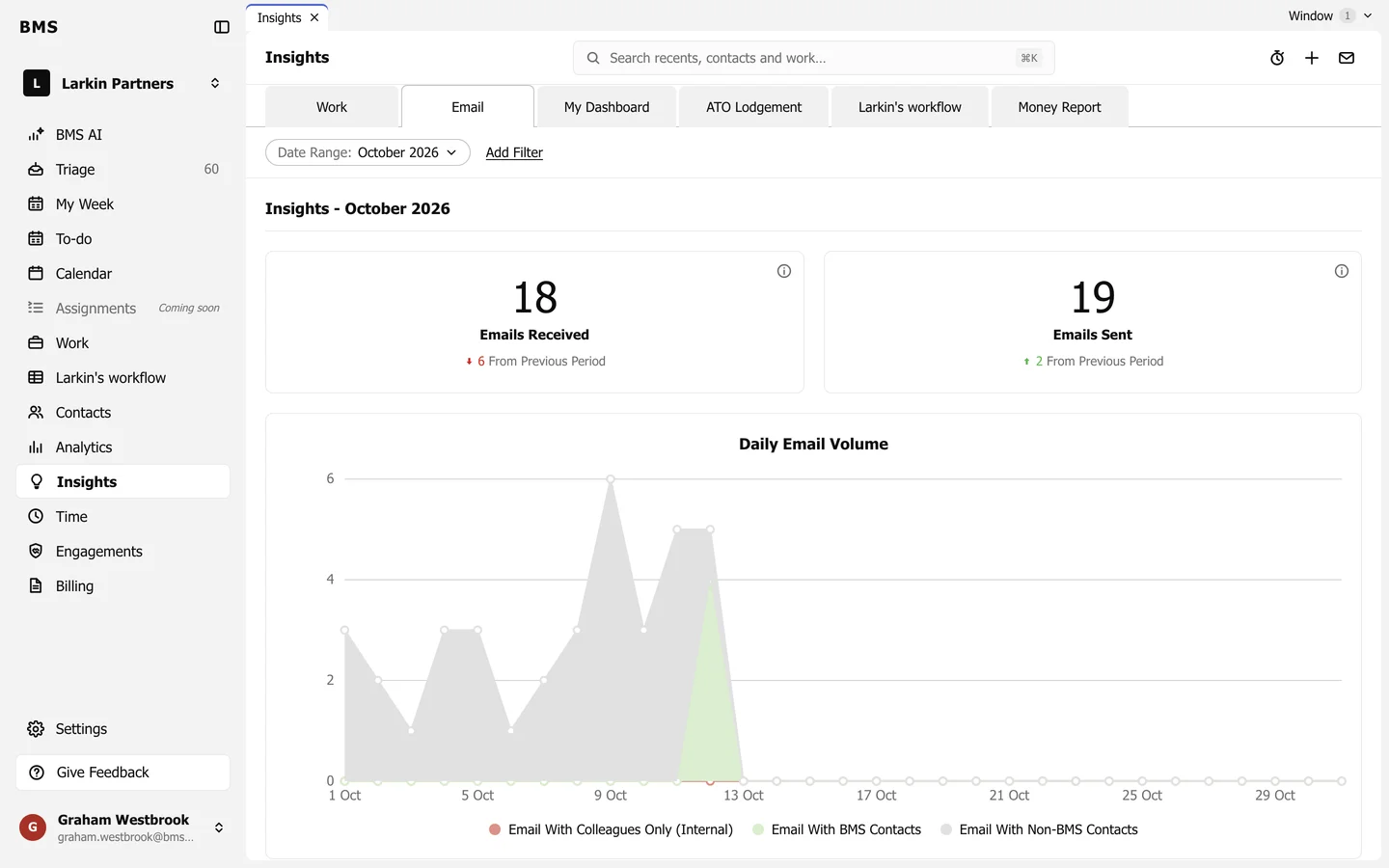
- Emails Received and Emails Sent, against the previous period.
- Daily Email Volume, split into Email With Colleagues Only (Internal), Email With BMS Contacts and Email With Non-BMS Contacts.
- Further down: the time of day email arrives, how quickly it is answered, and how long since each client was last contacted.
The i on a tile explains how it is counted.