
Skip to content

Firm information

LiveFor: AdminAccess: Admin

Name, time zone, address and inactivity timeout.

Go to Settings > Firm Information.
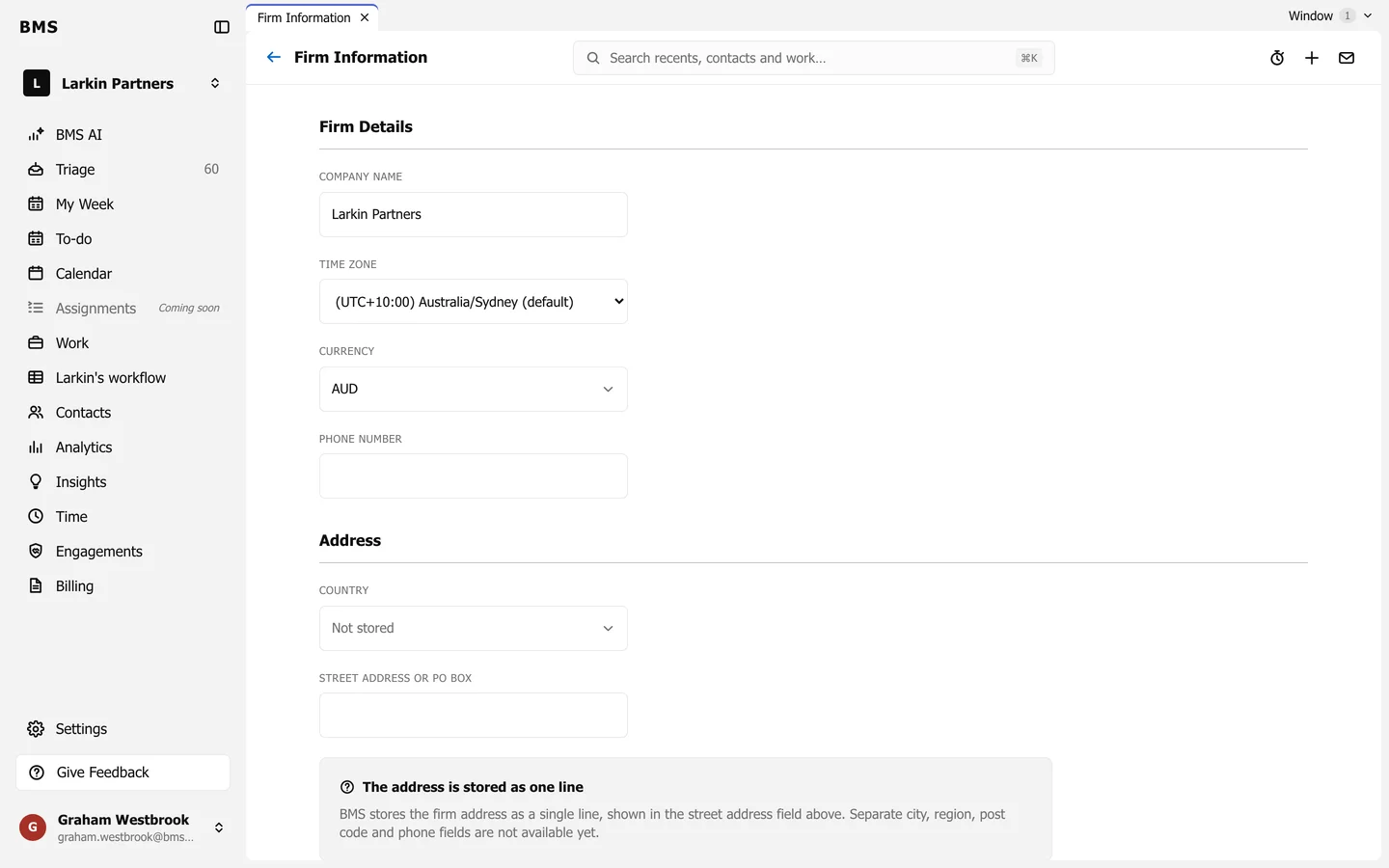
Firm Information with Company Name, Time Zone, Currency and Phone Number under Firm Details, and Country and Street Address under Address.
Settings > Firm Information.
  • Firm Details: the Company Name, Time Zone, Currency and Phone Number.
  • Address: the Country and Street address or PO box. BMS keeps the address as one line; there are no separate city, region or post code fields.
  • Security: the Inactivity timeout, after which a colleague who has done nothing is signed out.
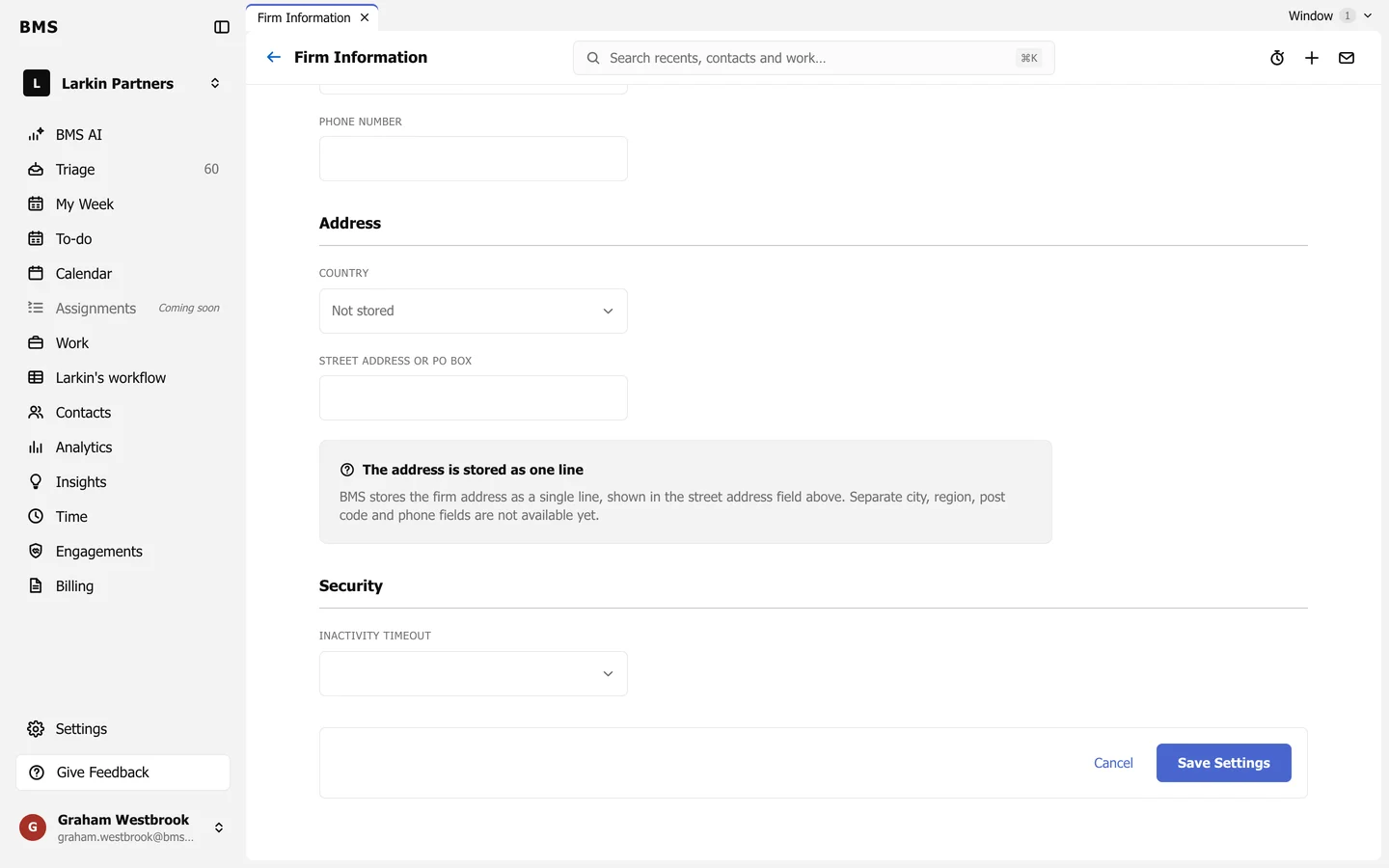
The bottom of Firm Information: the address note, Security with an Inactivity Timeout selector, and Cancel and Save Settings.
The inactivity timeout.

Press Save Settings when you are done.

Still need help?

Ask your firm's BMS admin first: they can see your access level and your firm's settings. Clients of a firm should contact their accountant.

Last updated: