

Aliases, blocked addresses and your signature
Send from another address, block senders and set your signature.
Aliases
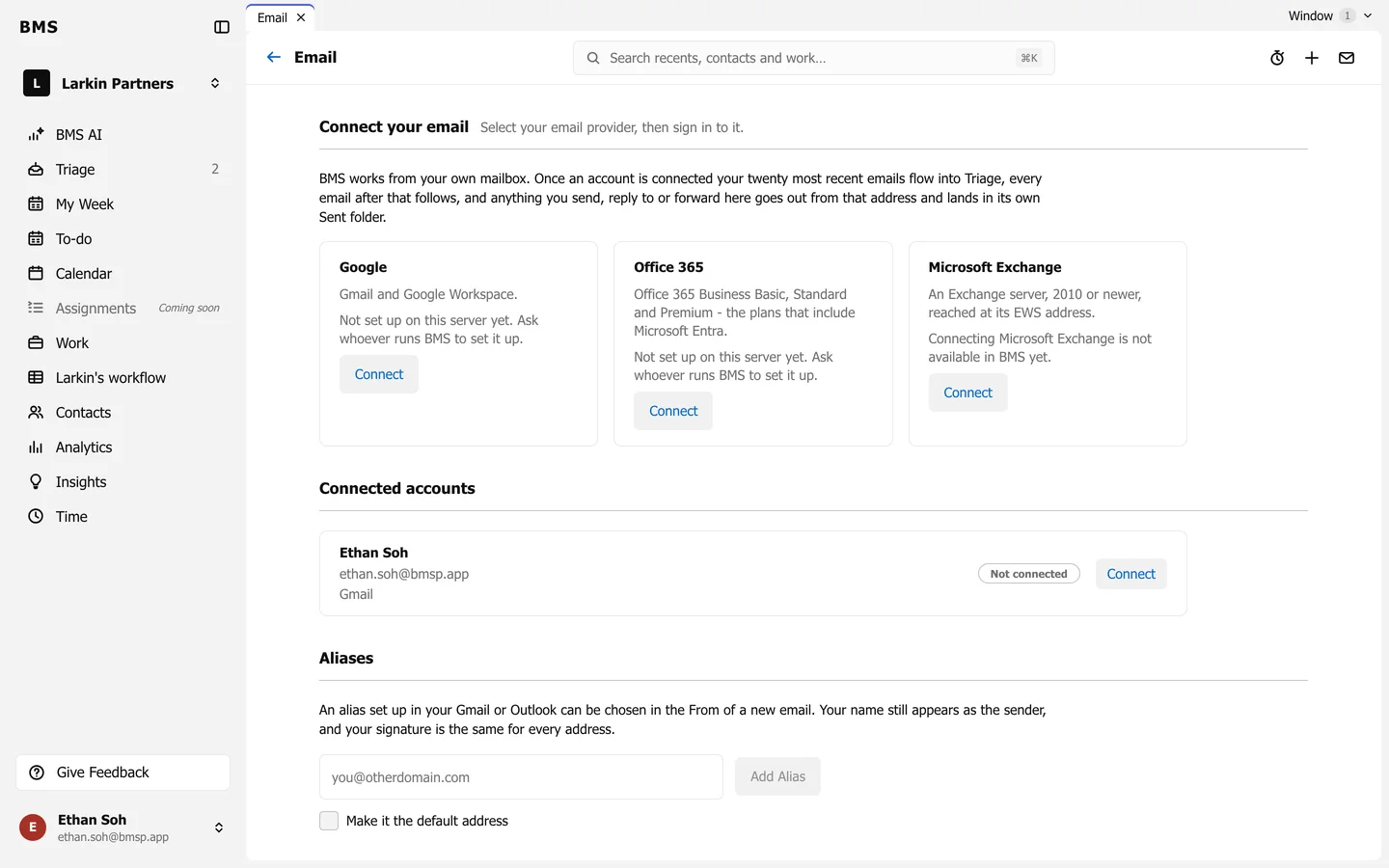
Section titled “Aliases”In Settings > Email > Aliases, choose the Mailbox, type the Alias address, and press Add Alias. Tick Make it the default address to send from it by default. The composer then offers a From choice.
Blocked addresses
Section titled “Blocked addresses”In Settings > Email > Blocked addresses, type an address (news@example.com) or a whole domain (example.com) and press Block. Email from it skips your Triage; it still arrives in your Gmail or Outlook inbox, so nothing is lost. Unblock undoes it.
Your signature
Section titled “Your signature”Your signature is on your profile, not on Settings > Email. Open Edit Profile, turn on Email Signature, and press Edit Signature, or Import Gmail Signature. See Edit your profile and notifications.