

Client uploads, skips and Done uploading in Triage
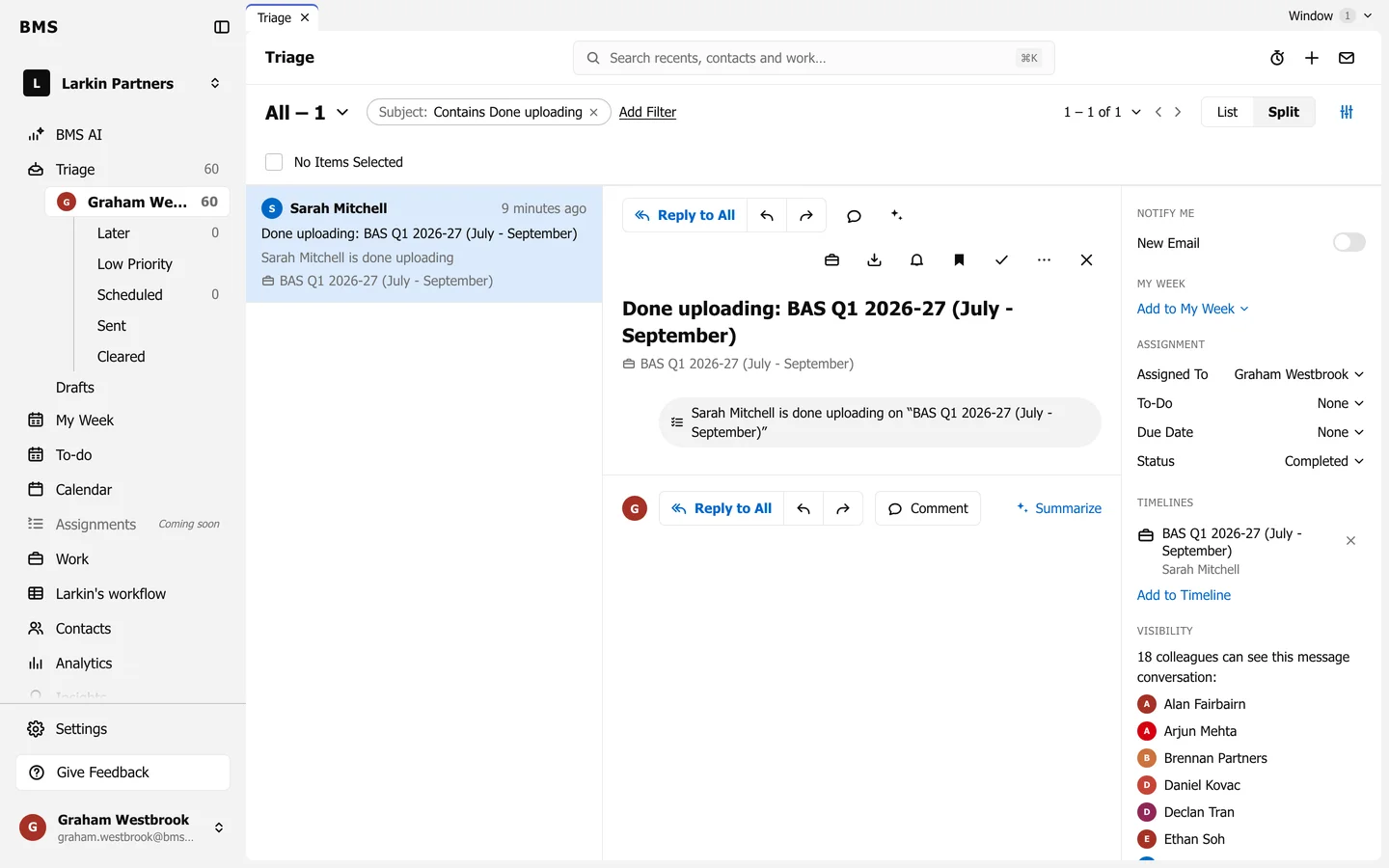
One Triage item per client move, named after the client and linked to the job.
When a client acts in BMS for Clients, the job’s assignee and the colleague who sent the request get a Client Task item in Triage.
| The client | The item says |
|---|---|
| Uploads a file | The client uploaded the file to the request item. |
| Marks an item complete | The client marked the item complete. |
| Presses I don’t have this | The item is skipped, with the client’s reason. |
| Presses Done uploading | Done uploading: and the job, such as “Done uploading: BAS Q1 2026-27”. |
- The item is named after the client and linked to the job; press the job to open it.
- There is one item per request item: a new upload marks it unread again and puts it back at the top, so ten uploads are one item, not ten.
- Clear it once you have looked at what arrived.