

Take the guided tour
The four Control cases and "Your Questions, Answered", with Resume and Reset Demo.
Open it from your profile menu: Take the Tour.
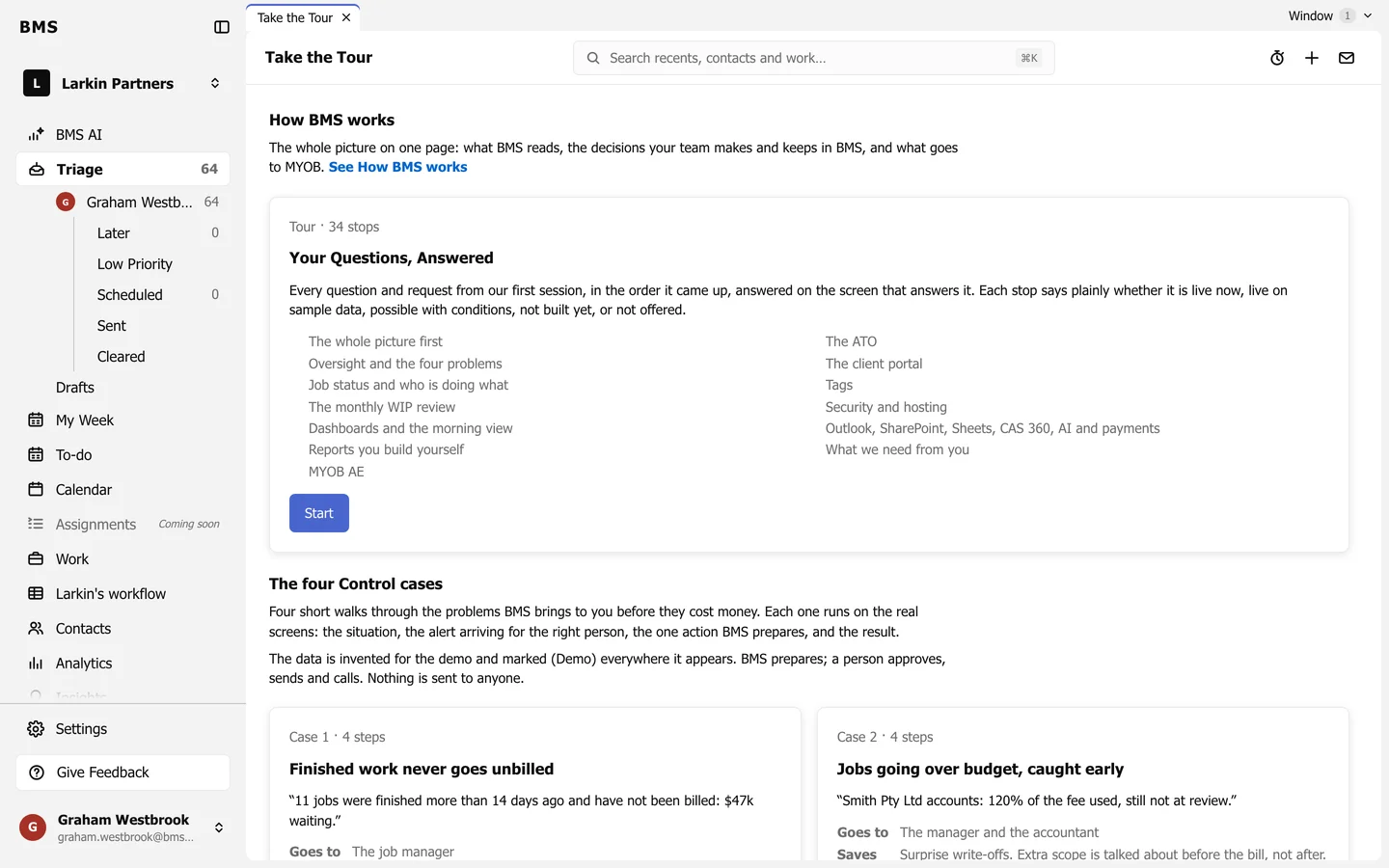
The four Control cases
Section titled “The four Control cases”- Finished work never goes unbilled: create invoice drafts.
- Jobs going over budget, caught early: prepare a scope email.
- No late lodgements: prepare chase emails.
- Overdue money flagged while still collectable: log a partner call.
Each case walks four steps: the situation, the alert, the action and the result. Use Next, Back and Skip on the tour card, and Finish at the end.
Leave and come back
Section titled “Leave and come back”Your place is saved: press Resume on the launcher, even on another day, or Continue Tour from the bar that shows while you are away from the step’s page. Walk Again repeats a finished case; Restart with Fresh Data starts it over.
Your Questions, Answered
Section titled “Your Questions, Answered”Where it is offered, this card walks through the questions your firm asked, each with an honest badge: Live now, Live, on sample data, Can, with conditions, Not built yet or Not offered.