

Move work between weeks
Re-plan items as the week changes.
A job lands in a week of My Week through its planned week. To change it:
-
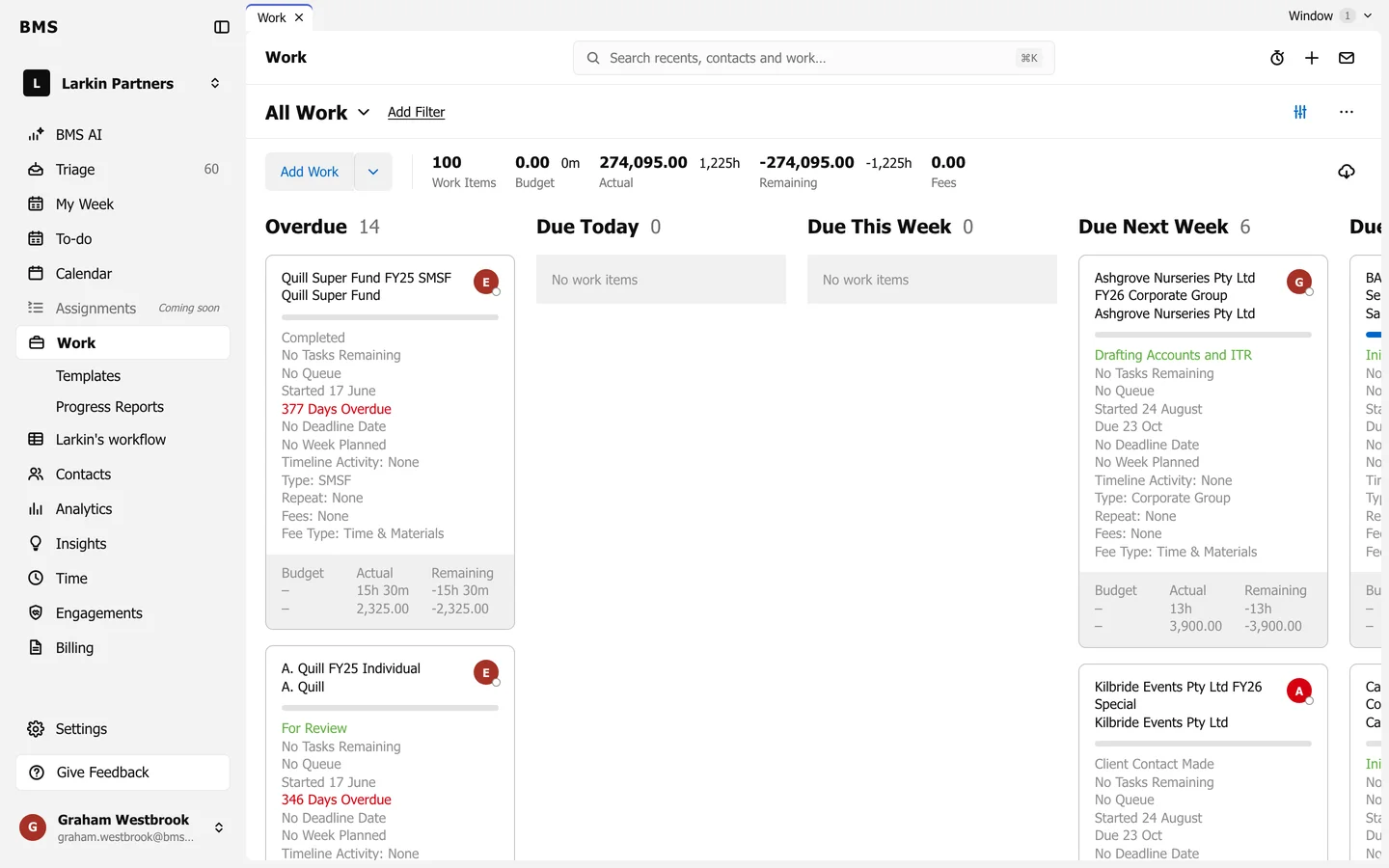
Go to Work and find the job’s card.
-
Hover the card, press its … and choose Plan Work.
-
Pick the week and save. The job moves to This Week, Next Week or Later in My Week to match.
An email or alert in Triage can be planned the same way from Triage.