

Add the portal to your phone's home screen
Install BMS for Clients like an app.
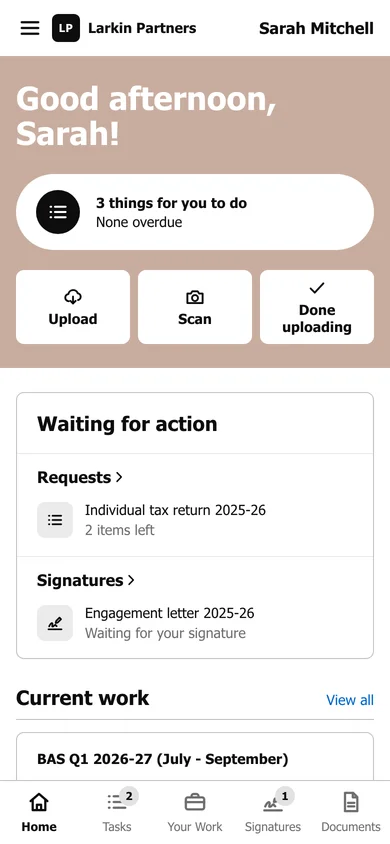
BMS for Clients works in your phone’s browser, and you can add it to your home screen so it opens like an app, full screen, with its own icon.
iPhone (Safari)
Section titled “iPhone (Safari)”-
Open your firm’s portal address in Safari and sign in.
-
Press the Share button at the bottom of the screen.
-
Choose Add to Home Screen, then Add.
Android (Chrome)
Section titled “Android (Chrome)”-
Open your firm’s portal address in Chrome and sign in.
-
Press the menu (three dots) at the top right.
-
Choose Install app or Add to Home screen, then confirm.