

More actions: copy link, mark unread, low priority and more
Every option in the item menu and when to use it.
More actions (the three dots in the action bar) holds every action for the open item.
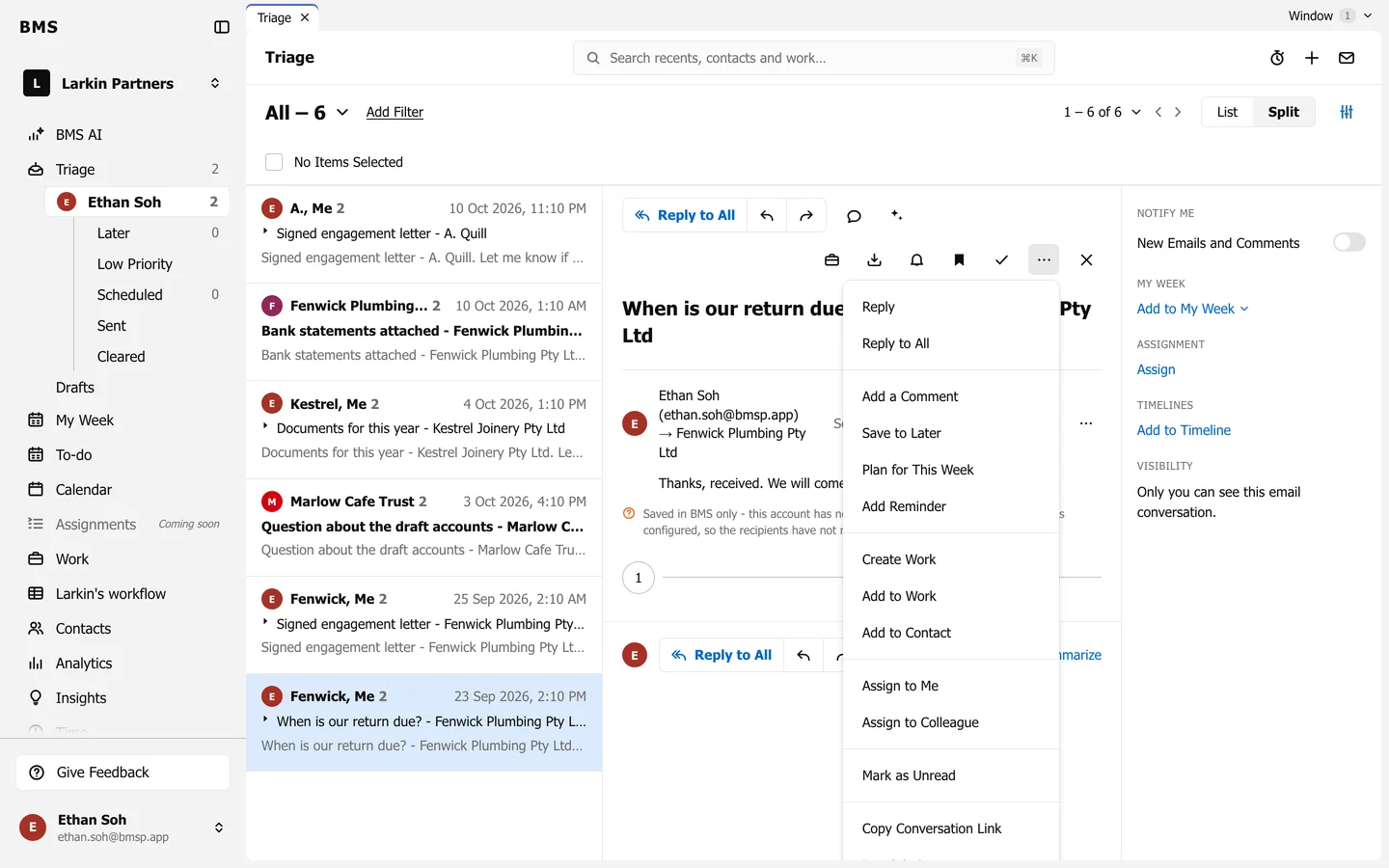
| Action | Use it to |
|---|---|
| Reply, Reply to All | Answer the email. |
| Add a Comment | Discuss it internally. |
| Save to Later | Park it with no date. |
| Plan for This Week | Put it on your My Week. |
| Add Reminder | Bring it back at a set time. |
| Create Work, Add to Work, Add to Contact | File it on a job or a client. |
| Assign to Me, Assign to Colleague | Hand it to whoever should act. |
| Mark as Unread | Come back to it as new. |
| Copy Conversation Link | Paste a link to it for a colleague. |
| Low Priority | Move it out of your way; choose again to undo. |
| Clear | Done with it. |
Each email in a conversation also has its own … menu (Email options) with Reply, Reply to All, Forward, Remove and Print. Remove takes that email off its timelines, or out of BMS altogether.