

Summaries and quick replies in Triage
Summarize a conversation, suggest quick replies and a label.
Open an email in Triage and press the BMS AI sparkle button in the reading pane.
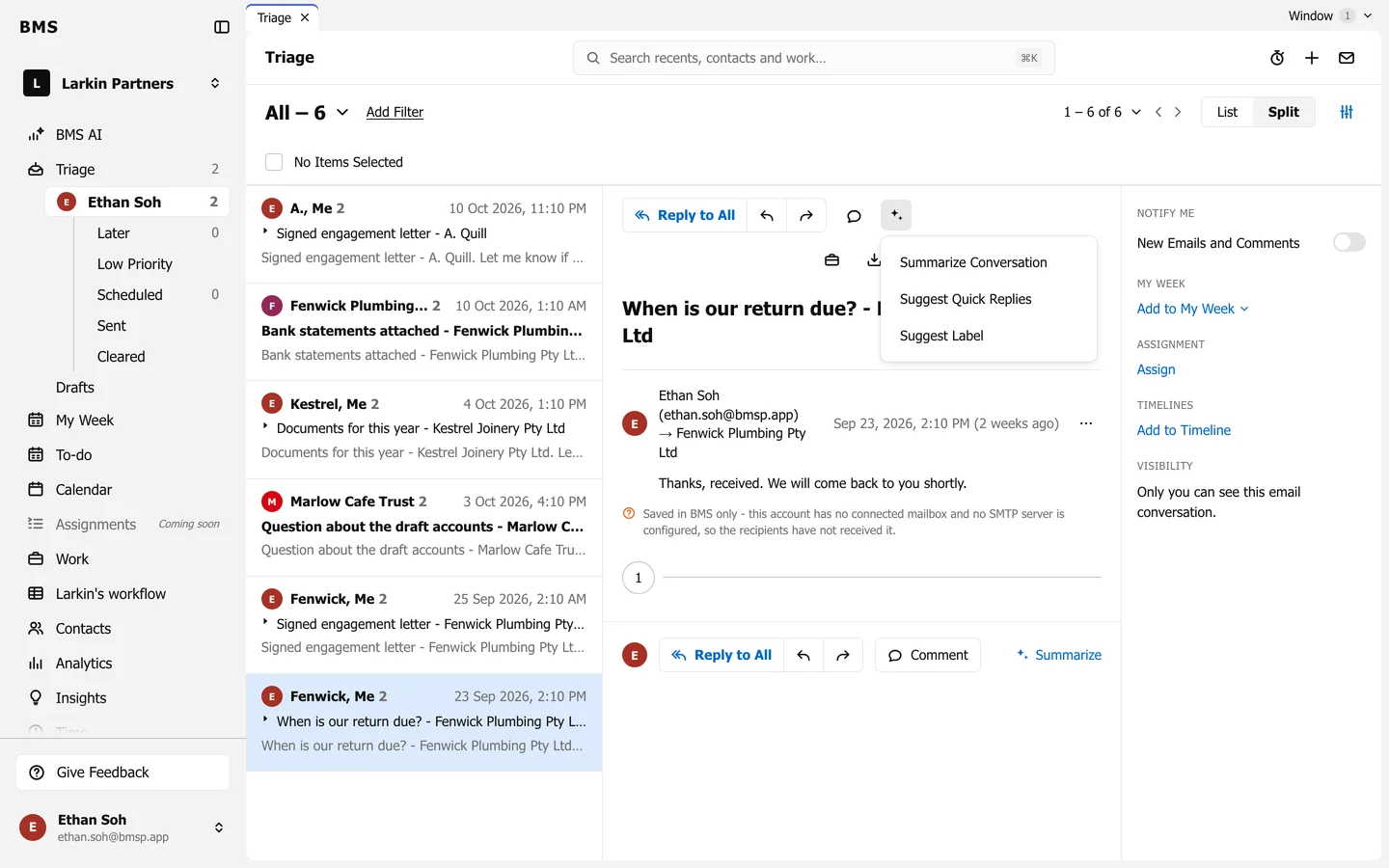
- Summarize Conversation writes a short summary of the email thread. Summarize at the bottom of the thread does the same.
- Suggest Quick Replies offers short replies you can pick and edit before sending.
- Suggest Label proposes a label for the item.
Nothing is sent or saved until you choose to.