

Import contacts from a CSV file
Bring a client list in from a spreadsheet.
-
On Contacts, press the cloud icon at the top right and choose Import Contacts (CSV).
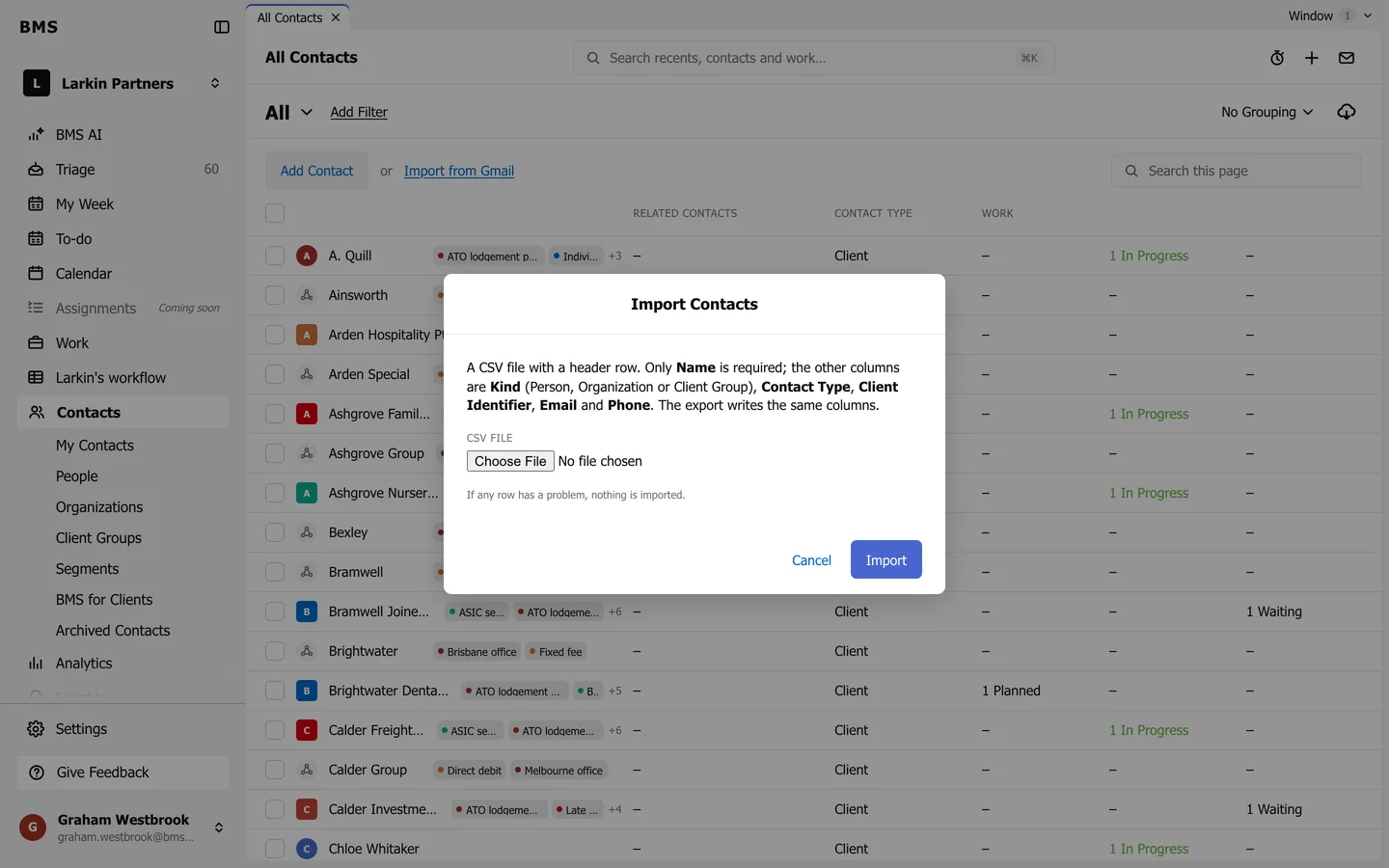
Import Contacts. -
Prepare a CSV file with a header row. Only Name is required; the other columns are Kind (Person, Organization or Client Group), Contact Type, Client Identifier, Email and Phone.
-
Press Choose File, pick the file, and press Import.
If any row has a problem, nothing is imported and BMS says which row to fix.