

Schedule an email to send later
Send menu > Schedule Send.
-
Write the email.
-
Press the arrow beside Send.
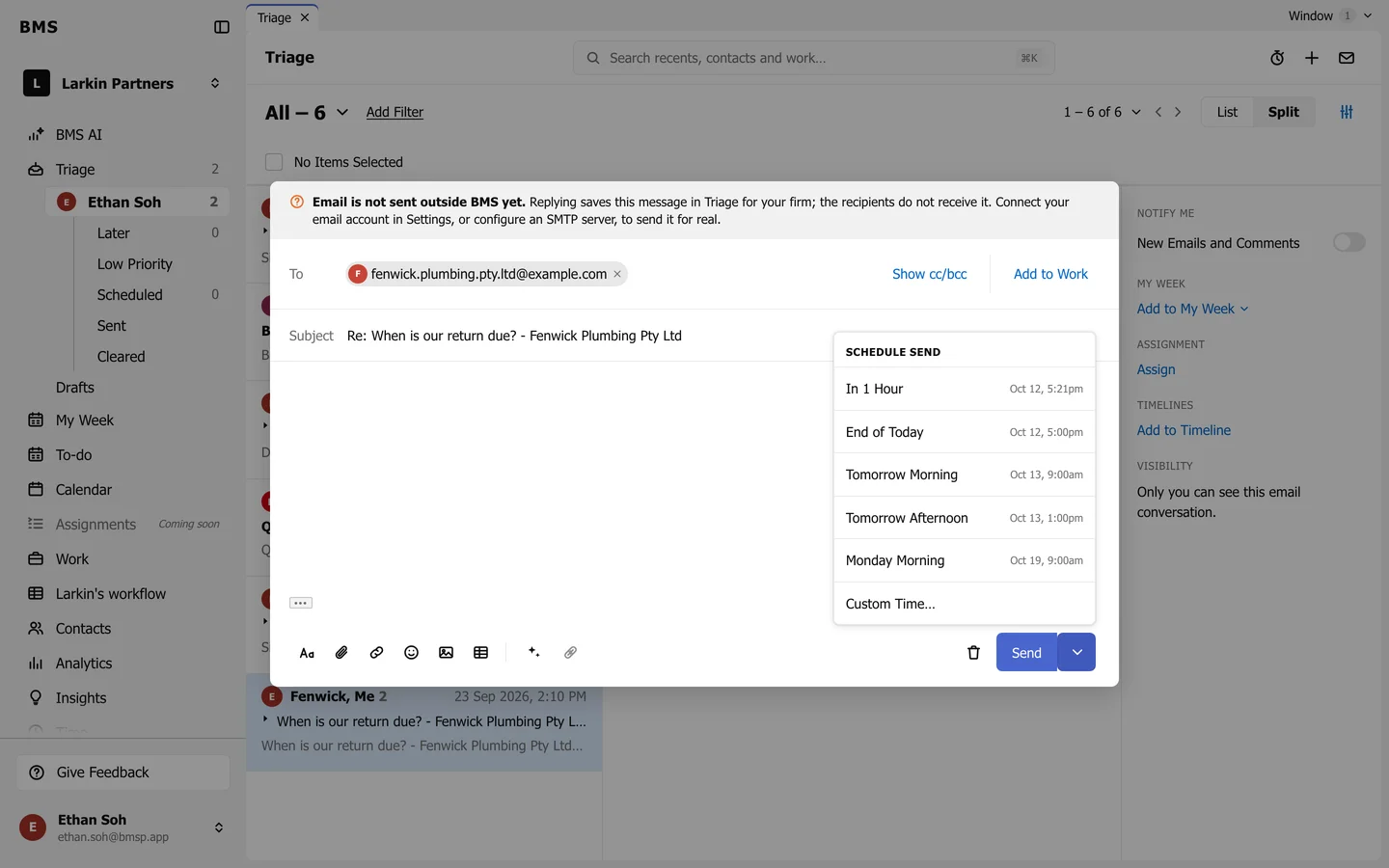
Schedule Send. -
Choose In 1 Hour, End of Today, Tomorrow Morning, Tomorrow Afternoon or Monday Morning, or Custom Time… to pick your own.
BMS confirms Message Scheduled, with View Message. The email waits in Scheduled until its time. Open it there and press Cancel Send to turn it back into a draft.