Skip to content

Create draft invoices from unbilled work

Firms billing in BMSFor: Billing adminAccess: Billing admin

Select clients on Unbilled and create drafts or a billing run.

  1. Go to Billing > Unbilled. It lists each client with unbilled time, fixed fees and expenses.
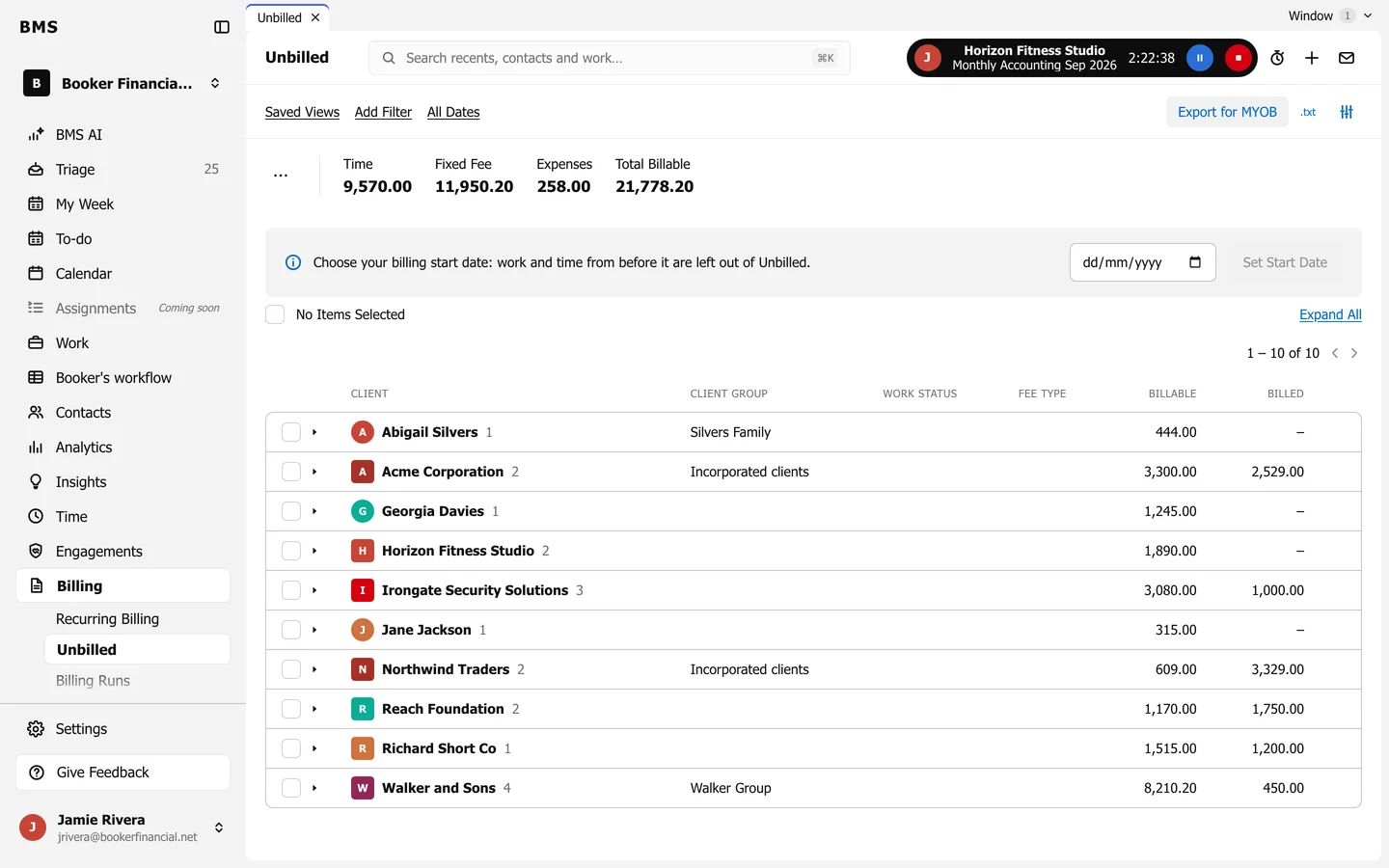
    Unbilled in a firm that bills in BMS: totals for Time, Fixed Fee, Expenses and Total Billable, a billing start date notice, and a list of clients with billable and billed amounts.
    Billing > Unbilled.
  2. Tick the clients to bill. Press the arrow beside a client to see its work and time.

  3. Press Create Draft Invoices.

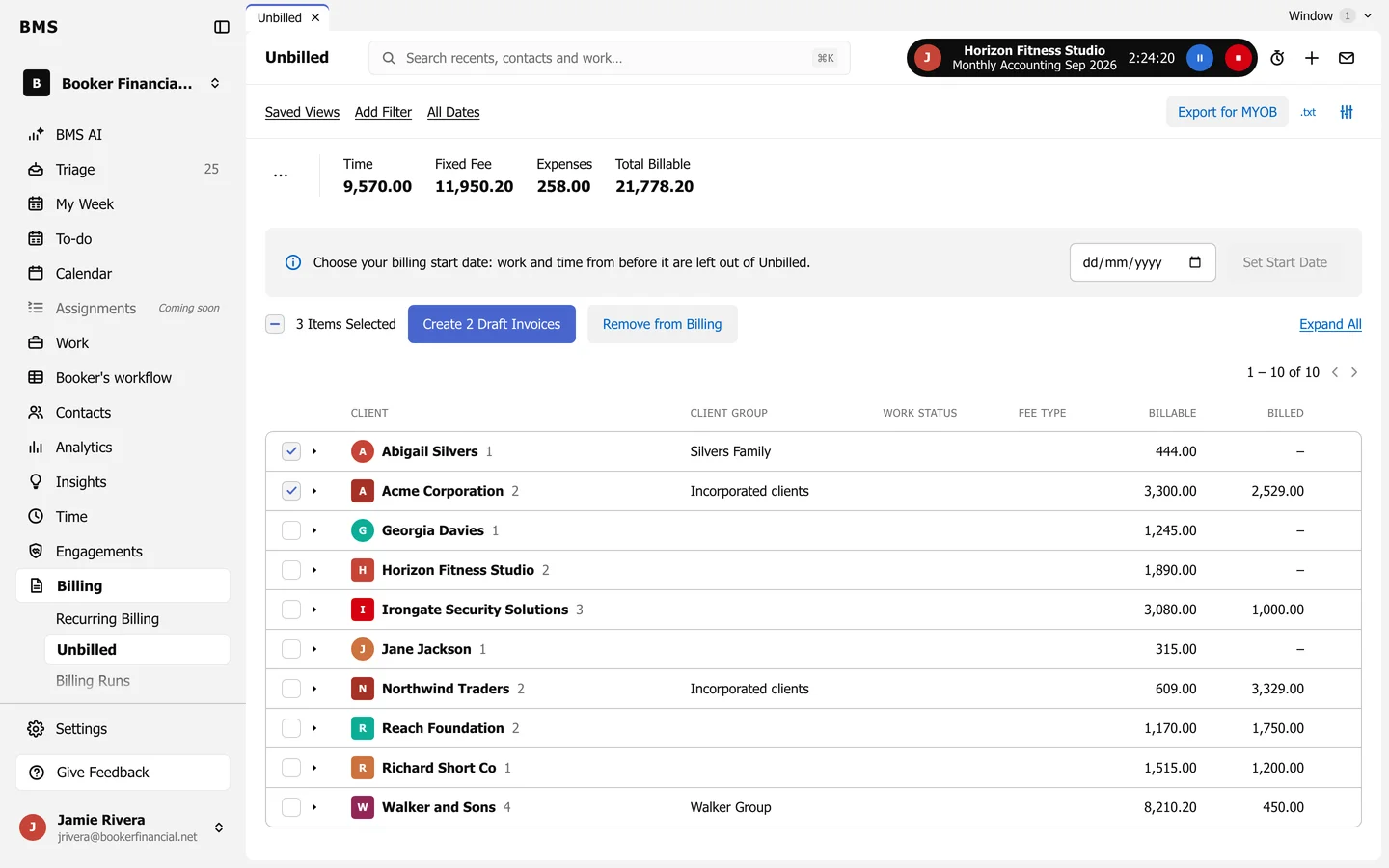
    Two clients ticked on Unbilled, with Create 2 Draft Invoices and Remove from Billing buttons.
    Create Draft Invoices.

Each client gets one draft invoice, ready to check and approve. Remove from Billing takes work off the list without billing it.

Still need help?

Ask your firm's BMS admin first: they can see your access level and your firm's settings. Clients of a firm should contact their accountant.

Last updated: