

List view, sorting and columns
A sortable table for long lists.
Choose Layout > List in Sorting and columns to see work as a table.
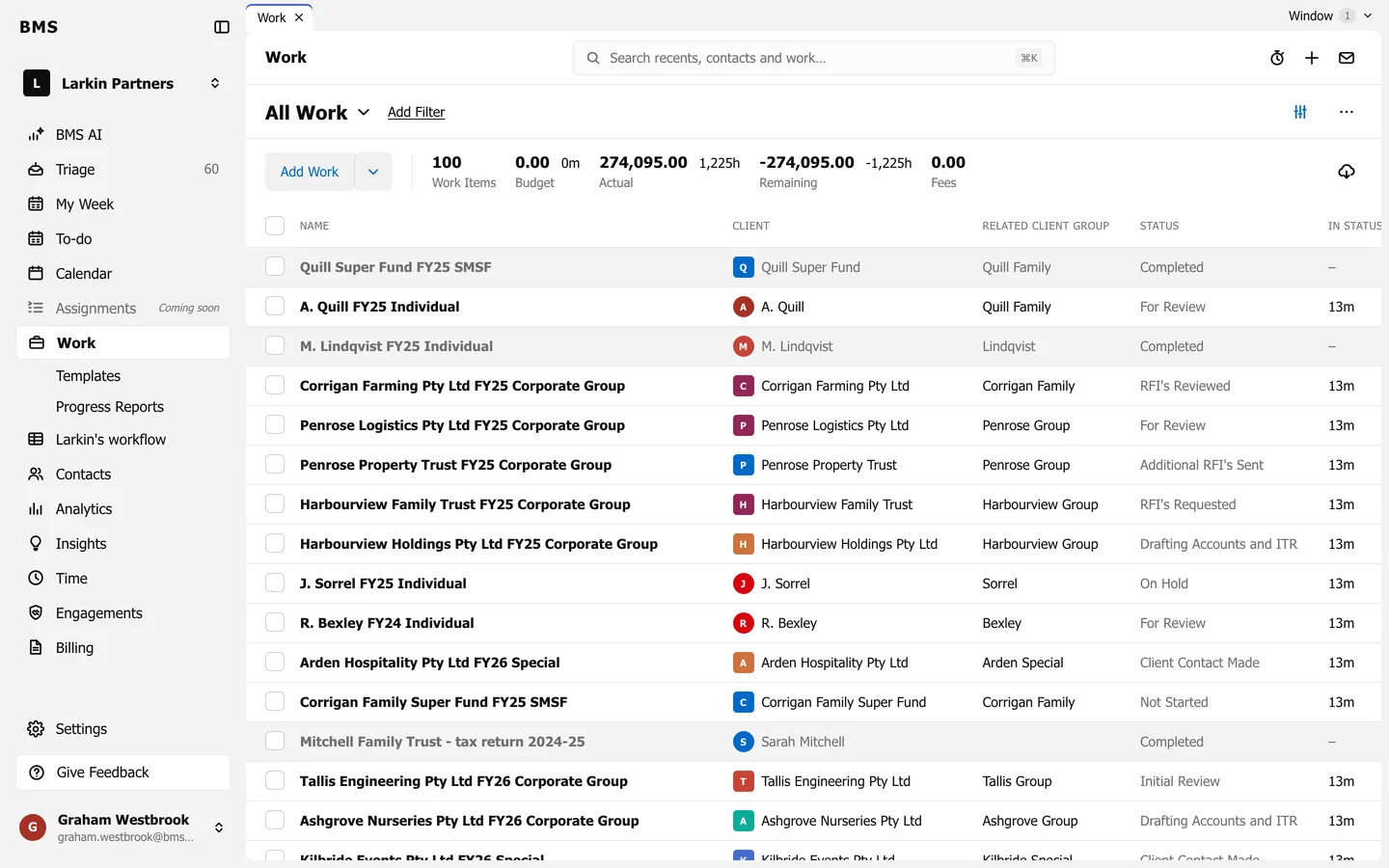
- Columns: Name, Client, Related Client Group, Status, In Status, Start, Due, Planned Week, Deadline and Extension. Firms using queues also see Queue, Queue Position, Current Task Assignee and Current Task Role.
- Press a column heading to sort by it; press again to reverse.
- 100 rows show per page.
- Tick rows to change them together; see Update many jobs at once.