
Skip to content

Timesheet period

LiveFor: AdminAccess: Admin

Weekly, fortnightly or monthly periods.

Go to Settings > Timesheet Period and press Edit. Choose how often timesheets repeat (weekly, fortnightly or monthly), the day they start on, and from when.
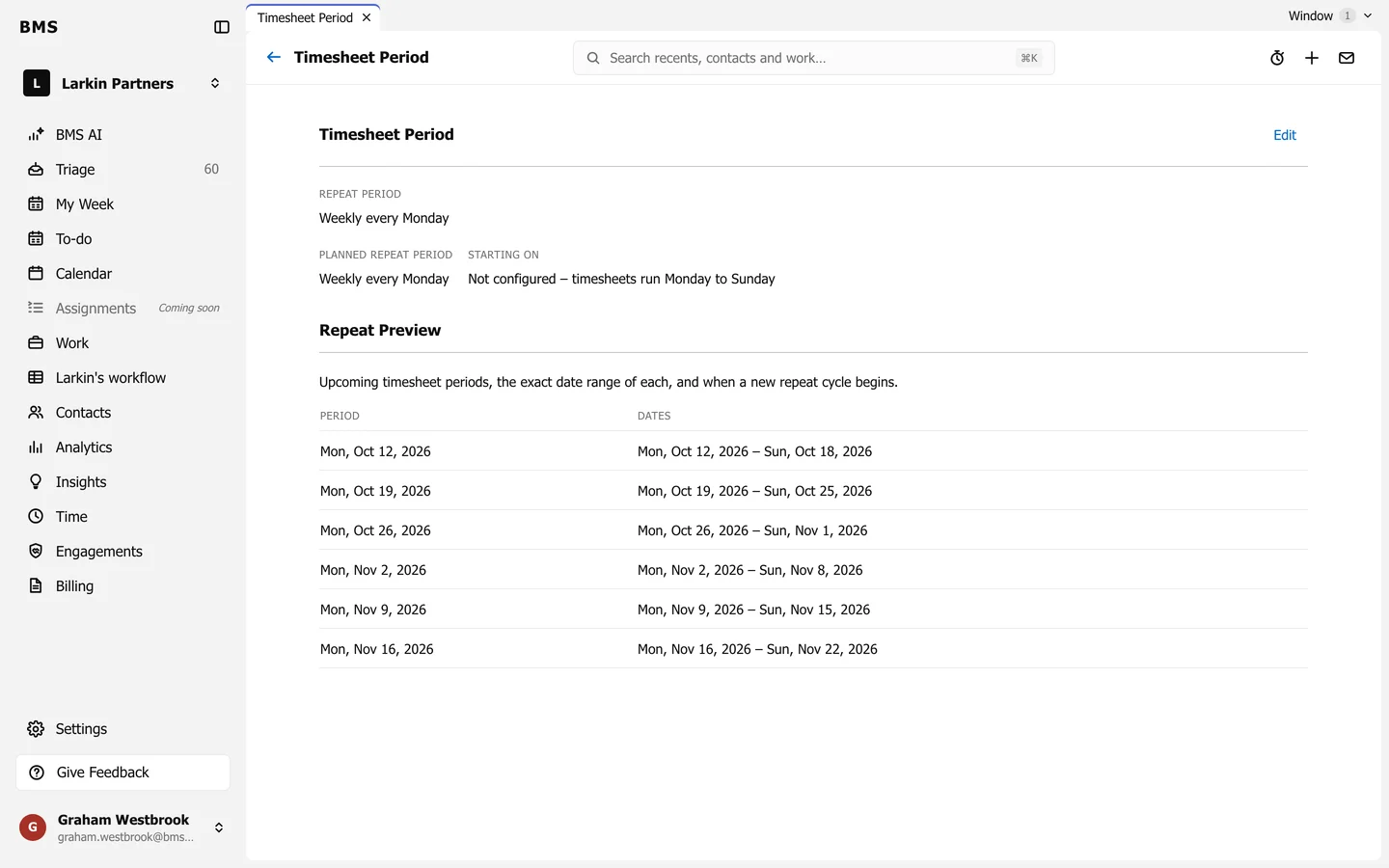
Timesheet Period: Repeat Period Weekly every Monday, and a Repeat Preview of upcoming periods with their exact dates.
Settings > Timesheet Period.

Repeat Preview lists the coming periods with their exact dates, so you can check before saving.

Still need help?

Ask your firm's BMS admin first: they can see your access level and your firm's settings. Clients of a firm should contact their accountant.

Last updated: