

See where every job stands
The Work board by due date, with status, budget and fees on each card.
Work in the sidebar opens the board: every job at the firm as a card, in columns by due date (Overdue, Due Today, Due This Week, Due Next Week and later).
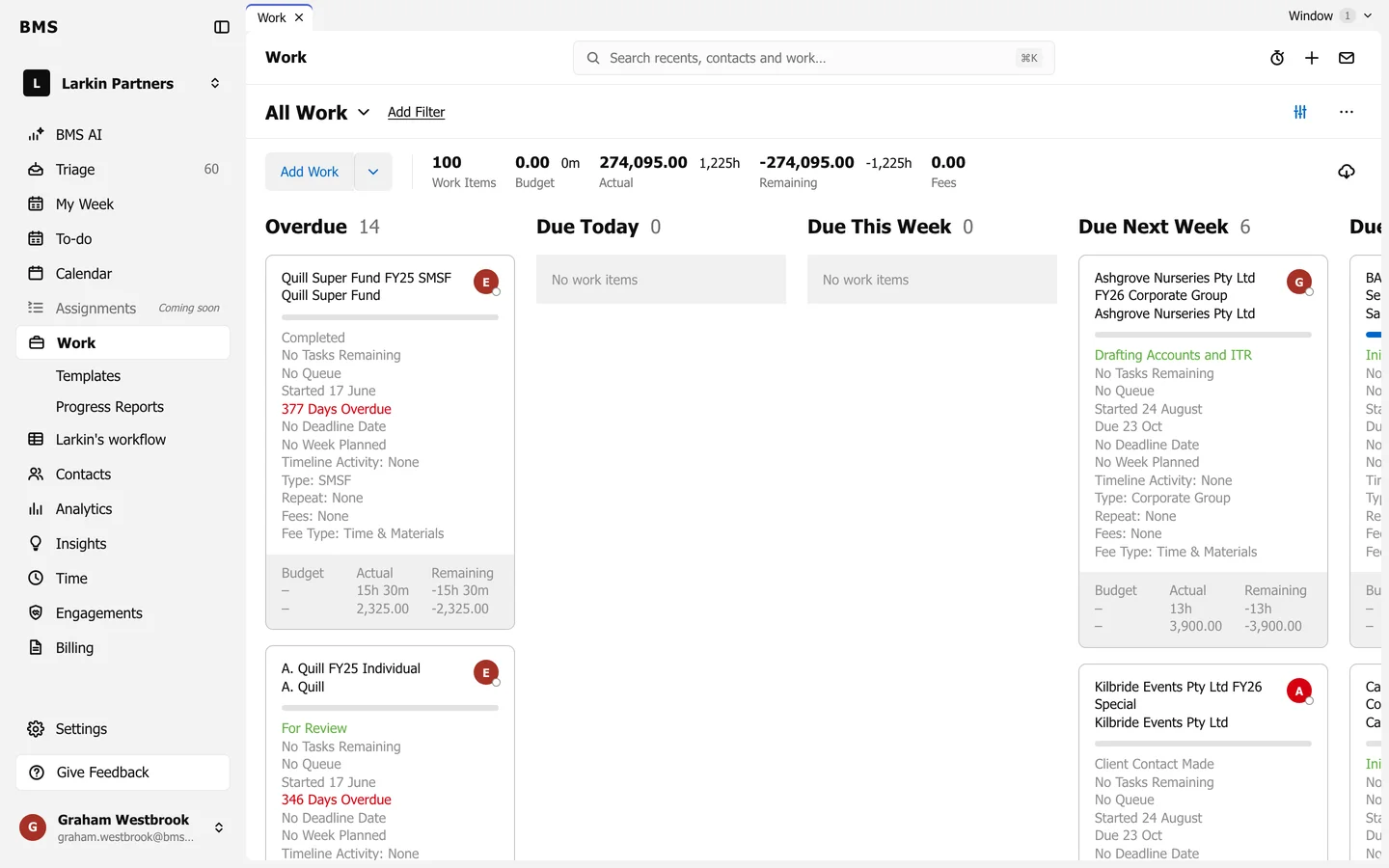
What a card shows
Section titled “What a card shows”- The job’s title, its client and the assignee’s avatar.
- A bar showing how many of its tasks are done.
- Its status, then what is left: the next status or No Tasks Remaining.
- Its queue, start and due dates (in red when overdue), deadline and planned week.
- Timeline Activity, Type, Repeat, Fees and Fee Type.
- Along the bottom: Budget, Actual and Remaining, in time and money.
Press a card to open the job. Hover a card for Plan Work, which puts it in a week of your choosing.