

Approve, send and void invoices
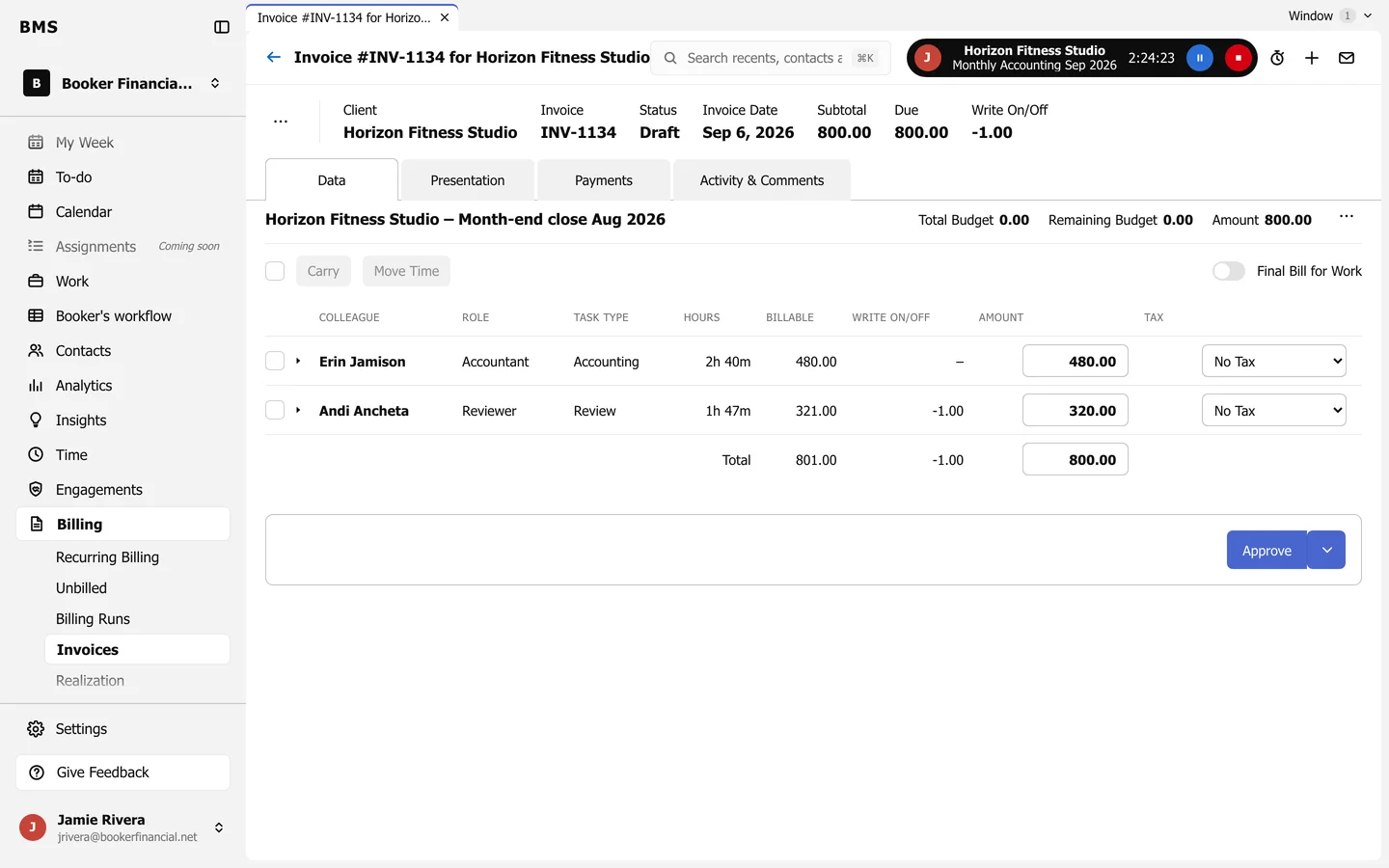
The invoice tabs Data, Presentation, Payments and Activity; Approve and Send.
Billing > Invoices lists invoices by status: Draft, Approved, Awaiting Payment, Paid, Exported and Voided.
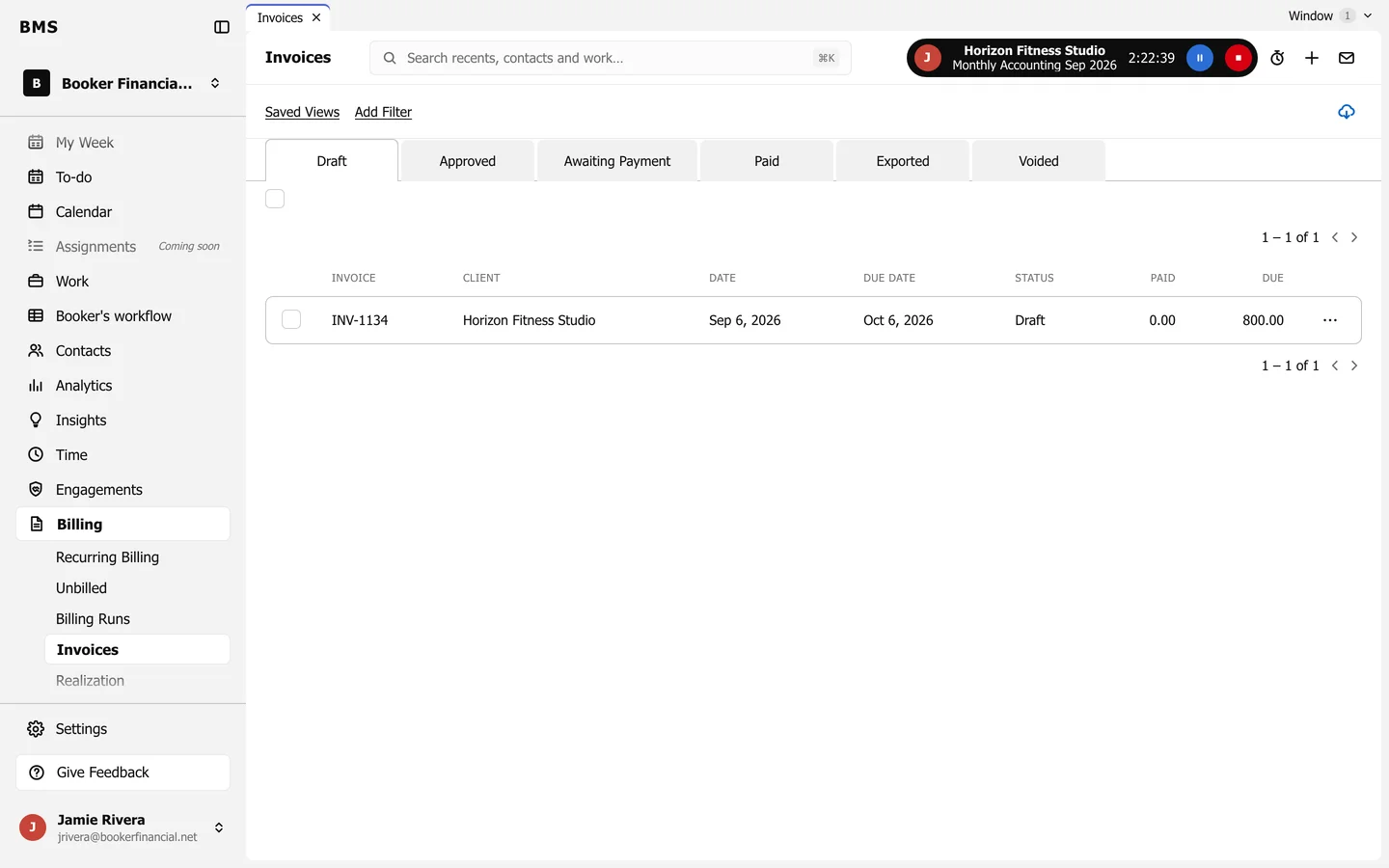
Check a draft
Section titled “Check a draft”Open an invoice. It has four tabs:
- Data: the work and time on it. Change an amount, write on or off, Carry time to a later bill or Move Time, and turn on Final Bill for Work.
- Presentation: how the client sees it: grouping, columns and the note.
- Payments: payments and credits applied.
- Activity & Comments: its history.
Approve and send
Section titled “Approve and send”Press Approve, or Approve and View Next from the arrow beside it to work through a list. Then use the … menu to Send it by email, Mark as Sent if you sent it another way, or Download the PDF.
An invoice counts as sent once its email is delivered. Resend sends it again.
Void an invoice
Section titled “Void an invoice”From the … menu, choose Void. A voided invoice stays on the Voided tab for the record.