

Import the weekly workbook
Check the workbook first, then Apply; every import is logged.
Import Workbook brings this week’s copy of a tracker spreadsheet into BMS.
-
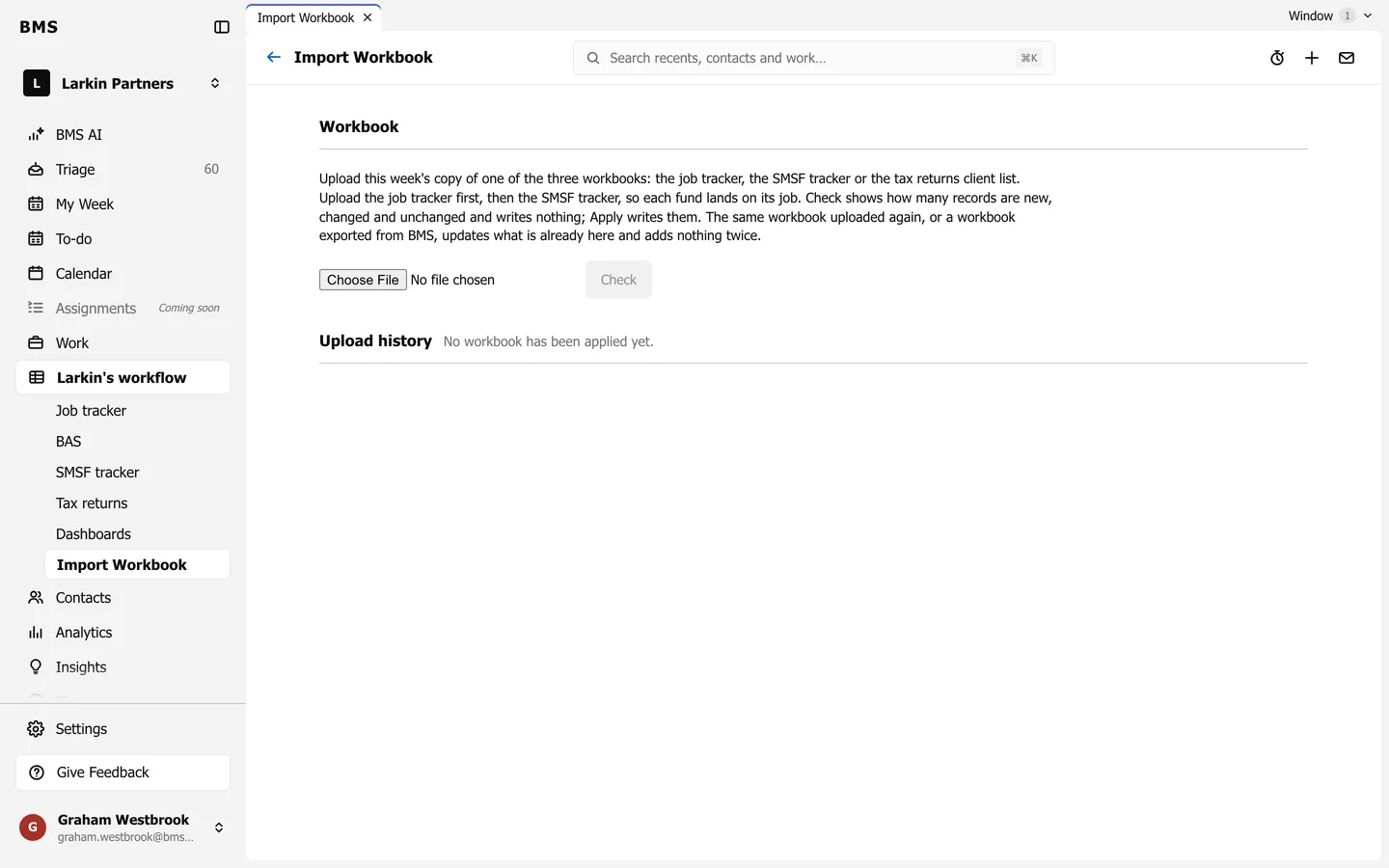
Open Import Workbook under the tracker.
-
Press Choose File and pick the workbook: the job tracker, the SMSF tracker or the tax returns client list. Import the job tracker first, then the SMSF tracker, so each fund lands on its job.
-
Press Check. BMS shows how many records are new, changed and unchanged, and writes nothing yet.
-
If the numbers look right, press Apply.
Every applied import is listed under Upload history. The same workbook uploaded again, or one exported from BMS, updates what is already there and adds nothing twice.