

Edit your profile and notifications
Name, job title, capacity, notifications, email signature and labels.
Edit Profile holds everything about you in BMS.
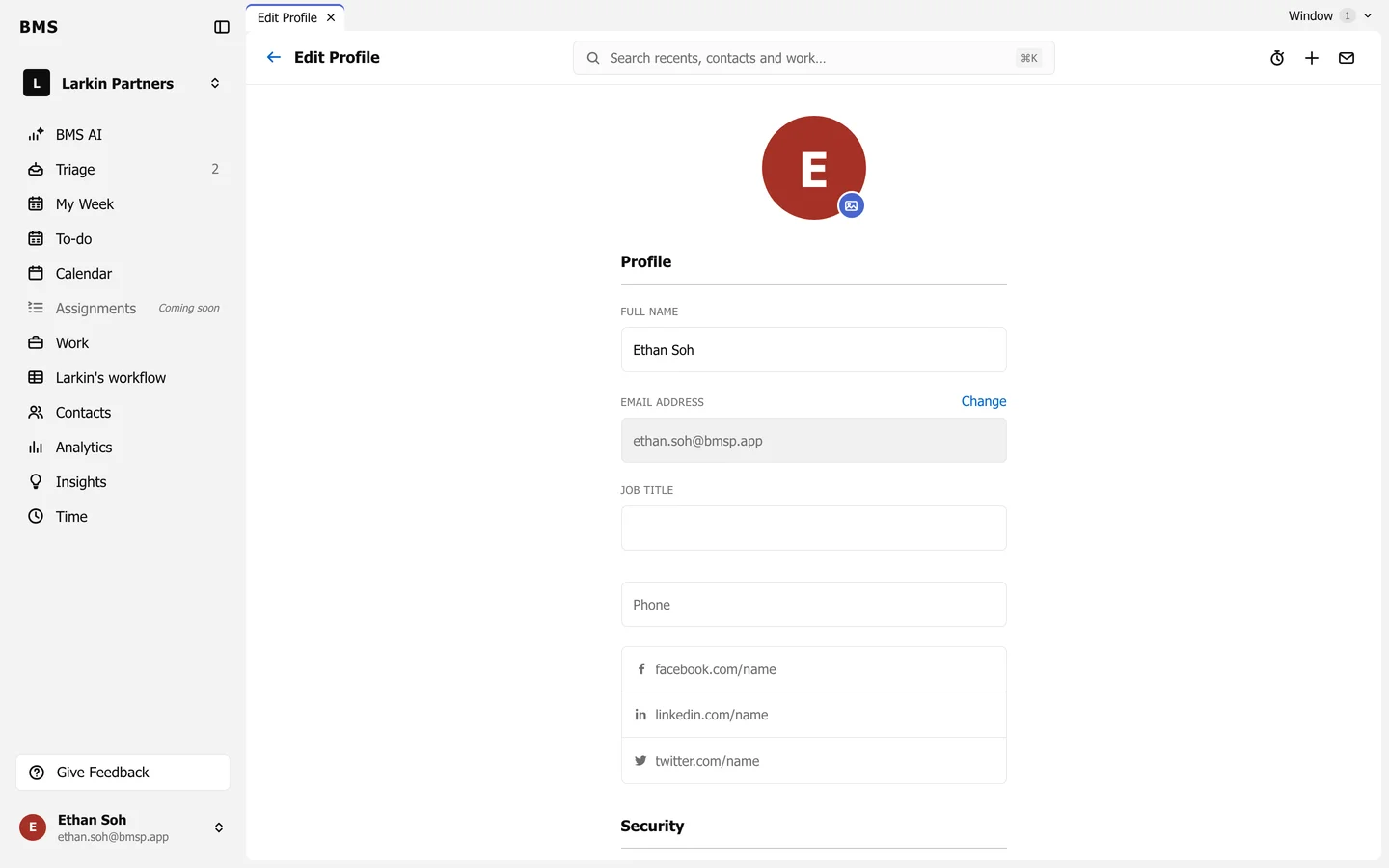
Profile, security and capacity
Section titled “Profile, security and capacity”- Full name, Job title, phone and social links. Email address can only be changed by an Admin.
- Security: set up two-step sign-in.
- Capacity: your Hours per week, used by Resource Planning.
These three share one Save at the bottom.
Notifications
Section titled “Notifications”- Triage Badges and Banners: the unread counts and banners for new Triage items.
- Browser Notifications: notifications from your browser, which also need your browser’s and computer’s permission.
- Shared Triage Inboxes: choose which shared inboxes notify you, if you belong to any.
- Delegated Triage: Add Delegated Access lets a colleague work your Triage, such as while you are away.
- Email Auto-Share: whether your email is added to contact timelines automatically.
- Email Signature: press Edit Signature, or Import Gmail Signature, and choose whether it goes on replies too.
- Email Labels: Add label with a name and a prompt describing which emails it is for; BMS AI applies it when it is confident the email matches.
Each of these saves on its own.