

Colleague utilization
Billable and non-billable hours against capacity per colleague.
Time > Colleague Utilization shows every colleague’s time against their capacity.
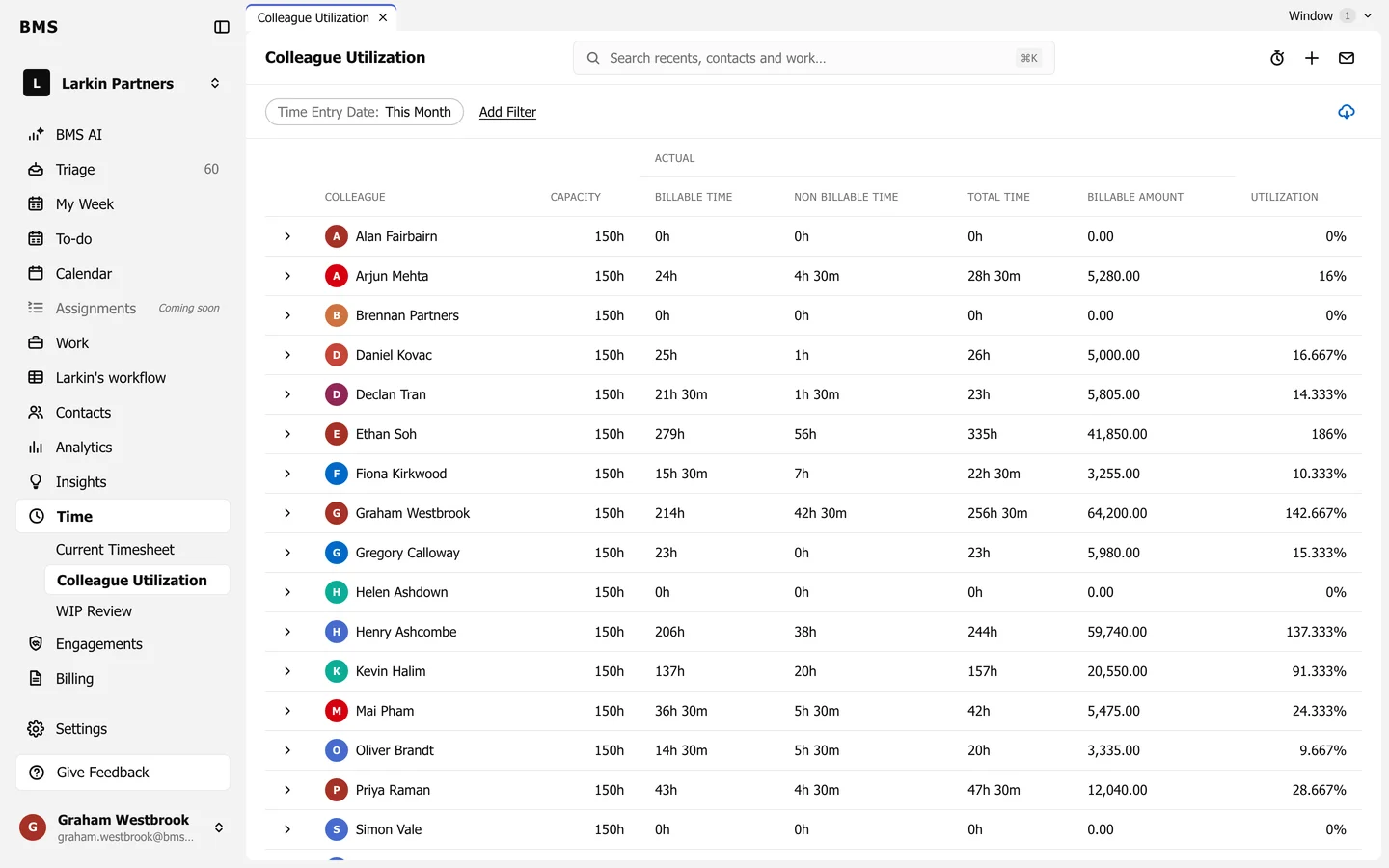
- Capacity: the hours they are expected to work in the period.
- Billable Time, Non Billable Time and Total Time actually logged.
- Billable Amount: what the billable time is worth.
- Utilization: billable time as a share of capacity; over 100% means more billable hours than capacity.
The period is Time Entry Date: This Month to start; press it to change, and Add Filter to narrow by team or role. The arrow at the start of a row lists that colleague’s time.