

Upload the weekly ATO lodgment status report
Upload the report you already download; BMS matches each row to your client.
Each week, download the lodgment status report from the ATO as you already do, then:
-
Go to Insights > ATO Lodgement and press Upload ATO Export.
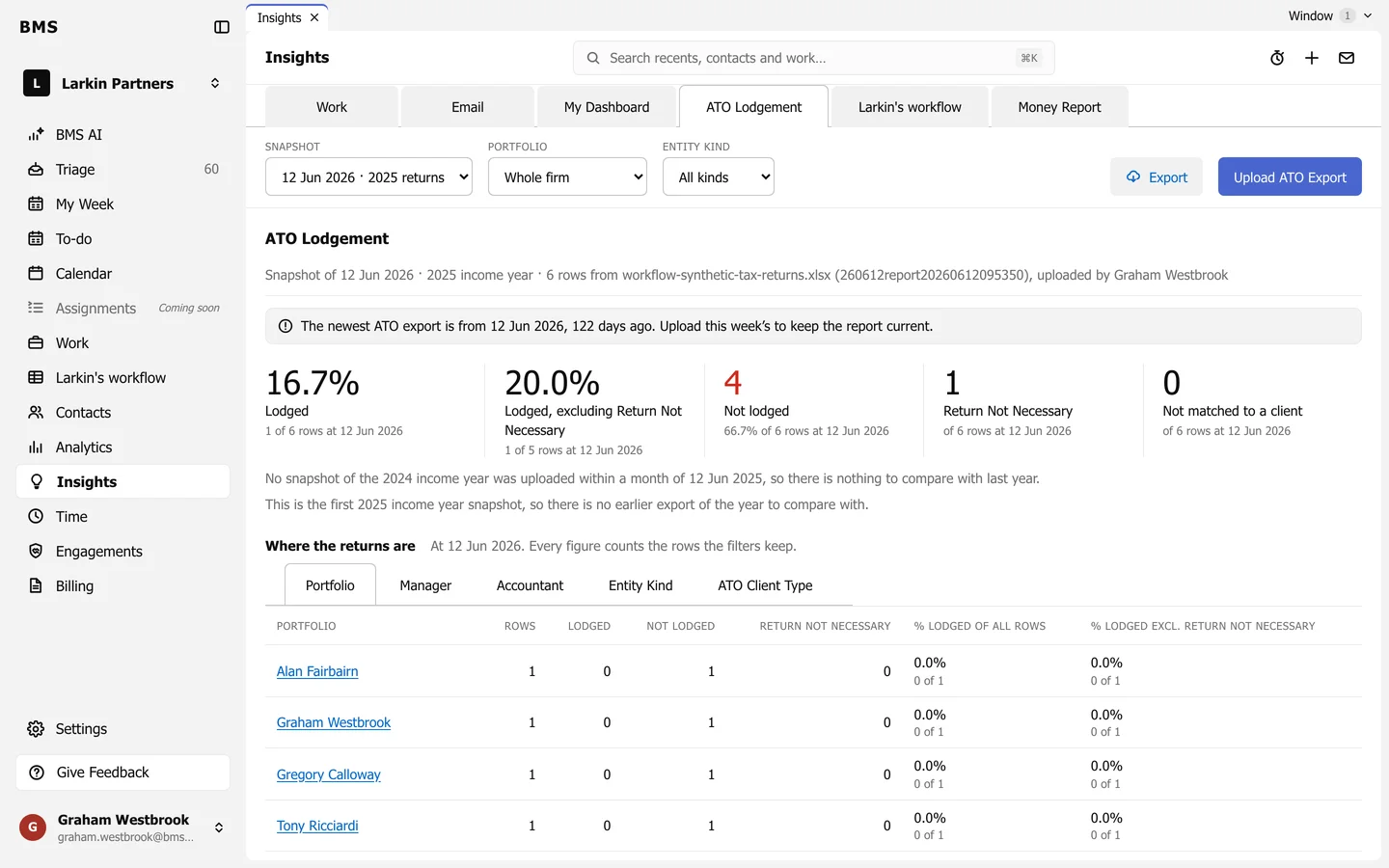
Upload ATO Export is at the top right. -
Choose the file and upload it.
BMS matches each row to your client by tax file number (or by name, where a row has none) and keeps the upload as a snapshot of that date. Rows it cannot match are counted under Not matched to a client.