

Tell your accountant you are done uploading
One press stamps every open request and notifies your accountant.
You may send documents over several days. Done uploading tells your accountant that everything you mean to send is in, so they can start the work.
-
Press Done uploading. On a request it covers that request; on Home it covers every open request.
-
BMS asks you to confirm that you are done.
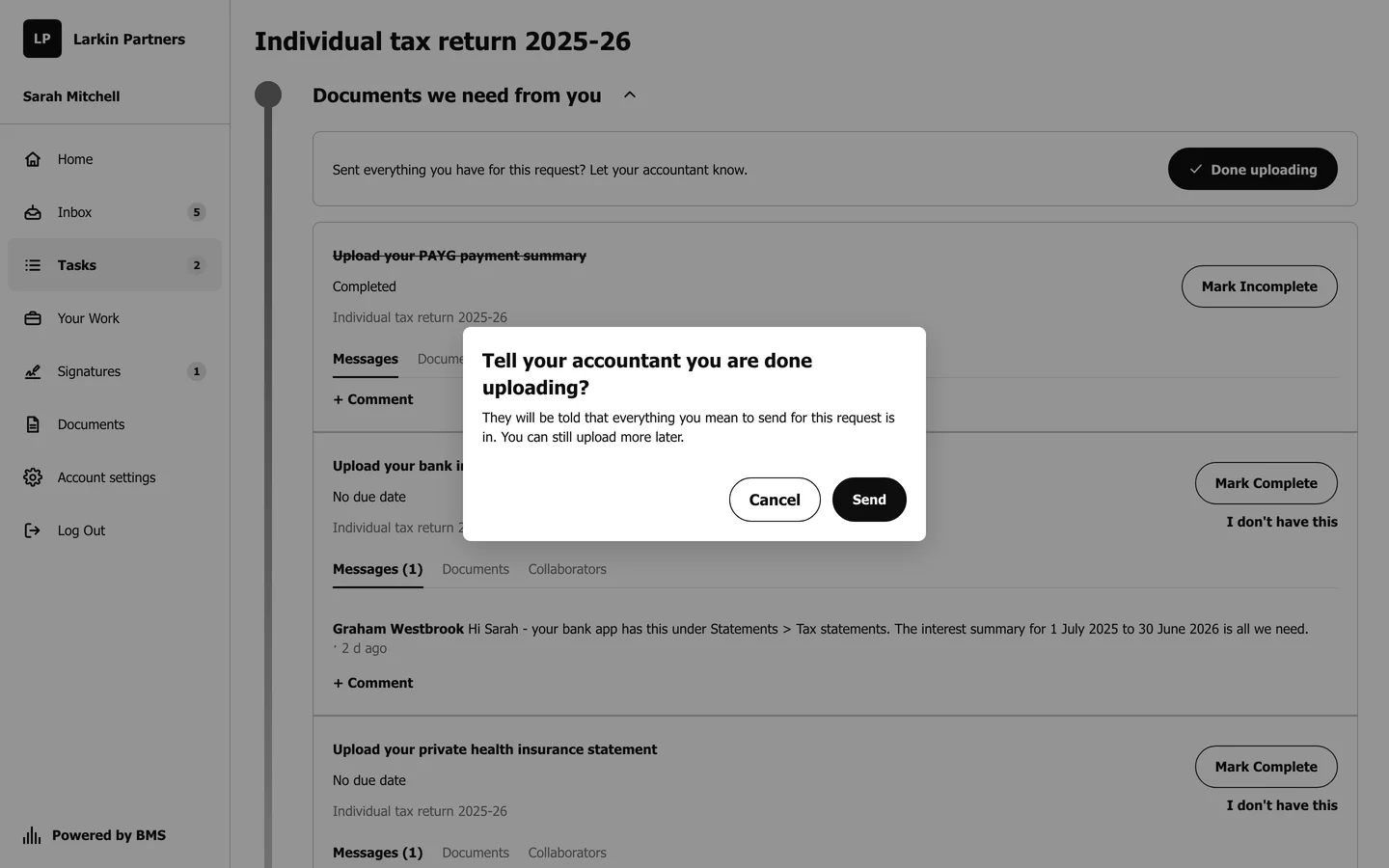
BMS asks once before telling your accountant. -
Confirm. The request now says you told the firm you are done uploading, with the day.