

Set up repeating work
Monthly, quarterly or yearly jobs that create themselves.
-
Open the job. In its header, Repeats says Set Up Repeating Work.
-
Press it and choose how often it Repeats: every day, week, fortnight, twice a month, month, quarter or year.
-
Optionally set an End date and tick Avoid Weekends, then press Save.
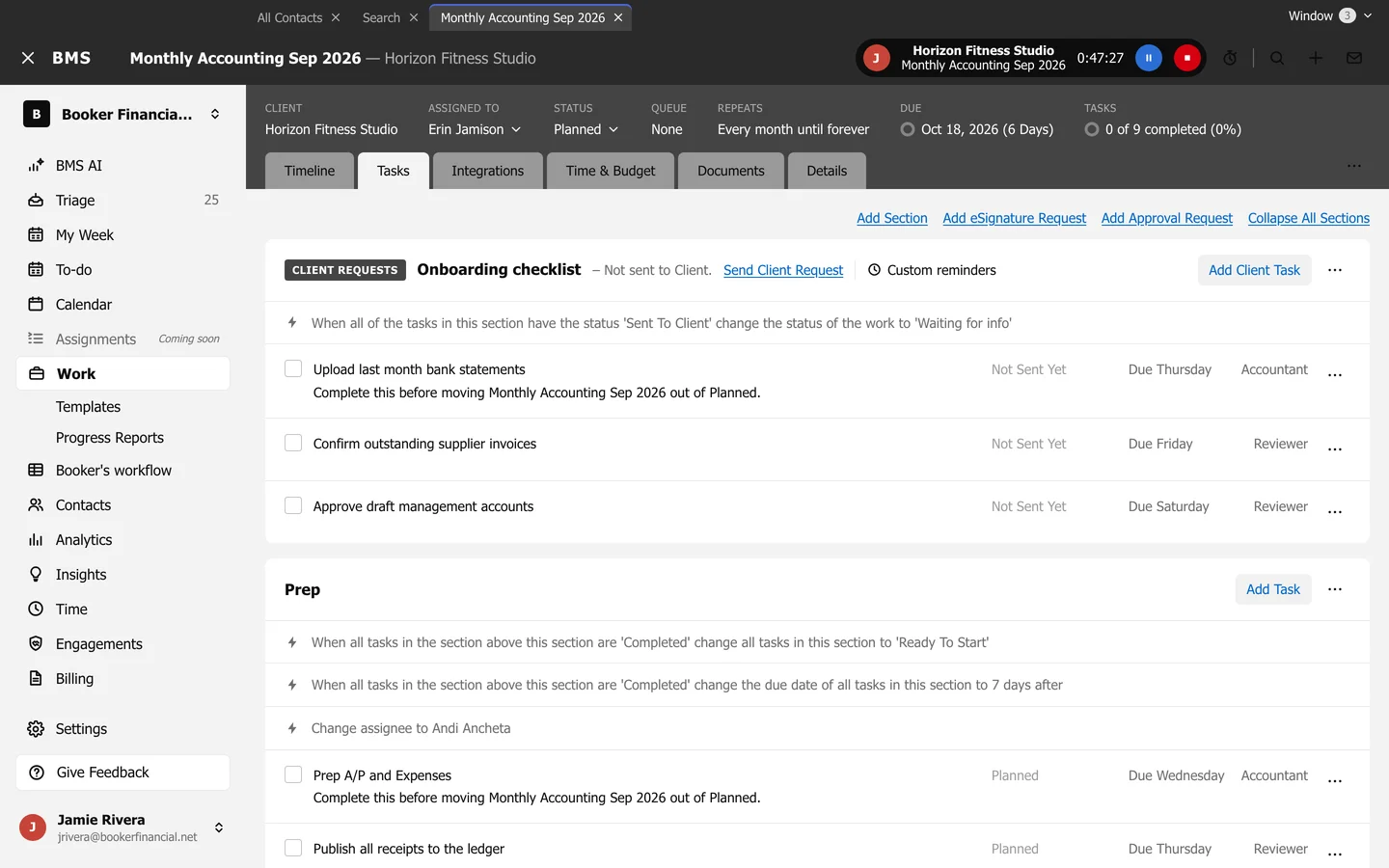
Once set, Repeats shows the schedule, such as “Every month until forever”, and links to the schedule’s page, which lists every job it has created.