Control alerts: what each one means
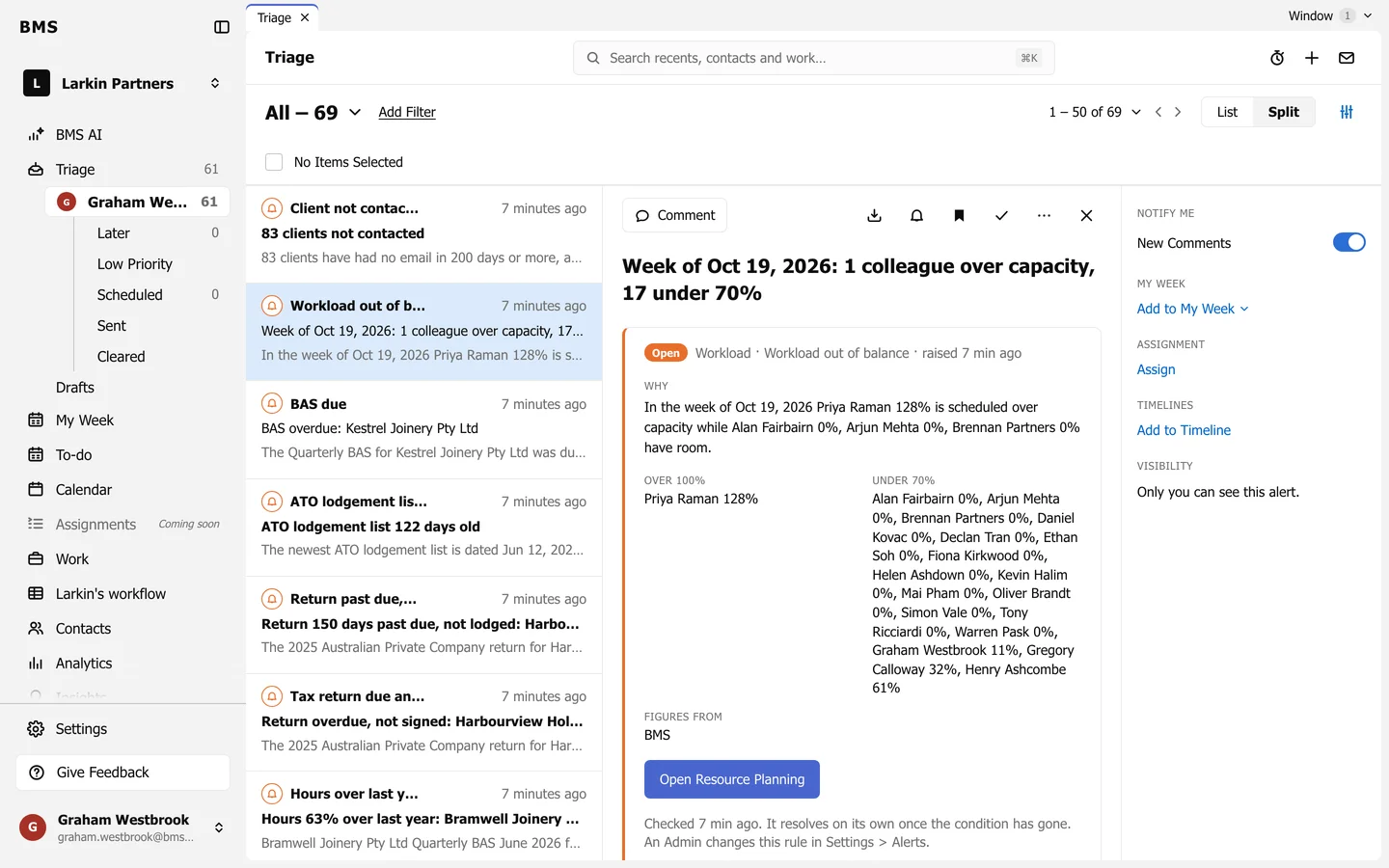
Finished not billed, hours over budget or last year, invoice overdue, client not contacted, workload out of balance, BAS due and more.
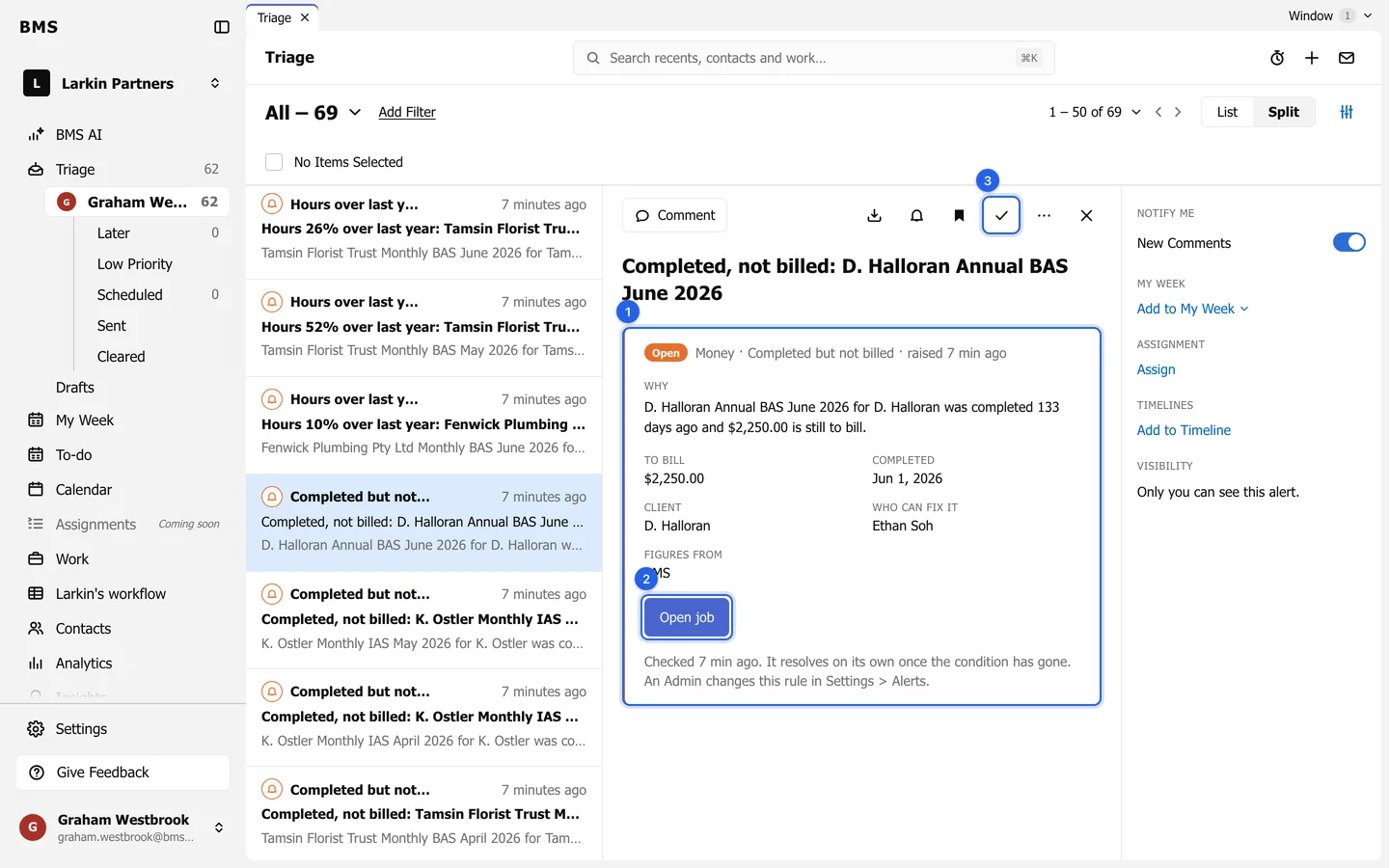
BMS checks your firm’s figures every 15 minutes and raises an Alert in Triage when something needs attention. There is one alert per problem, updated in place: it comes back to your inbox only if it gets worse, and it resolves and clears itself once the problem has gone.
| Alert | Raised when |
|---|---|
| Completed but not billed | A job was finished but still has amounts to bill. |
| Invoice overdue | An invoice is 30, 60 or 90 days overdue. |
| Hours over budget | Time on a job has passed its budget. |
| Hours over last year | A job has taken more hours than the same job a year earlier and is not finished. |
Deadlines
Section titled “Deadlines”| Alert | Raised when |
|---|---|
| Tax return due and not signed | A return is due and its eSignature is not complete. |
| Lodged at the ATO, job still open | The ATO shows it lodged, but the job is still open. |
| Job completed, ATO still outstanding | The job is finished, but the ATO does not show it lodged. |
| Return past due, not lodged | A return is past its due date and the ATO shows it not received. |
| ATO lodgement list out of date | The newest ATO lodgement list is too old; import this week’s. |
| BAS due | A BAS is due or overdue and not finished. |
| SMSF with the auditor too long | An SMSF job has sat with the auditor too long. |
Workload and clients
Section titled “Workload and clients”| Alert | Raised when |
|---|---|
| Workload out of balance | Someone is scheduled over capacity while others have room. |
| Job waiting to be assigned | A job has nobody to do it. |
| Waiting on client | A job has waited on its client too long. |
| Client not contacted | Clients have had no email for a long time. |