

Reply, forward and write an email
Compose with recipients, attachments and templates.
-
Open the email and press Reply to All, Reply (the arrow) or Forward. To start a new email, press Compose in the top bar.
-
Check To; Show cc/bcc adds Cc and Bcc. Add to Work files the email on a job as it is sent.
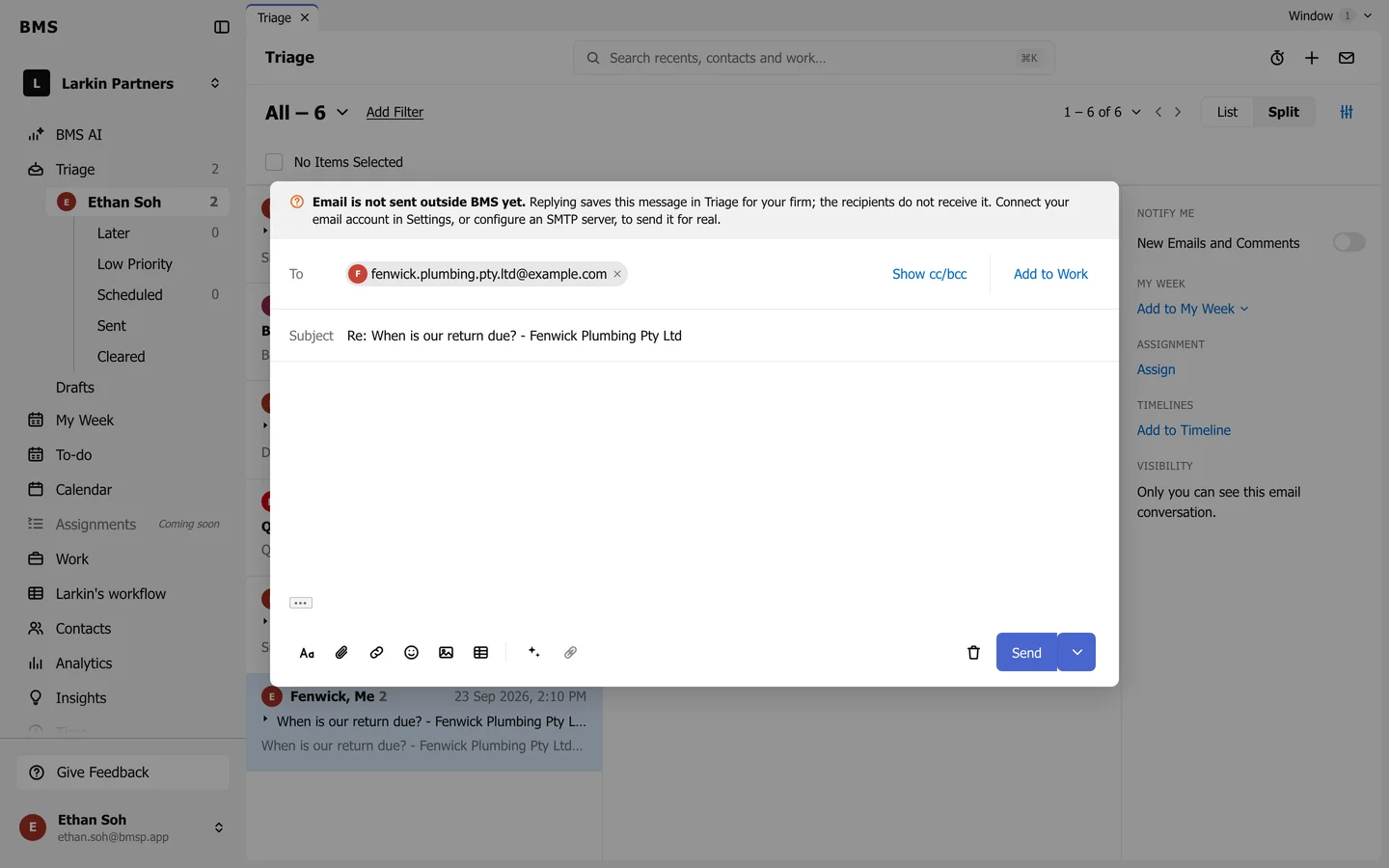
The composer. -
Write your message. The toolbar formats text, Attach a file, inserts a link, emoji, image or table, and inserts an Email template.
-
Press Send, or Cmd+Enter / Ctrl+Enter and confirm.
BMS saves your draft as you type; close the composer and it waits in Drafts. If your message mentions an attachment but has none, BMS asks before sending.