

Change status, assign or complete a job
Move a job on, hand it over or mark it completed.
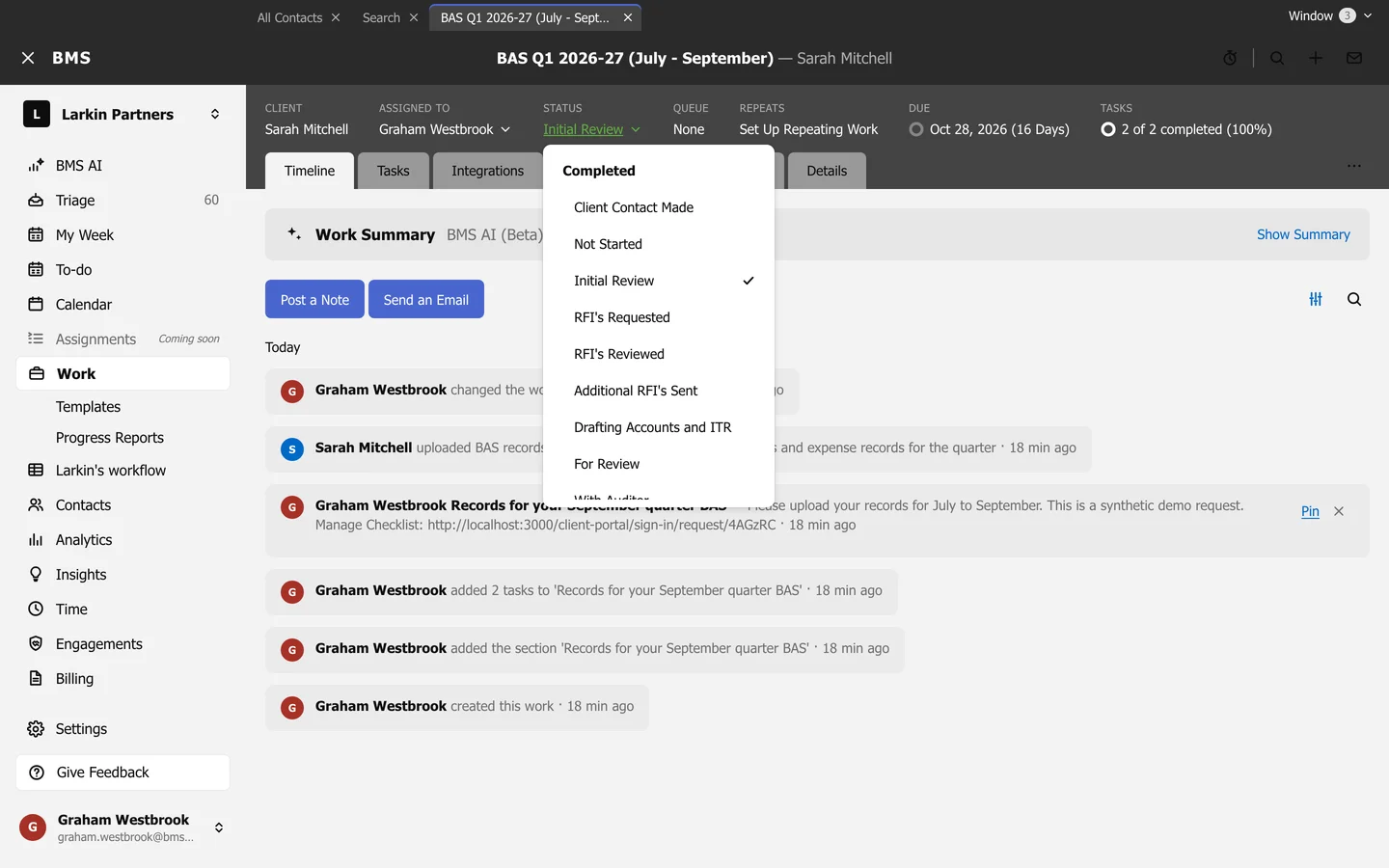
Change the status
Section titled “Change the status”Press Status in the job’s header and choose the new one. Main statuses are in bold, with their sub-statuses under them.
Hand it over
Section titled “Hand it over”Press Assigned to in the header and choose a colleague, or Unassigned. Work item options > Assign takes it yourself.
Mark it completed
Section titled “Mark it completed”Work item options > Mark as Completed finishes the job.