

Summarise a job with BMS AI
A short summary of the timeline; never given money.
At the top of a job’s Timeline, the Work Summary band (BMS AI (Beta)) summarises the job’s history in a few bullet points.
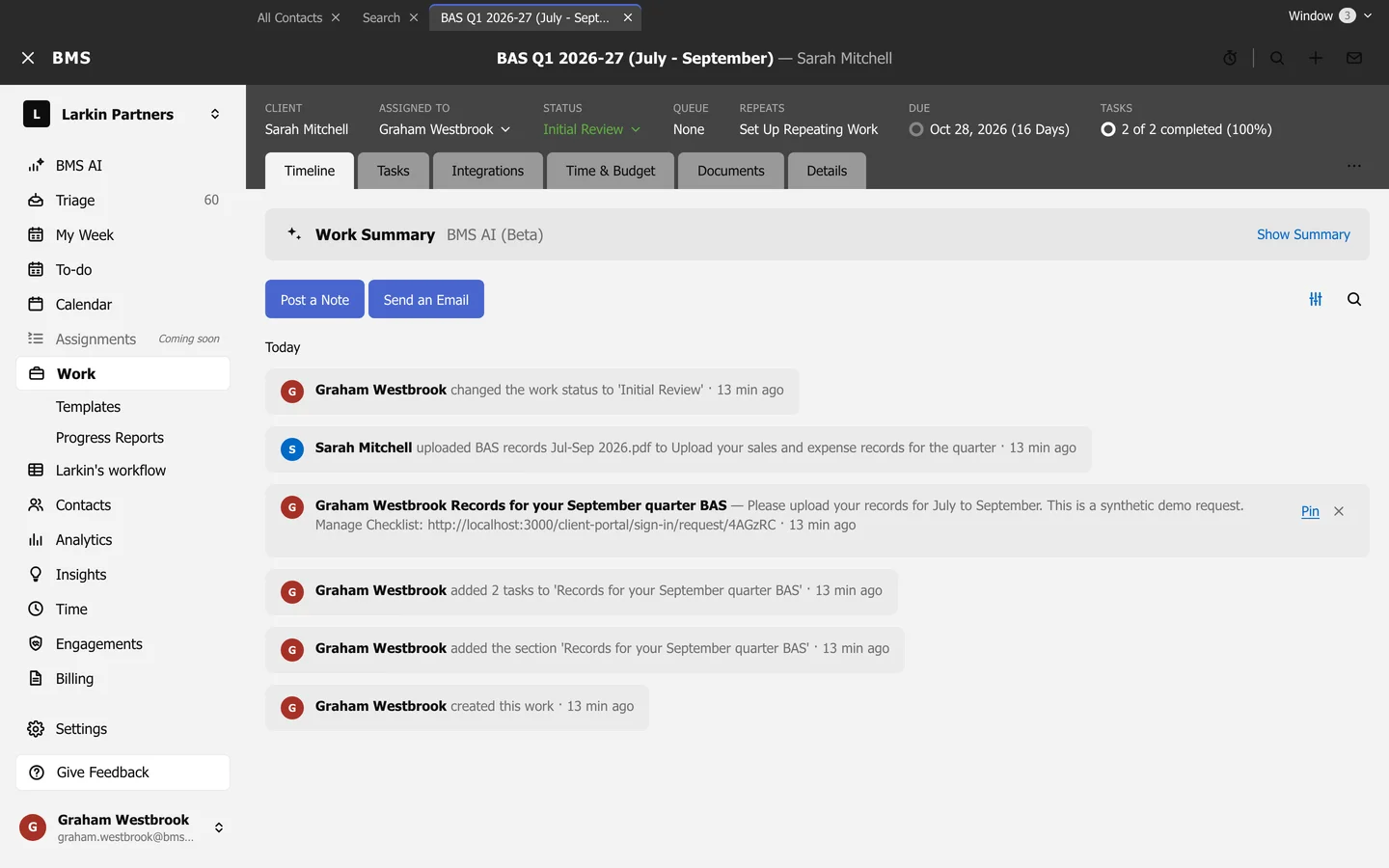
- Show Summary writes it; Refresh rewrites it after new activity; Hide Summary folds it away.
- The summary never includes money figures, because colleagues who cannot see dollar amounts may read it.