

Edit a colleague's capacity
Hours per week used by Resource Planning and utilization.
-
Go to Settings > Colleagues (or press Edit capacity in Settings on Resource Planning).
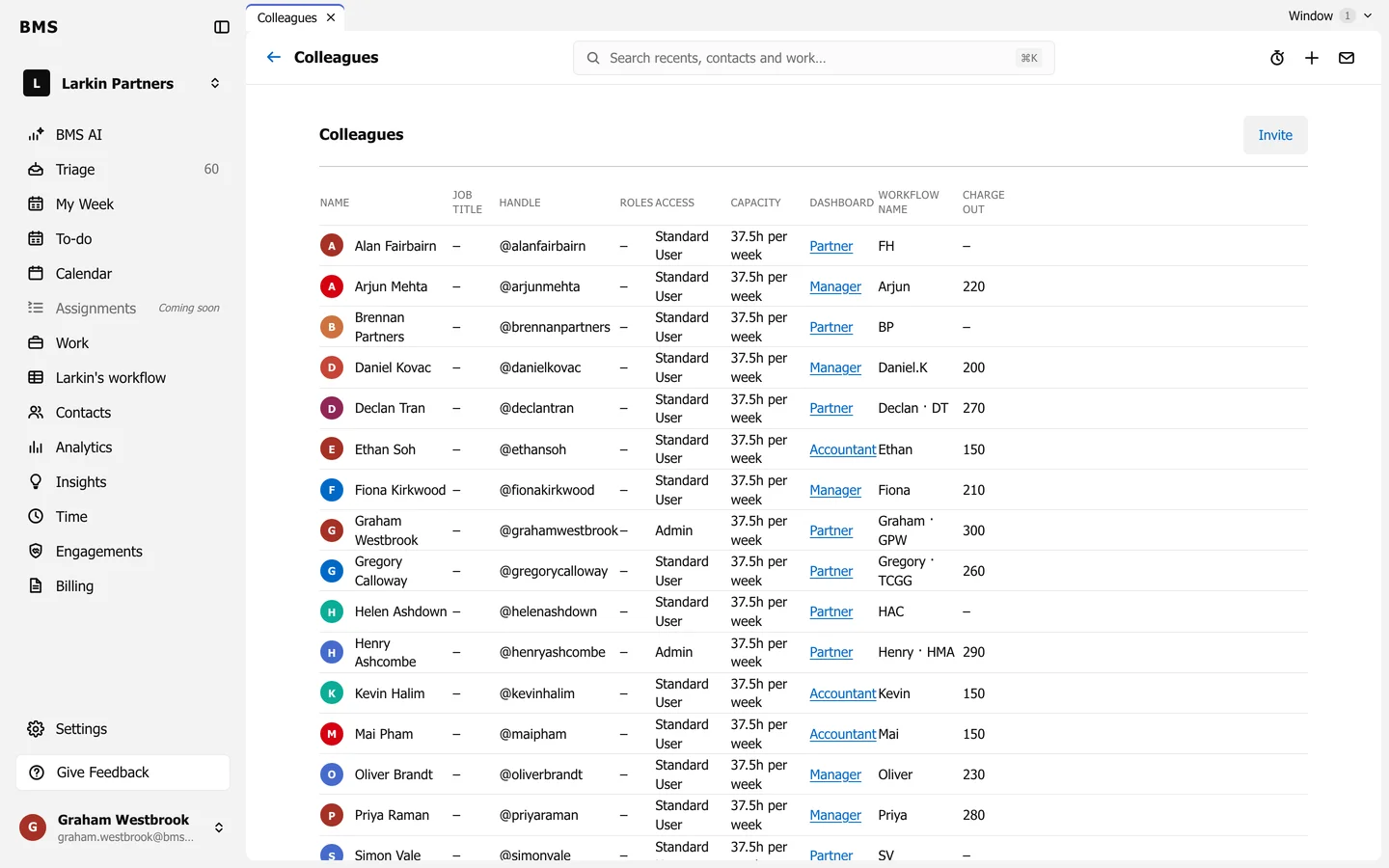
The Capacity column. -
Press the colleague’s Capacity, such as 37.5h per week.
-
Enter their Hours per week, whole or fractional (such as
40or37.5), and save.
Resource Planning, Colleague Utilization and the Analytics capacity figures all use it.