

Practice system: MYOB AE or BMS
What changes when the firm keeps money in MYOB AE.
Settings > MYOB AE has two cards.
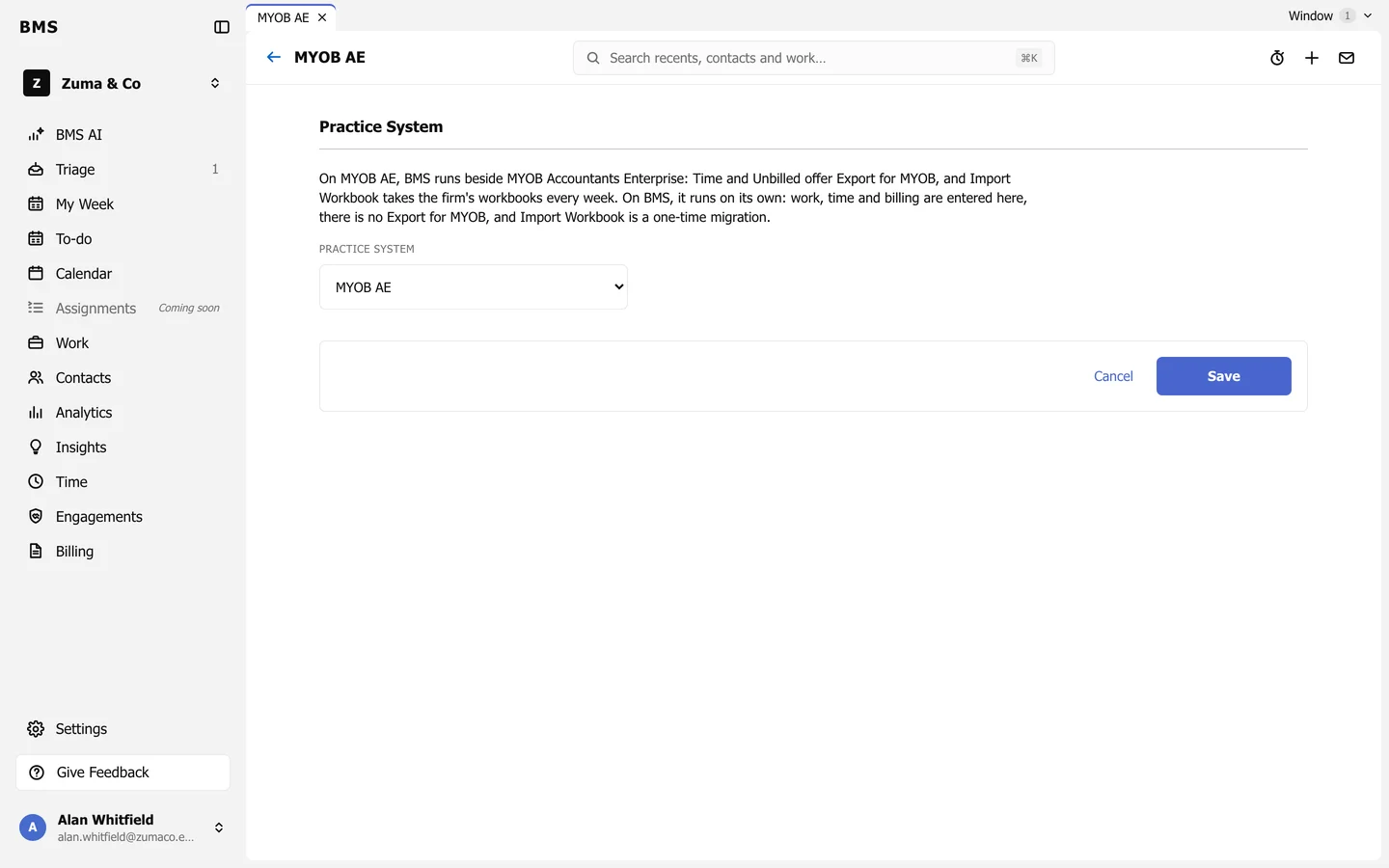
Practice System
Section titled “Practice System”Press Edit on Practice System and choose:
- MYOB AE: BMS runs beside MYOB Accountants Enterprise. Time and Unbilled offer Export for MYOB, and Import Workbook takes the firm’s workbooks every week.
- BMS: BMS runs on its own. Work, time and billing are all entered in BMS, there is no Export for MYOB, and Import Workbook is a one-time migration.
MYOB AE
Section titled “MYOB AE”Press Edit on MYOB AE and tick Read WIP, billing and debtors from MYOB AE, then choose the Reader.
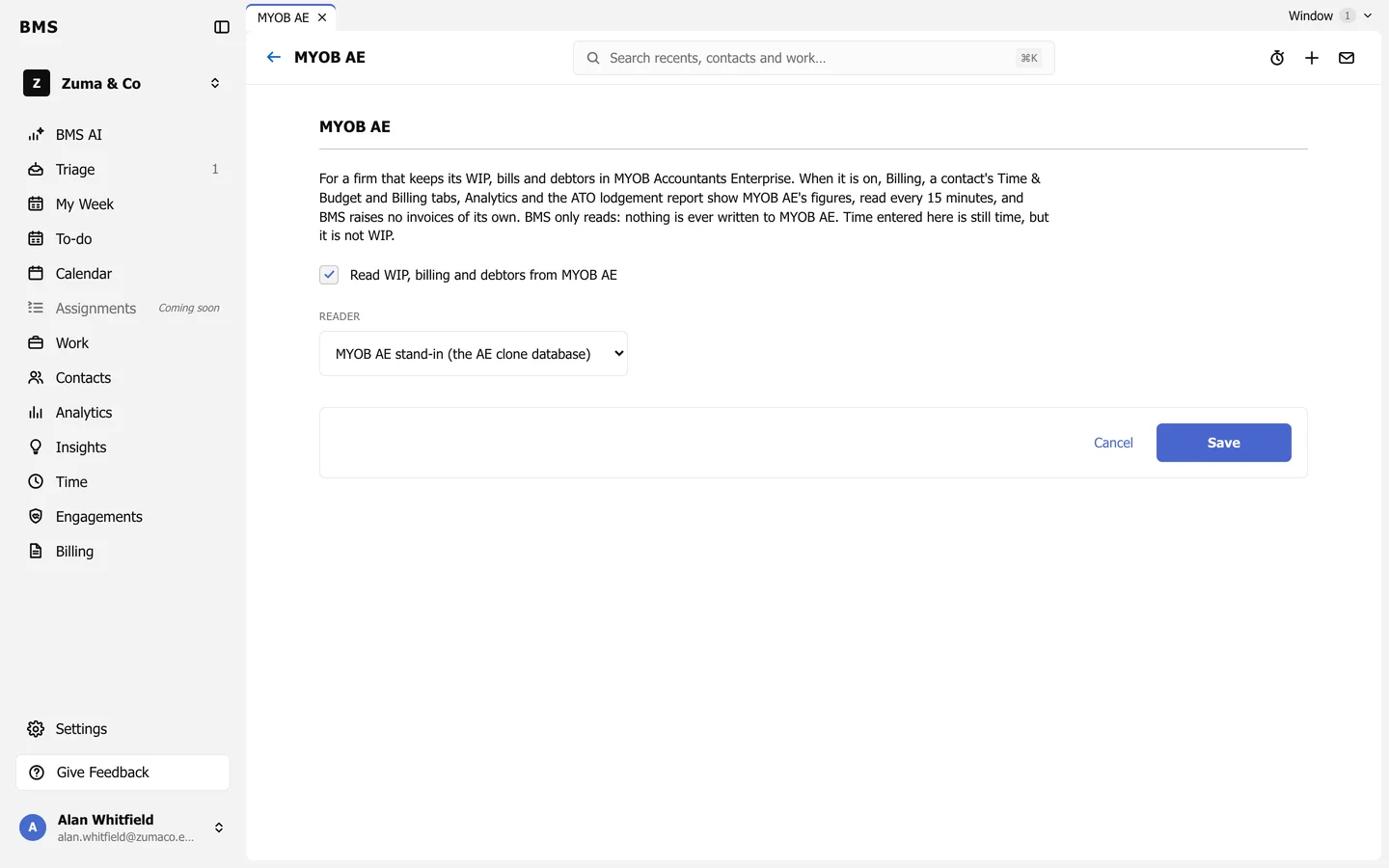
When it is on:
- Billing shows MYOB AE’s WIP, bills and debtors, and BMS raises no invoices of its own.
- A contact’s Time & Budget and Billing tabs, Analytics and the ATO lodgement report all show MYOB AE’s figures.
- Time entered in BMS is still time, but it is not WIP until it reaches MYOB AE.