

Firm-wide permissions
Let everyone see dollar amounts or change any status.
At the bottom of Settings > Colleagues, Firm-wide Permissions gives a permission to every colleague at once, whatever their access level.
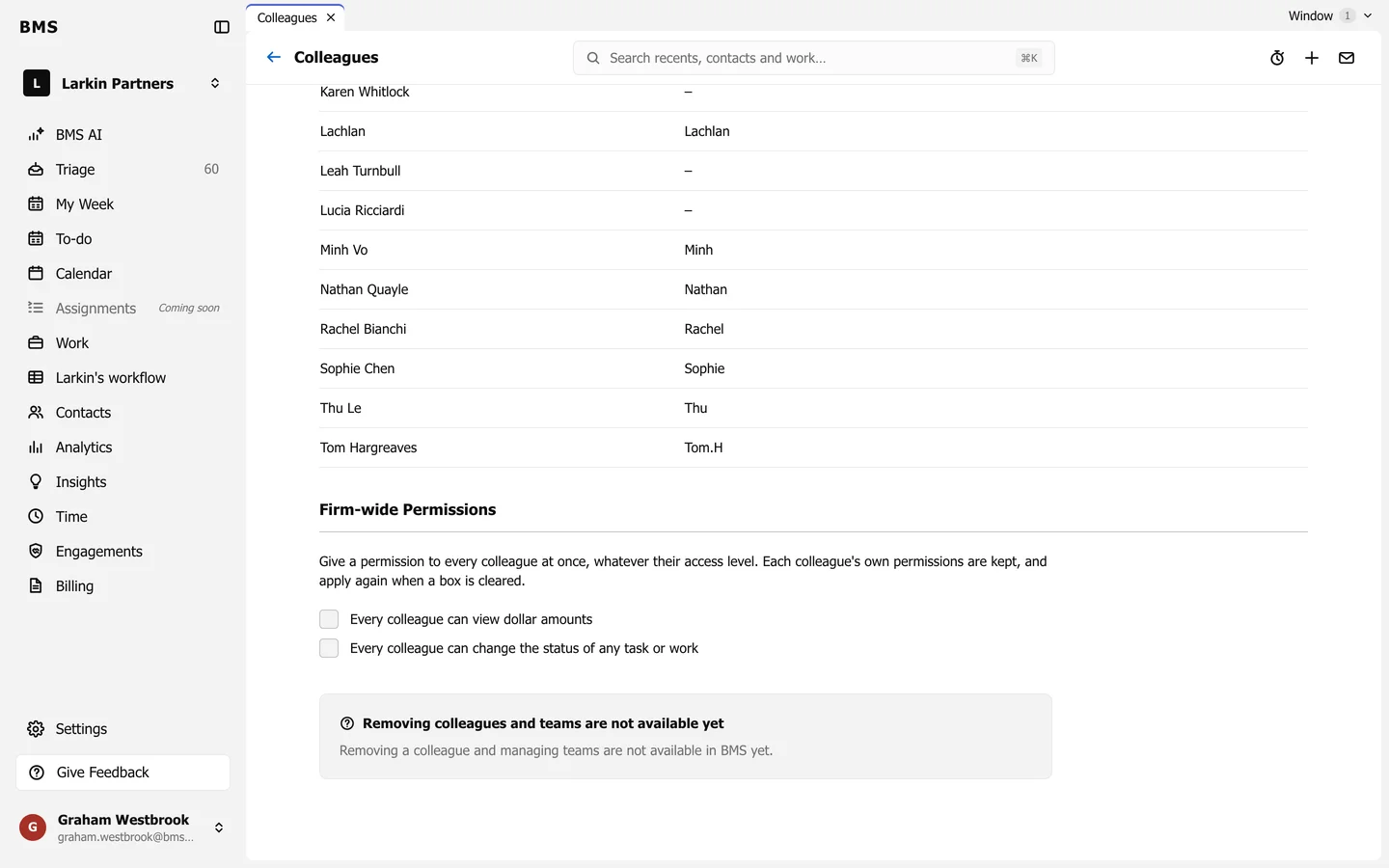
- Every colleague can view dollar amounts
- Every colleague can change the status of any task or work
Each colleague’s own permissions are kept, and apply again when you clear a box.