

Connect your Gmail or Office 365 mailbox
Bring your own email into Triage; only you see your mailbox unless you share it.
-
Go to Settings > Email.
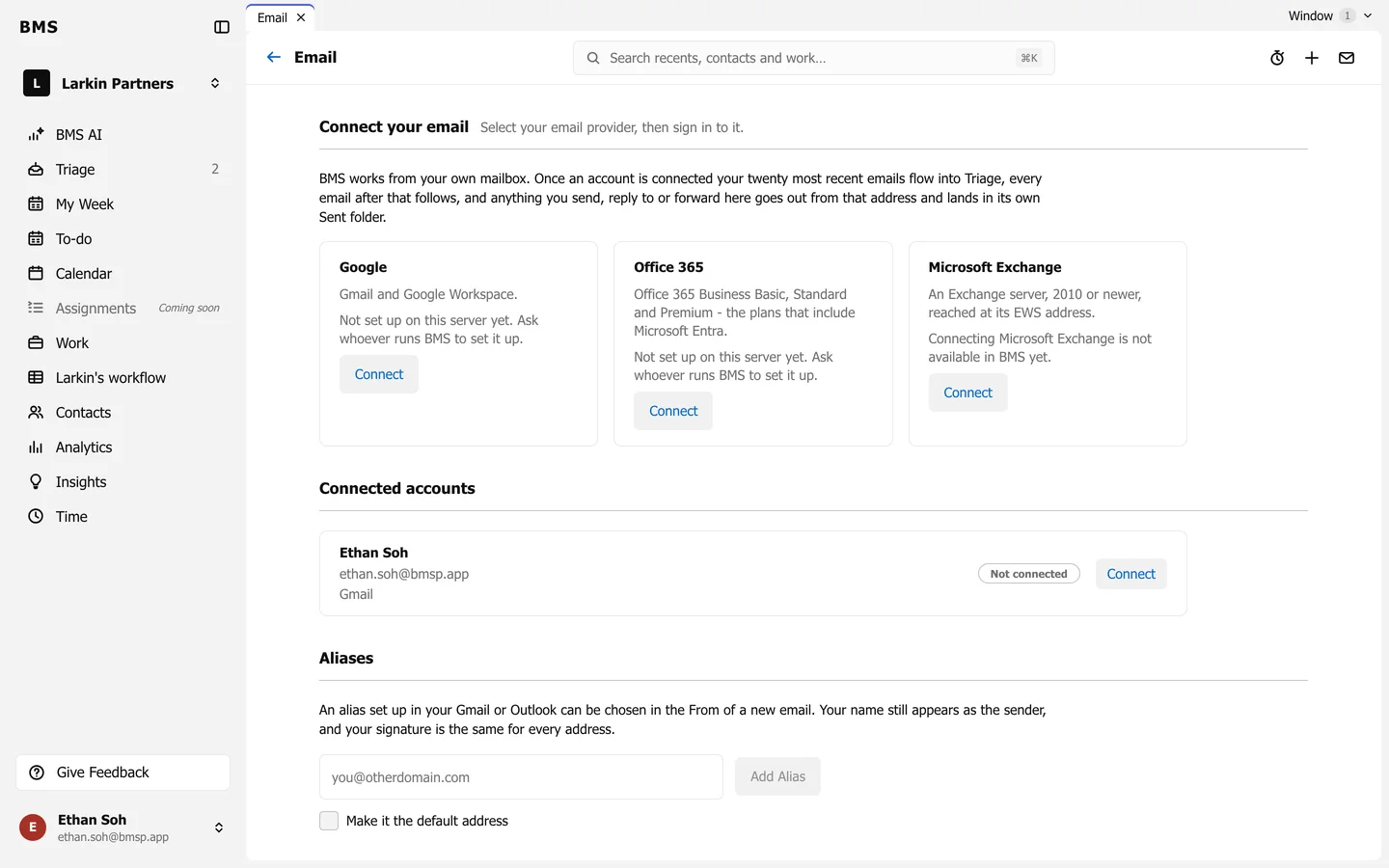
Settings > Email. -
Under Connect your email, choose Google (Gmail and Google Workspace) or Office 365, and press Connect.
-
Sign in to your email account and allow BMS access.
-
Back in BMS, your 20 most recent emails arrive in Triage, and every new email follows.
Once connected, Send, Reply and Forward go out from your own address. Connected accounts lists each mailbox as Connected, Disconnected or Not connected, with Reconnect and Disconnect.