

Record a payment and apply credit
Manual payments, reversals and credits.
-
Open the invoice and choose Record Manual Payment from the … menu.
-
Enter the Amount, Payment Date and Payment Method (such as Bank Transfer, Cash, Check or Direct Debit), and save.
The payment appears on the invoice’s Payments tab, and the invoice moves to Paid once nothing is due.
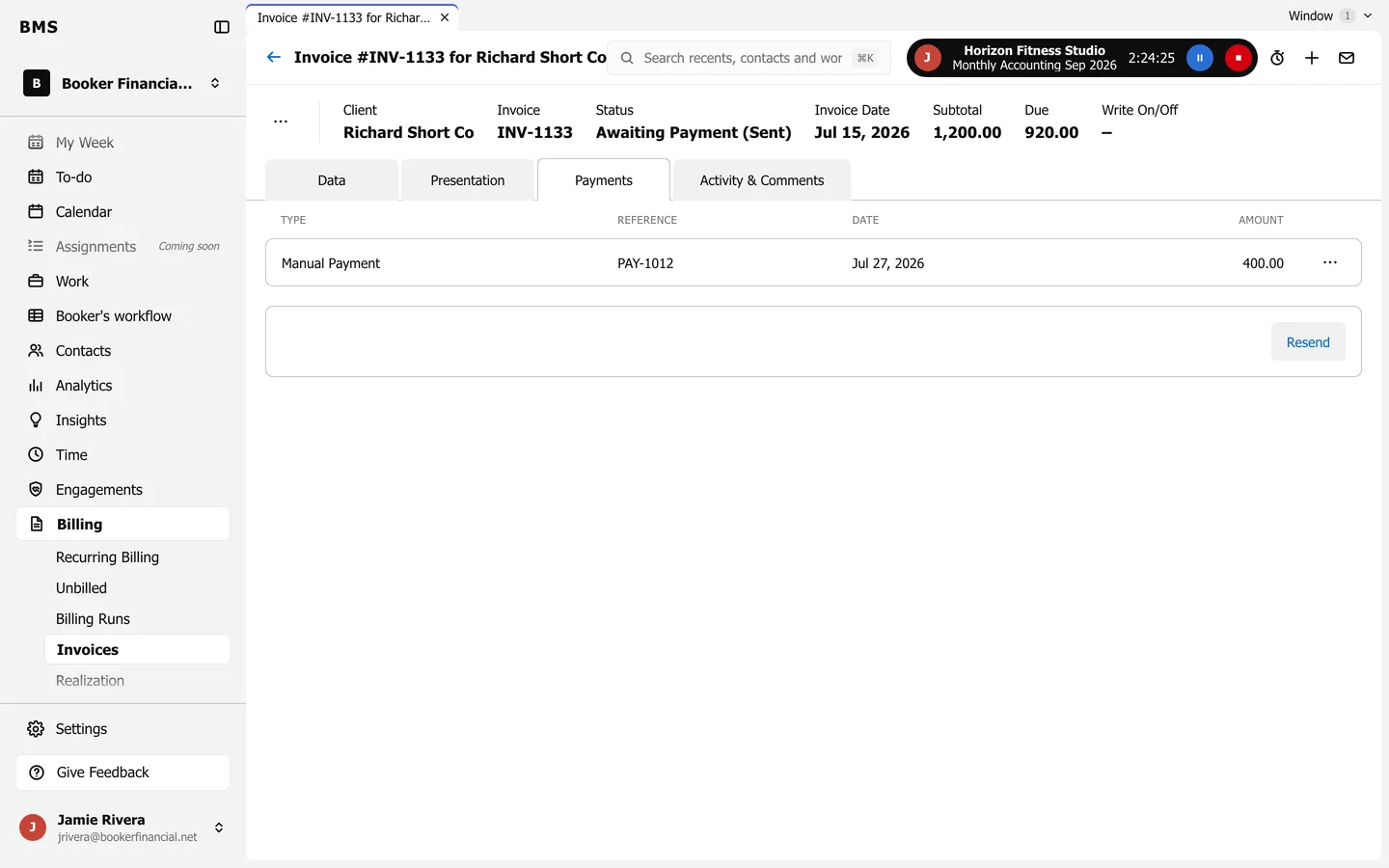
- To undo a payment, use the … on its line and choose Reverse.
- To use a client’s credit, such as an unused credit note, choose Credit and pick the invoice it applies to.
Payments from a bank statement can be matched in one go with Bank Matching.