

Archive, restore or delete a contact
Keep the list current without losing history.
Open the contact and press Contact options (the three dots at the right of the tabs).
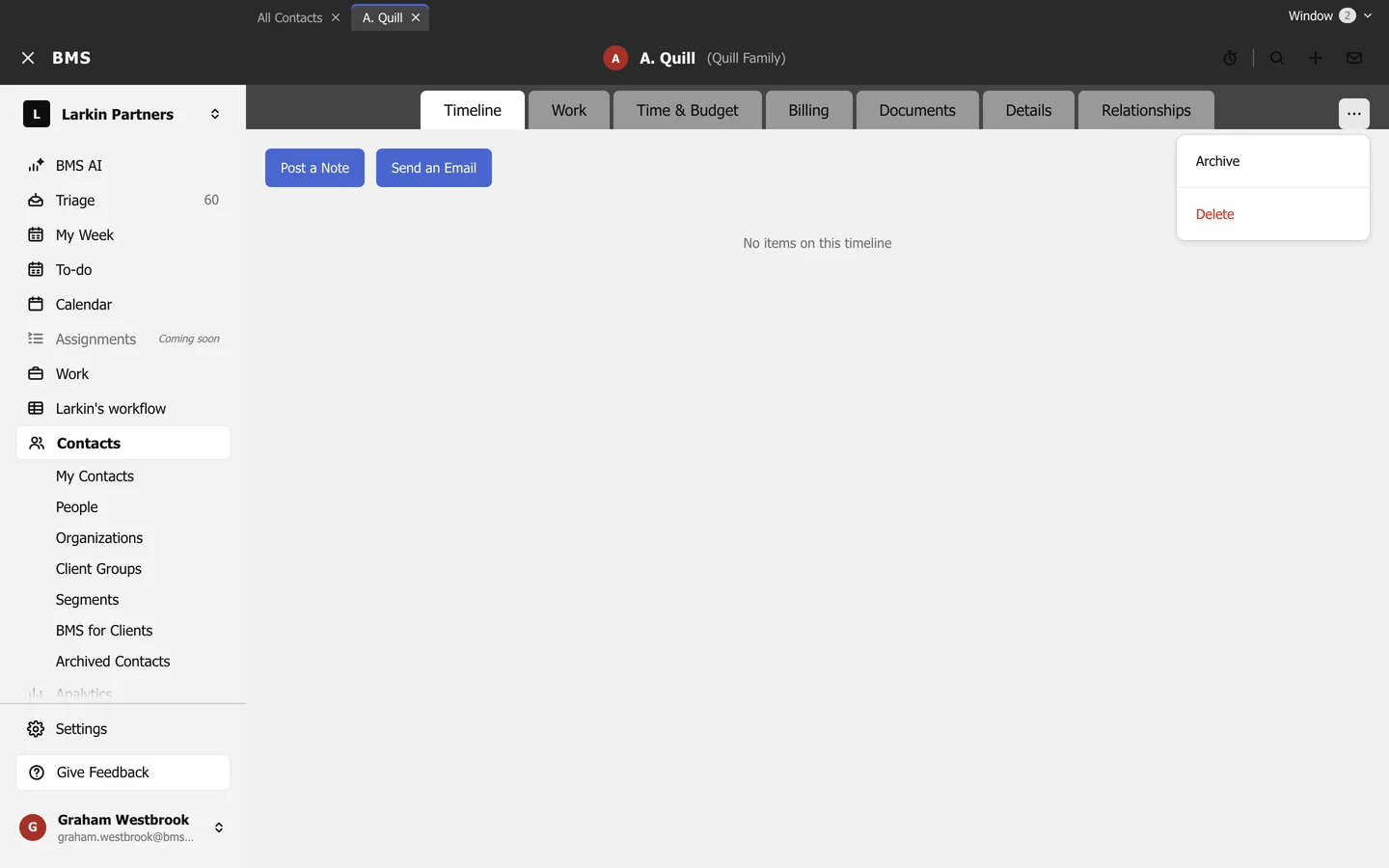
- Archive hides a former client from every list, picker and search, but keeps their history. Find them again under Contacts > Archived Contacts.
- Restore, on an archived contact, brings them back.
- Delete removes the contact for good, after confirming.