

A client's documents
From client, shared with client, and folders.
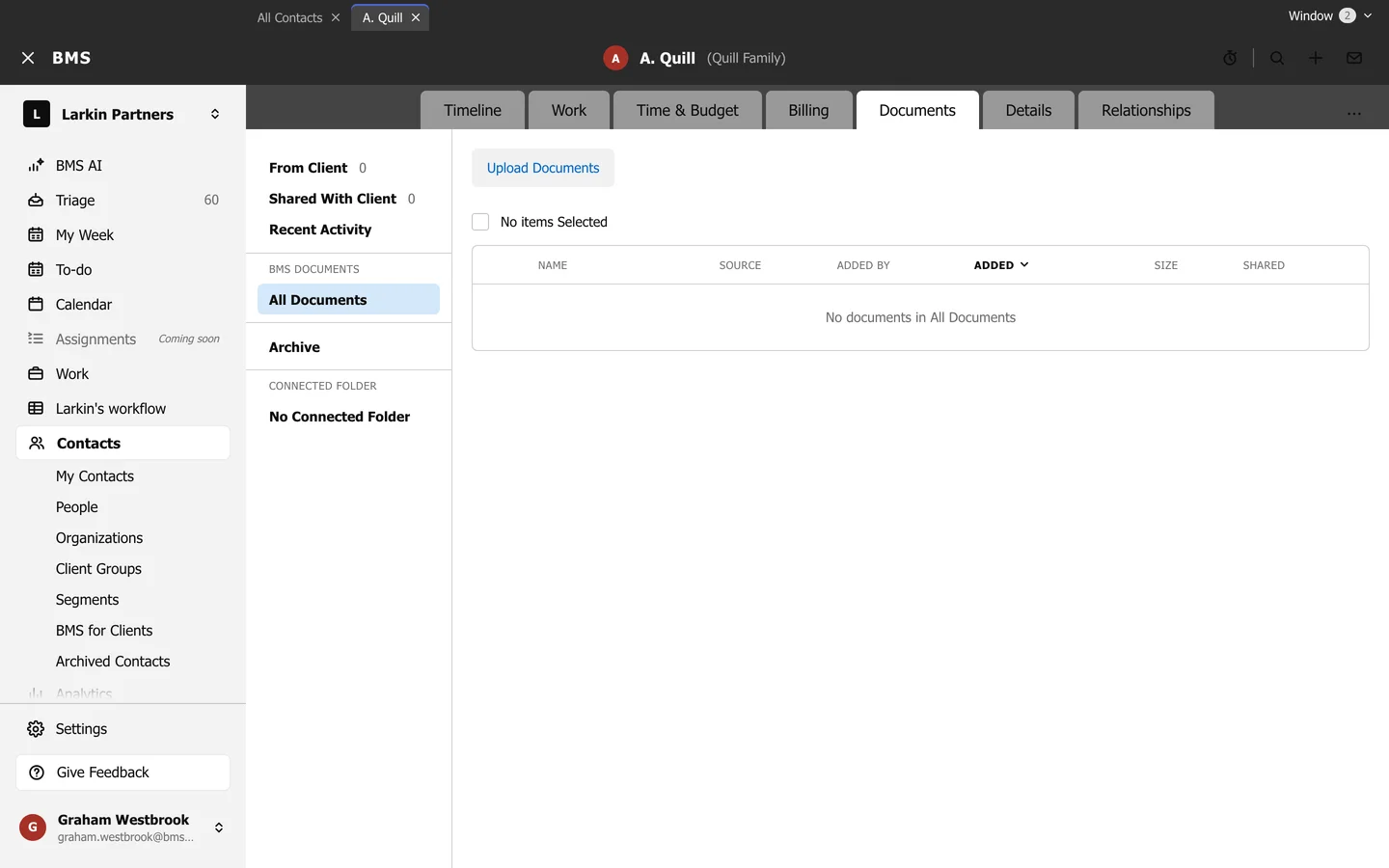
- From Client: what the client uploaded in the portal.
- Shared With Client: what you have shared with them.
- Recent Activity: the latest changes.
- All Documents: every file in BMS for the client; Upload Documents adds more.
- Archive: files put away.
- Connected Folder: the client’s folder in Google Drive, OneDrive or Dropbox, once connected.
Tick files to share, download or archive them.