

How BMS reads MYOB AE
Clients, jobs, WIP, invoices and debtors come in through a daily import file today.
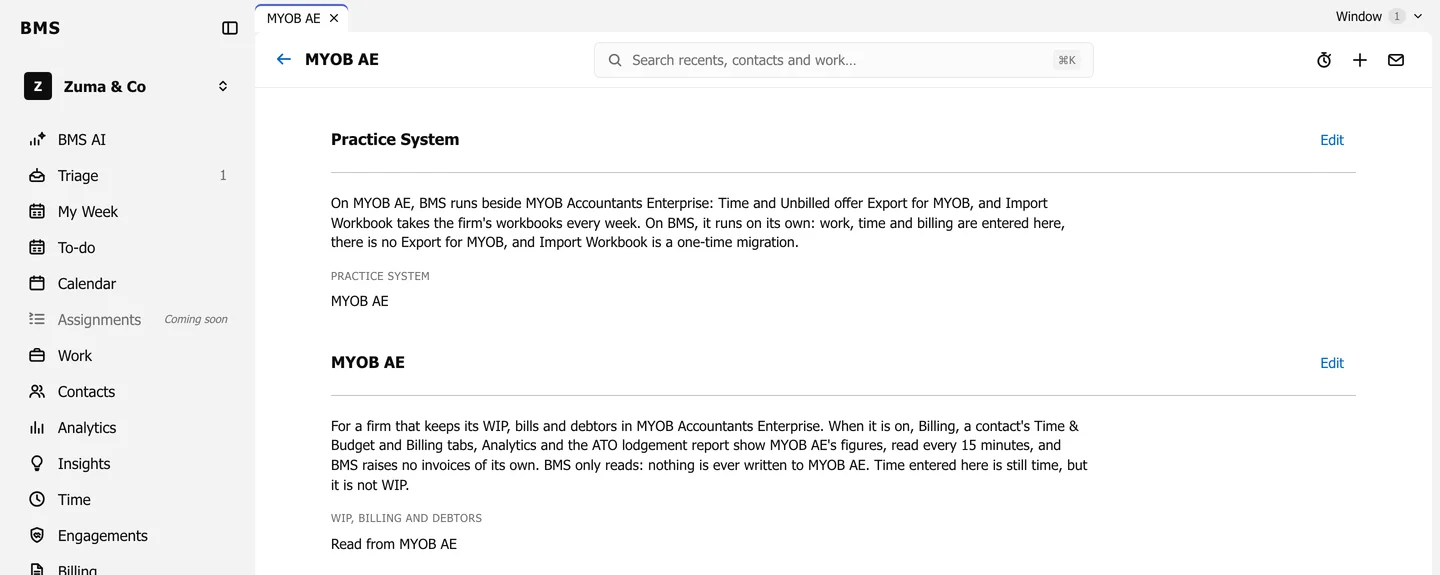
When your firm keeps its money in MYOB Accountants Enterprise, BMS reads it and never writes to it. All data entry for WIP, bills and debtors stays in MYOB AE.
BMS reads five things from MYOB AE:
- the client list
- unbilled WIP
- bills
- write-offs
- debtors
Together these are a snapshot, dated by when MYOB AE exported them. Billing, a contact’s Time & Budget and Billing tabs, Analytics and the ATO lodgement report all show that snapshot.
Today: a daily import file
Section titled “Today: a daily import file”For now, an Admin exports the day’s reports from MYOB AE and uploads them with Import Files; see Import the daily MYOB AE files.
A direct, read-only connection that keeps the snapshot current on its own is planned for Phase 2.
Clients are matched by code
Section titled “Clients are matched by code”Each MYOB AE client is matched to the BMS contact whose Client ID is its MYOB AE client code. A MYOB AE client with no matching contact is still counted in every total, marked Not in BMS.