Install BMS on your phone
Open bmsp.app on your phone and add it to the home screen.
BMS has a phone app that you install from the browser; there is nothing to download from an app store. When you open bmsp.app on a phone, it opens the phone screens automatically.
iPhone
Section titled “iPhone”-
Open bmsp.app in Safari and sign in.
-
Tap the Share button, then Add to Home Screen, then Add.
-
Open BMS from its icon on your home screen.
Android
Section titled “Android”-
Open bmsp.app in Chrome and sign in.
-
Tap the ⋮ menu, then Install app (or Add to Home screen).
-
Open BMS from its icon.
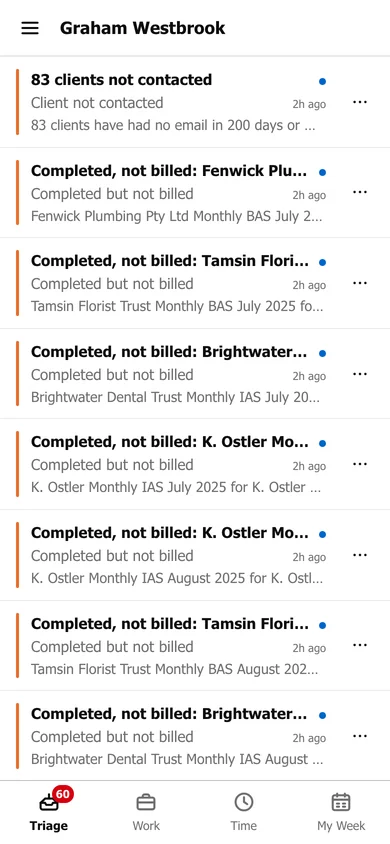
The app opens on Triage. The bar along the bottom moves between Triage, Work, Time and My Week.