

Send an engagement letter to sign
Send to Client as an eSignature package, or Accept on Behalf.
On a draft engagement, press Send to Client. The letter goes to the client’s signatory as an eSignature package in BMS for Clients, and the engagement moves to Awaiting Client.
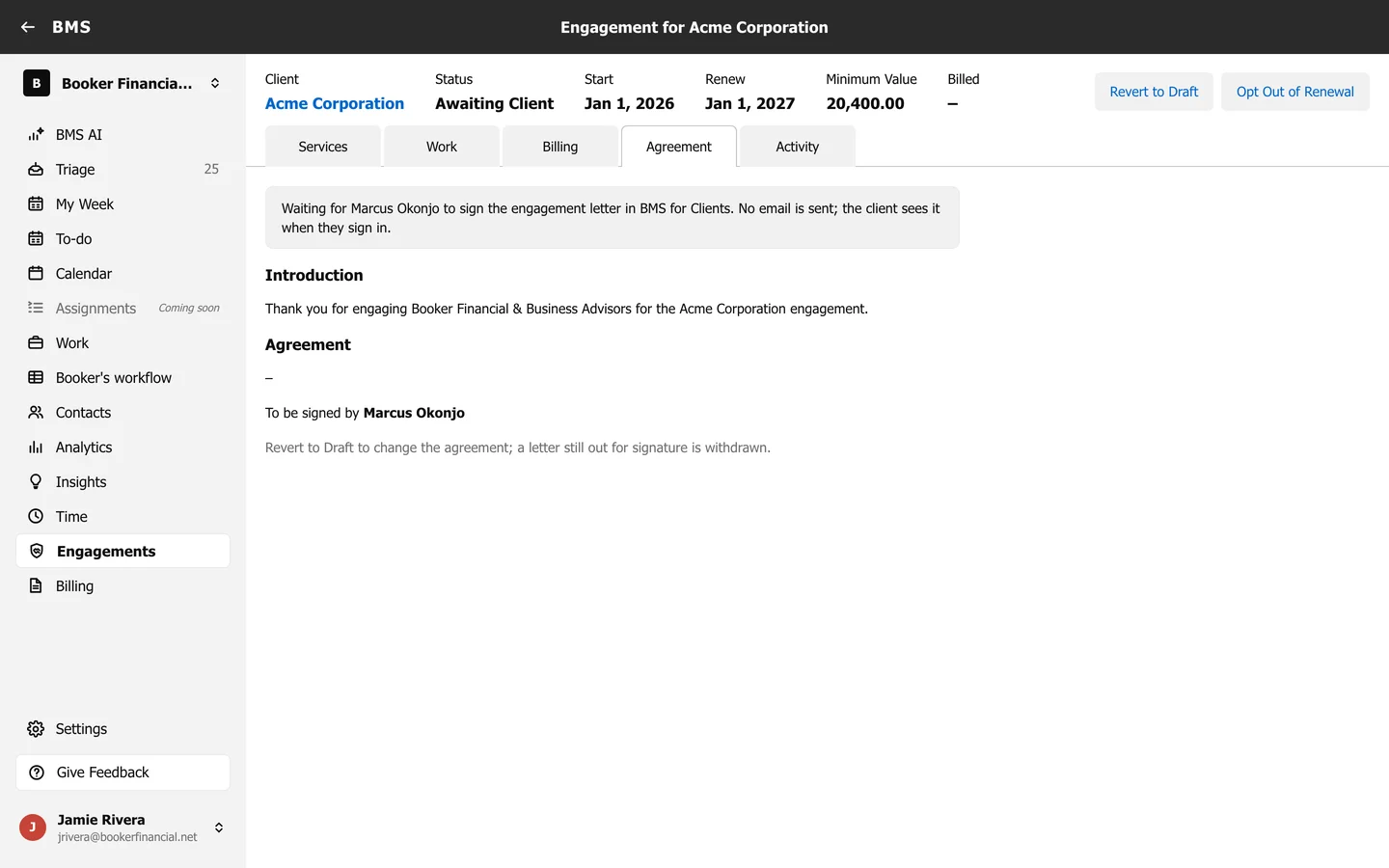
When the client signs, the engagement is accepted, and it becomes active on its start date: its work is created and billing starts.
- If the client has already agreed another way, press Accept on Behalf instead.
- To change the letter after sending, press Revert to Draft; the letter out for signature is withdrawn.