

Give a colleague access to your Triage
Delegated Triage for assistants and leave cover.
-
Open Edit Profile and find Delegated Triage.
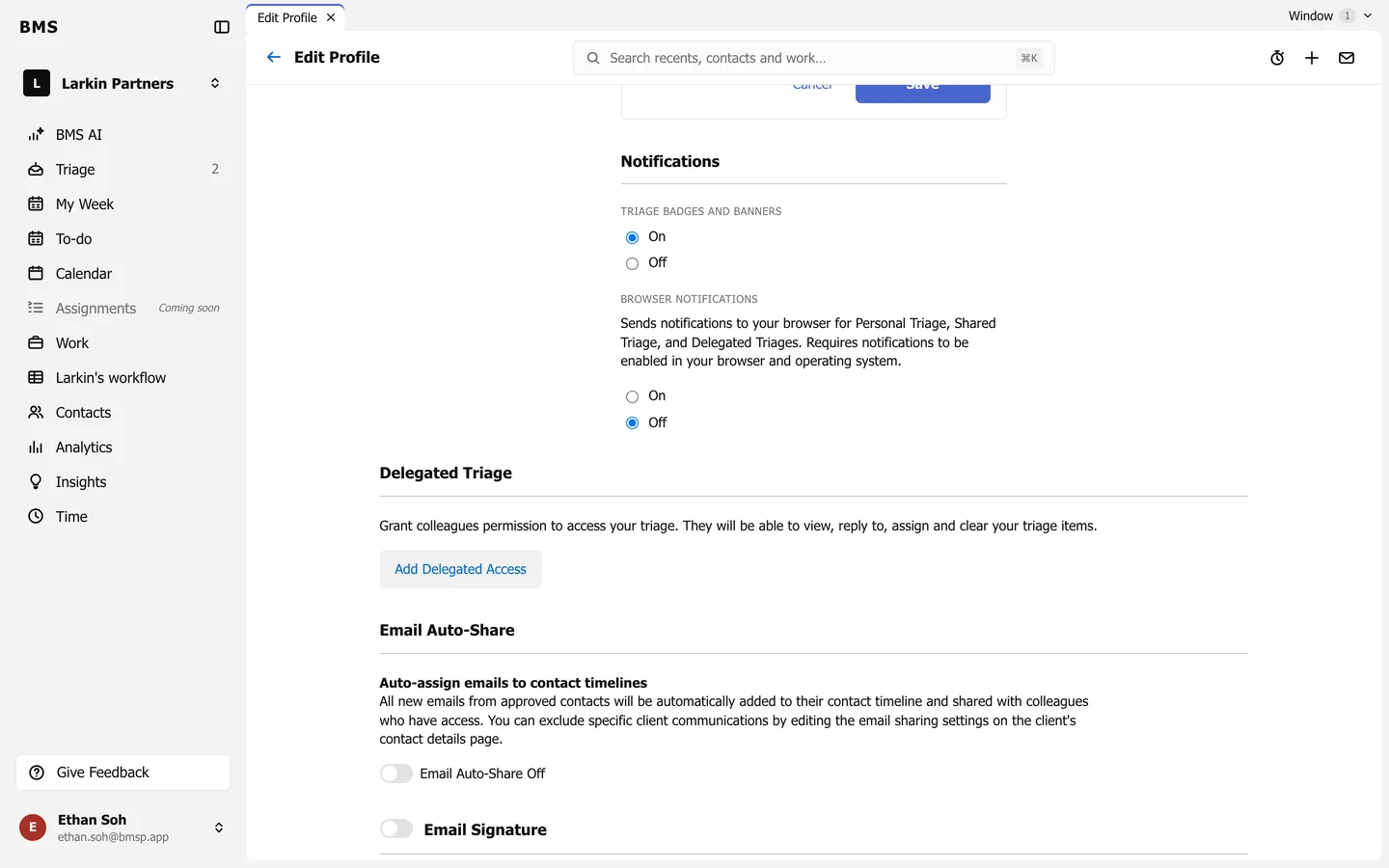
Delegated Triage on your profile. -
Press Add Delegated Access and choose the Colleague.
-
Under Show Triage history, choose From Today or From Custom Date.
-
Optionally tick Let your delegate view items normally hidden by privacy rules, then save.
Your delegate sees your Triage under Delegated to you, with your Later, Low Priority, Sent and Cleared folders. They compose and reply as themselves, not as you. Edit and Remove on the row change or end the access.