

Read and answer the client on a request
See uploads, skips and messages per item, and reply under the item.
Everything the client did on a request shows under each item on the job’s Tasks tab.
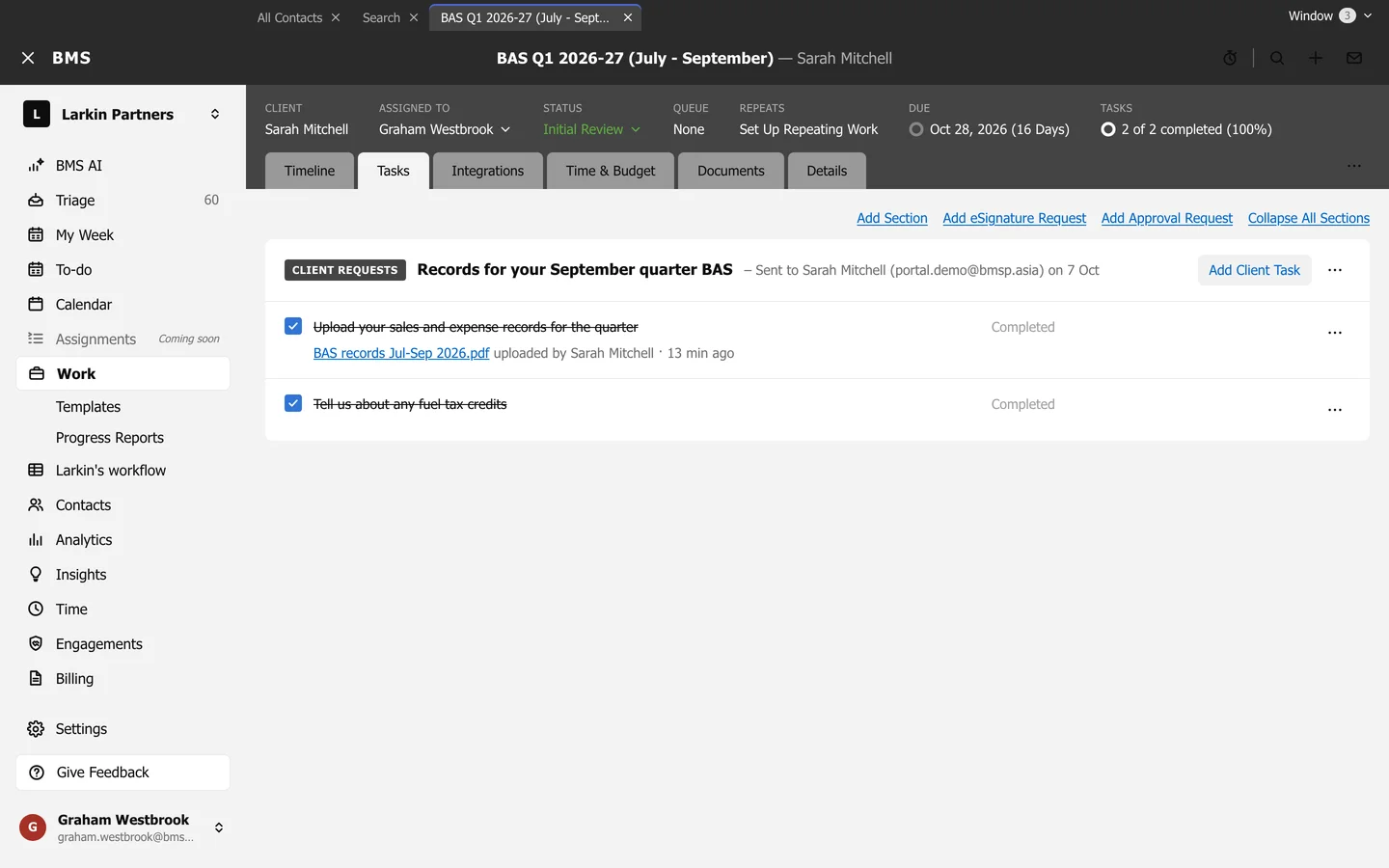
- Uploads are linked under the item, with who uploaded them and when.
- Skipped by client shows the reason the client gave for not having it.
- Client replies shows their comments.
Reply under an item
Section titled “Reply under an item”Open the item and type in Comment on the item, then press Comment. Choose External for the client to see it, or Internal for colleagues only. Add File for Client attaches a file for them; Notify me tells you about new comments.