

See a colleague's week
Colleague's Week for cover and reviews.
-
On My Week, press Colleague’s Week.
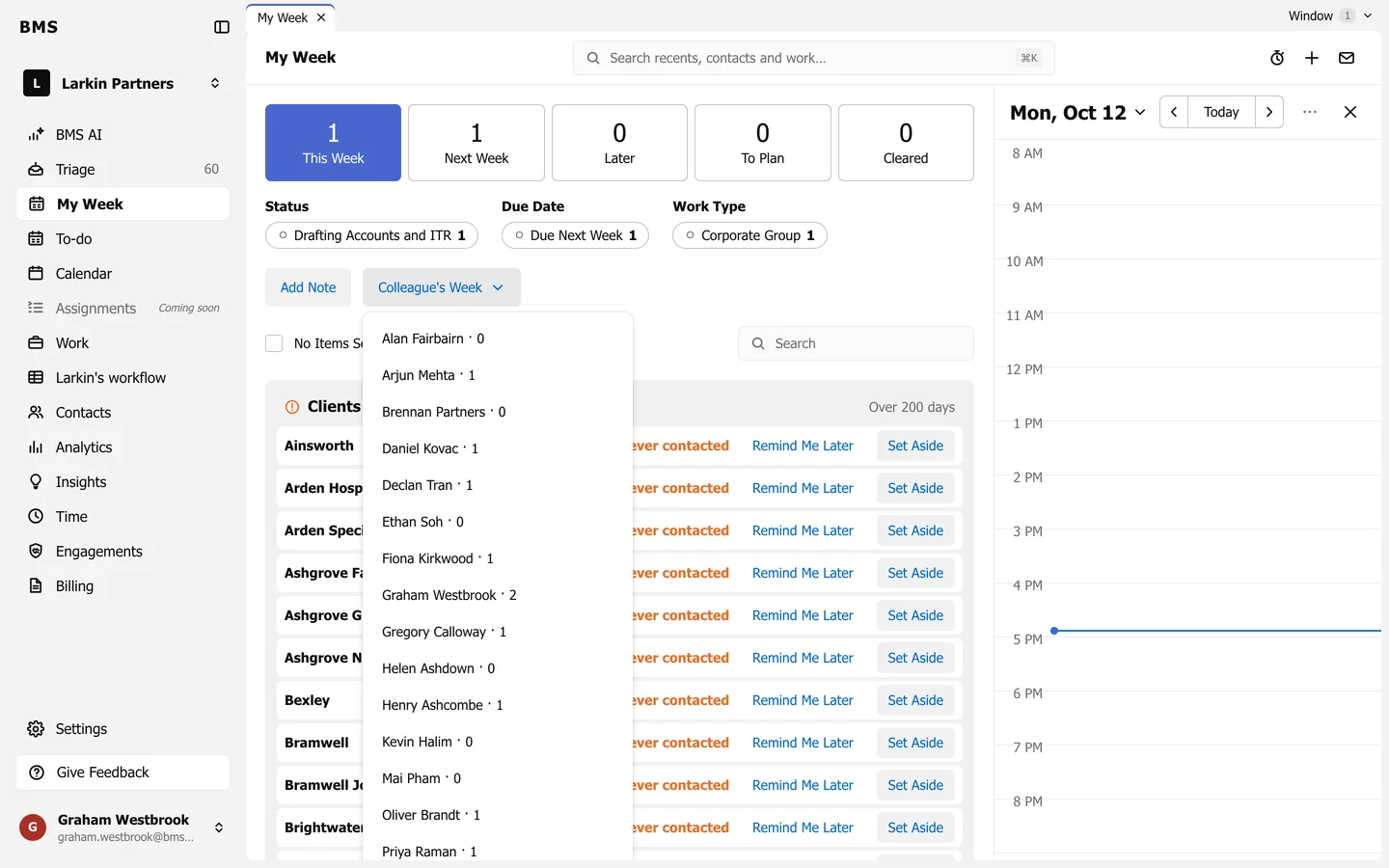
Each colleague with how many items they have planned. -
Choose the colleague. Their week opens with the same tiles and list as yours.
Use it to cover for someone who is away, or to see what a reviewer has coming before handing them more. Items with privacy settings that hide them from you are counted in a Hidden Items note instead of shown.