

Edit client details and the client team
Basics, contact details, client owner and manager, cards and custom fields.
The Details tab holds everything you know about the client.
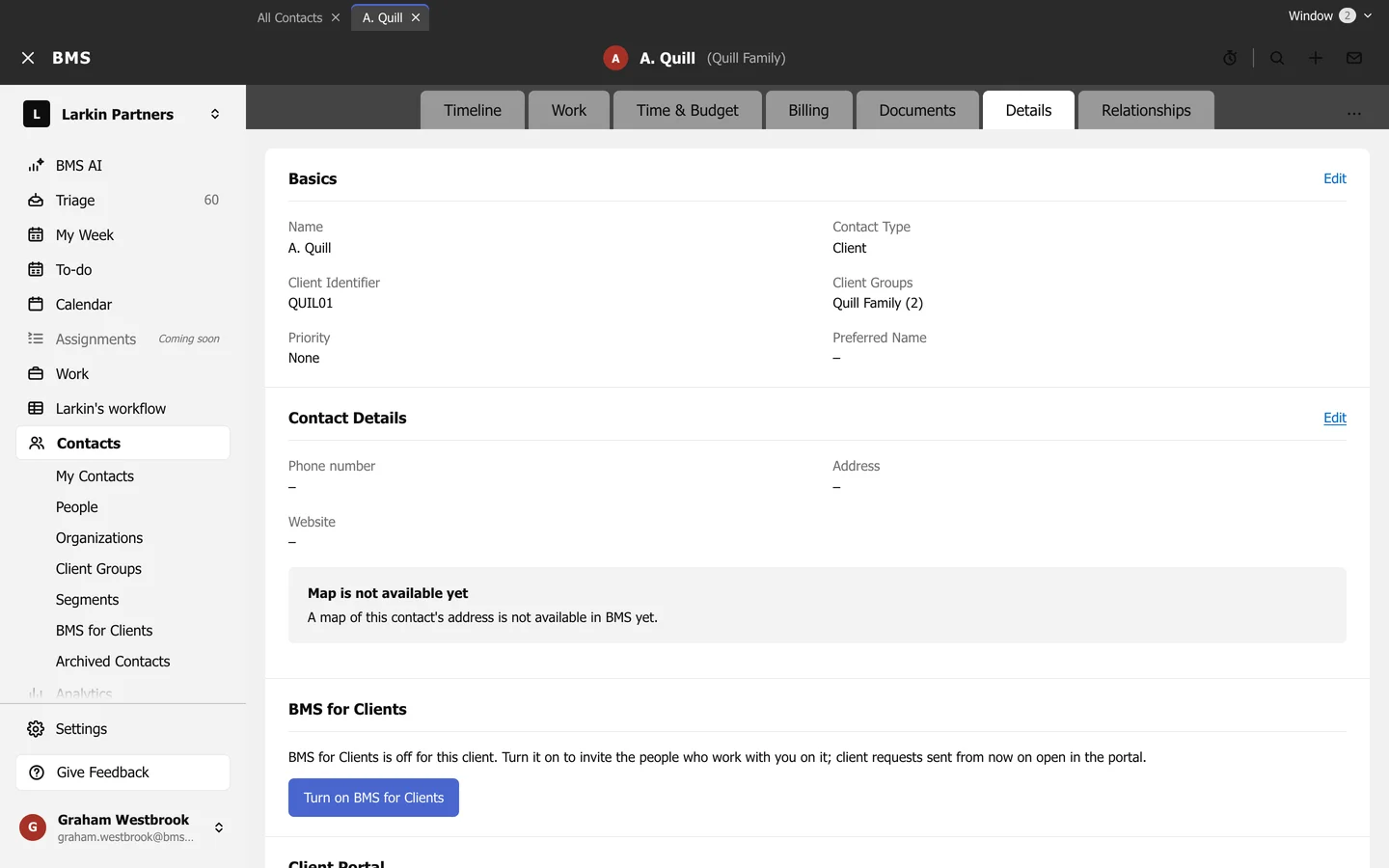
- Basics: name, contact type, Client Identifier, client groups, priority and preferred name.
- Contact Details: phone, address and website.
- BMS for Clients: whether the client can use the portal; see Turn on BMS for Clients.
- Further down: the Client Owner and Client Manager, tags and your firm’s custom fields.
Press Edit beside a section to change it, then save.