

Segments: saved client lists
Save a filtered list of clients to reuse and share.
A segment is a saved filter on Contacts, such as “Quarterly BAS clients”. It stays up to date: a client who matches the filters later joins it.
-
On Contacts, use Add Filter until the list shows the clients you want.
-
Open the view menu (All at the top left) and choose Save as New Segment.
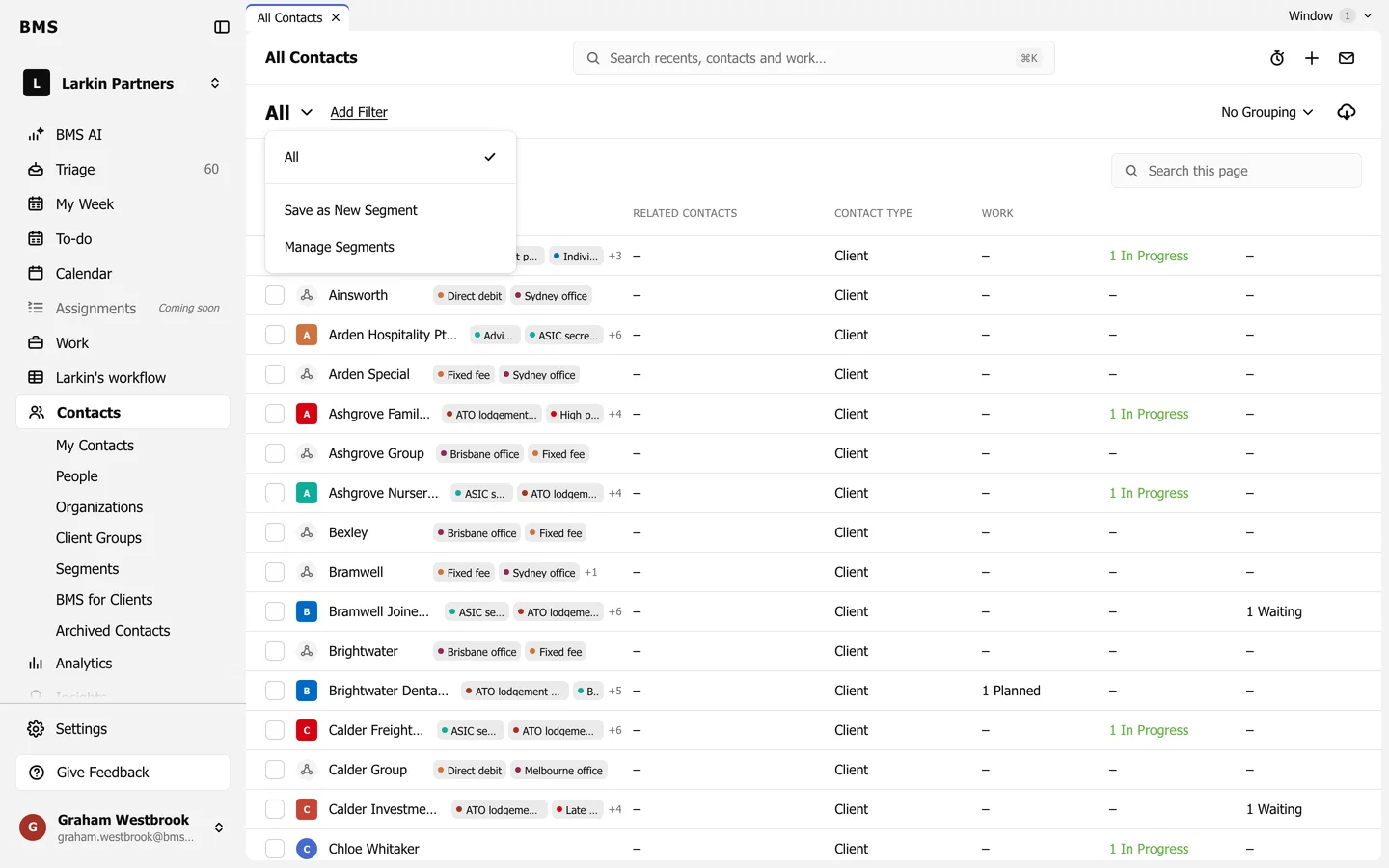
Save as New Segment. -
Name it, choose whether all colleagues can see it, and save.
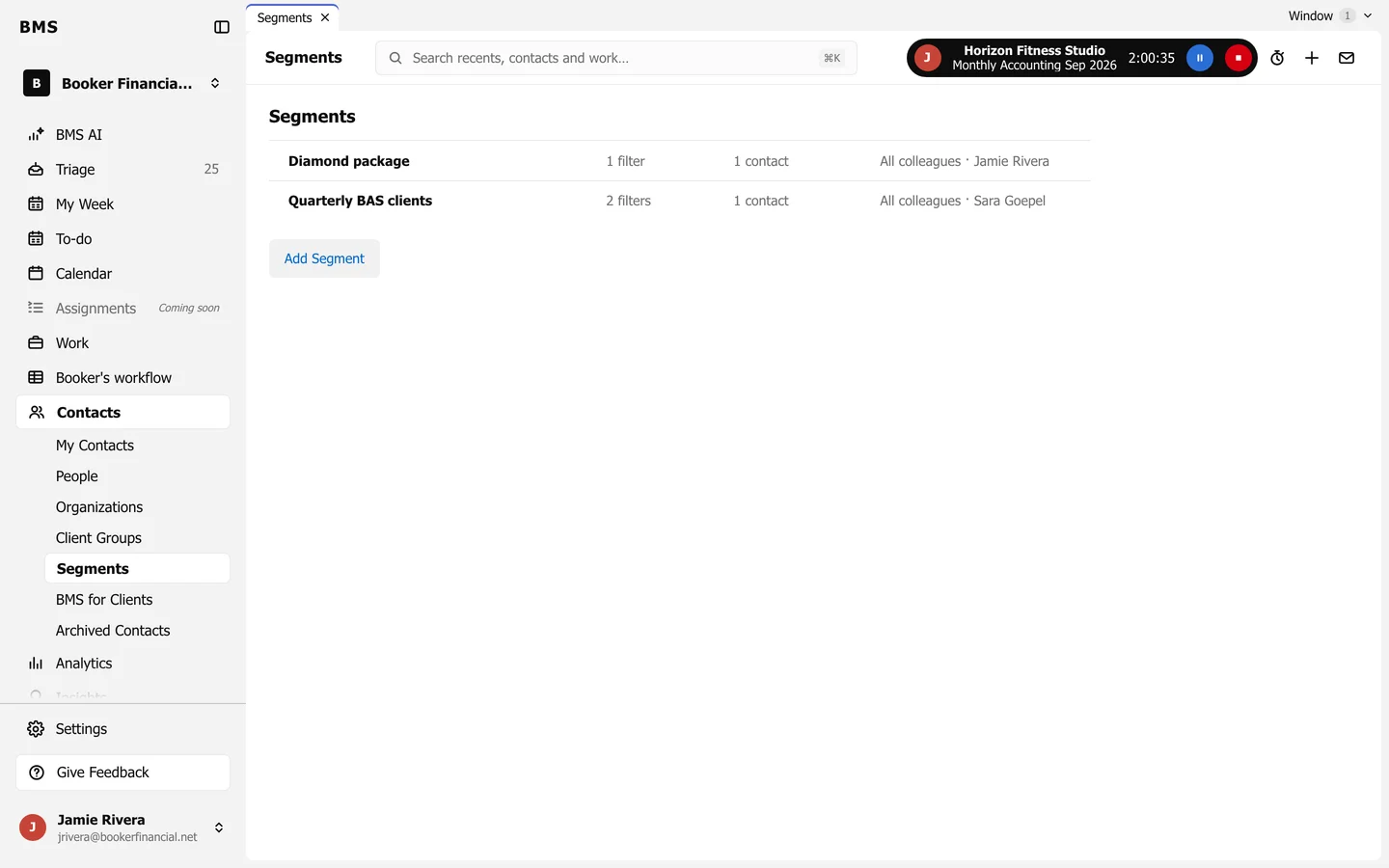
Contacts > Segments (or Manage Segments) lists them with their filters, how many contacts they hold and who can see them. Use a segment for Bulk Create Work.