

Client groups and members
Group a family or business group and see its members.
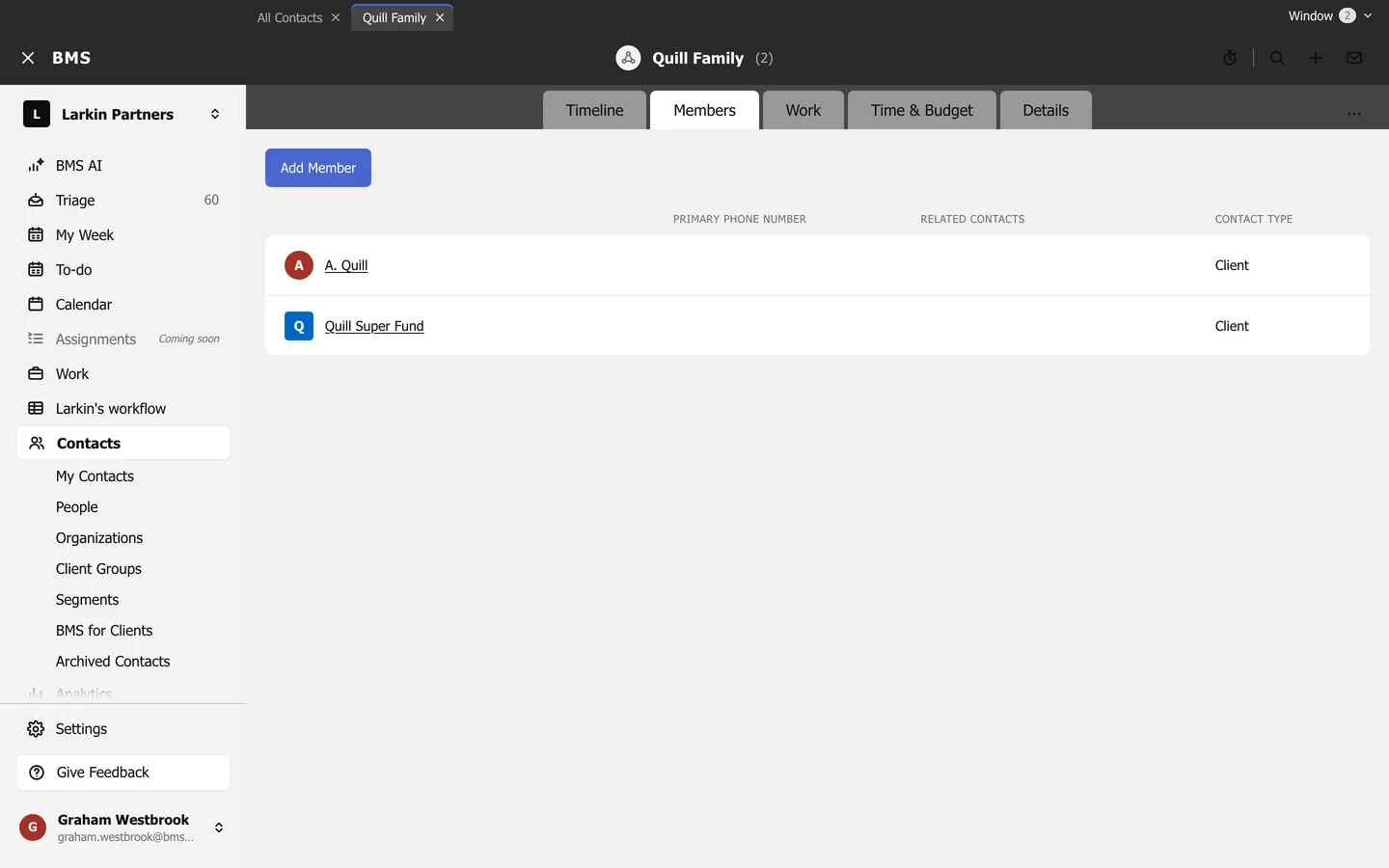
A client group gathers a family or business group, such as the Quill Family: the individual, their company and their super fund.
-
Create the group with Add Contact > Client Group.
-
Open it and go to Members.
-
Press Add Member and choose each client.
The group has its own Timeline, Work, Time & Budget and Details. Its Time & Budget adds up unbilled time across every member, and a tag on the group applies to every member too.